

Share your thoughts!
Let us know what you think...
Only logged in customers who have purchased this product may leave a review. Log in now




If you already own the Extraction Action then simply log in to your account & select ‘Extraction Action + Shadows’ in the dropdown box below — the price for the new Shadow Action will be automatically discounted to only $49 when added to your cart!
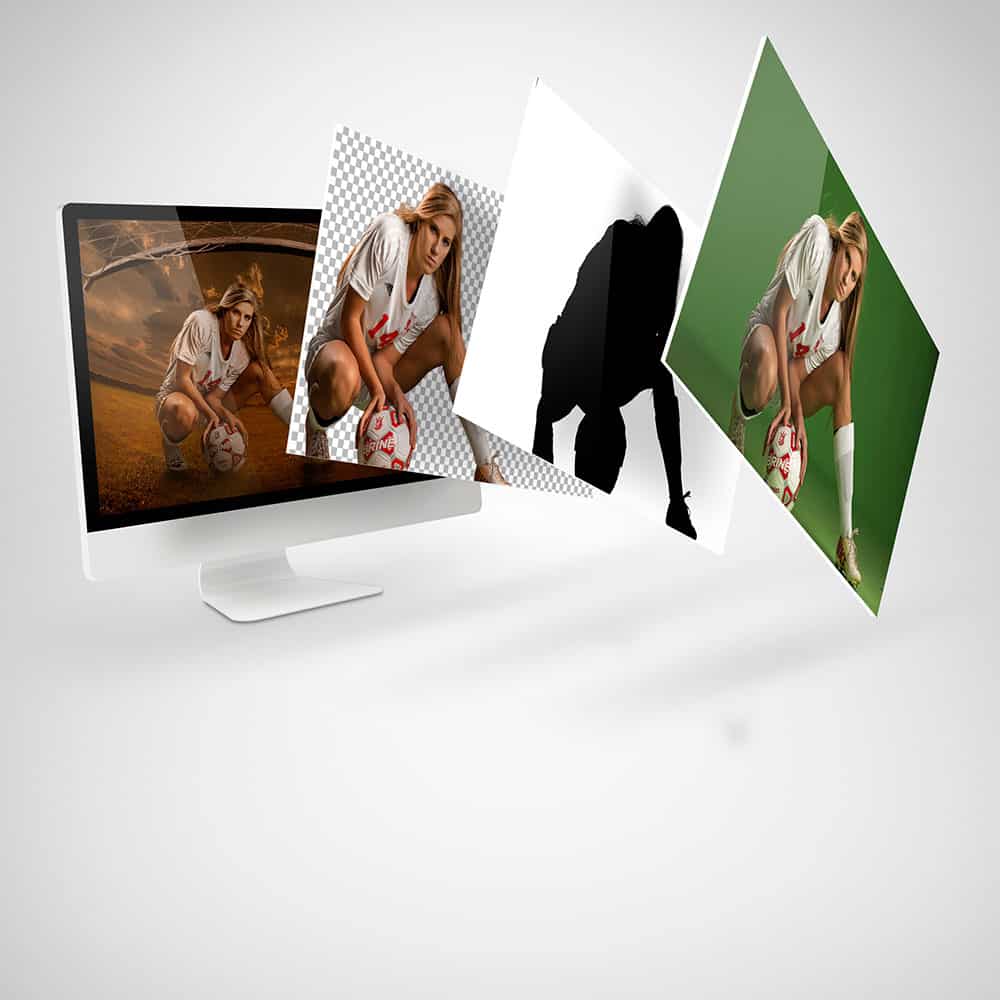
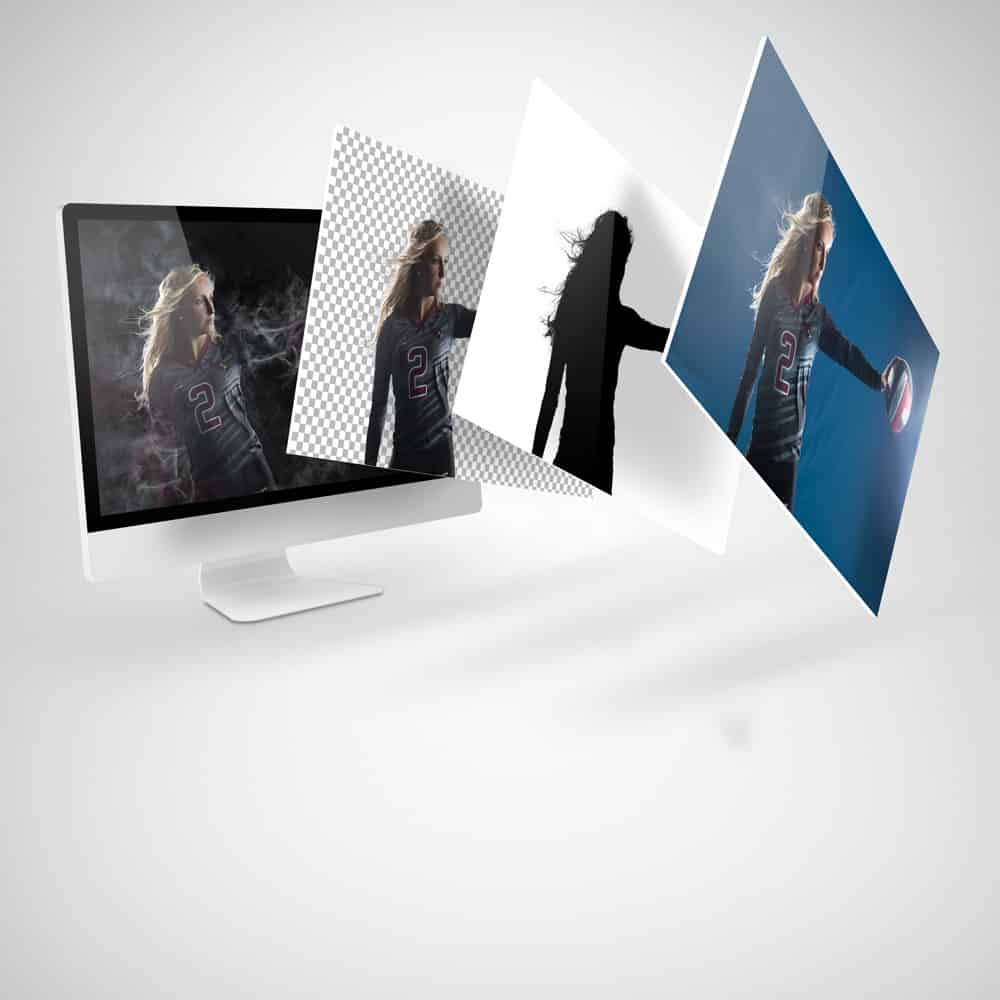
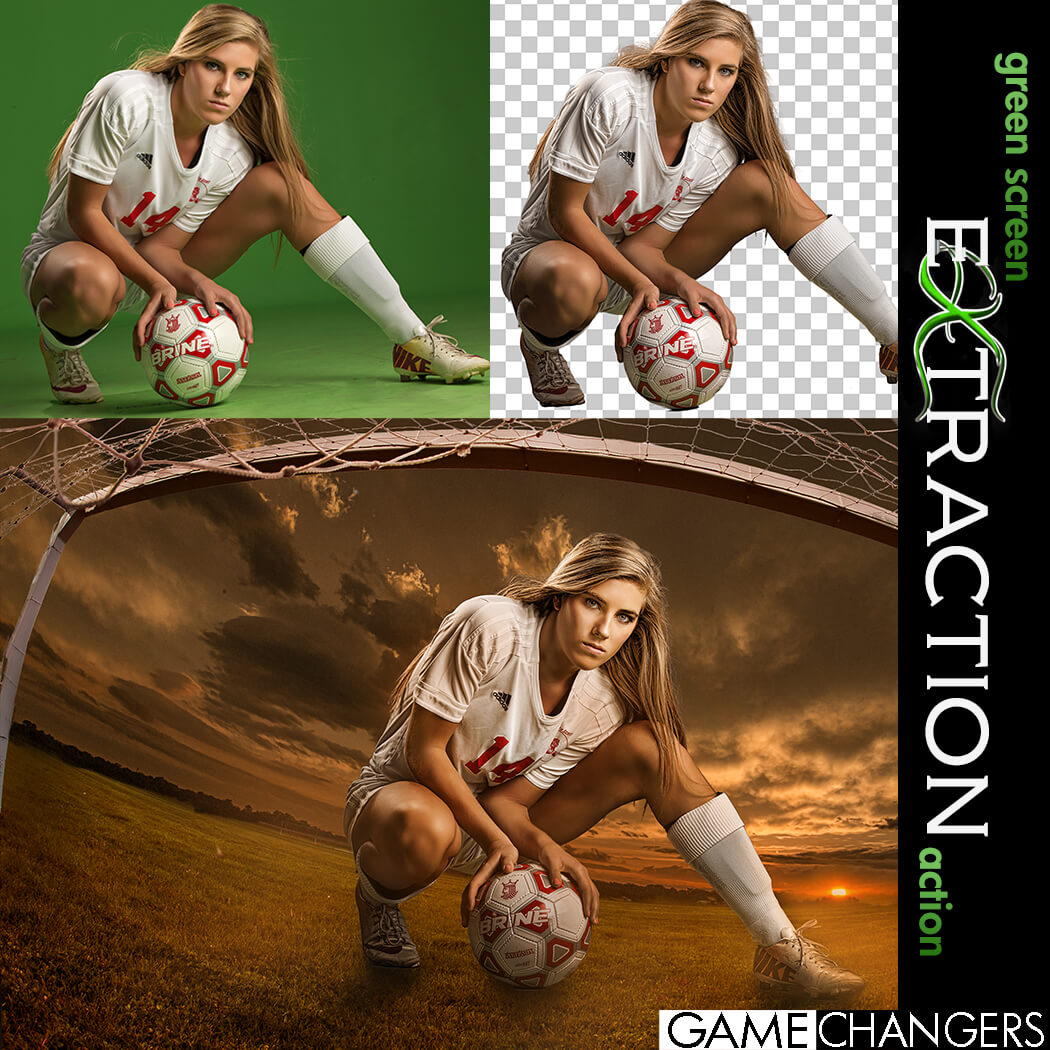
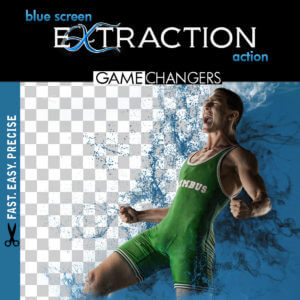
Looking for a faster, cleaner way to remove your subject from a green (or blue) screen in Photoshop?
This is way more than just a one-click action—it’s a complete compositing toolkit designed to save time, improve accuracy, and sharpen your Photoshop skills.
Whether you’re a high-volume photographer or an advanced editor working on detailed composites, this pack gives you everything you need to:
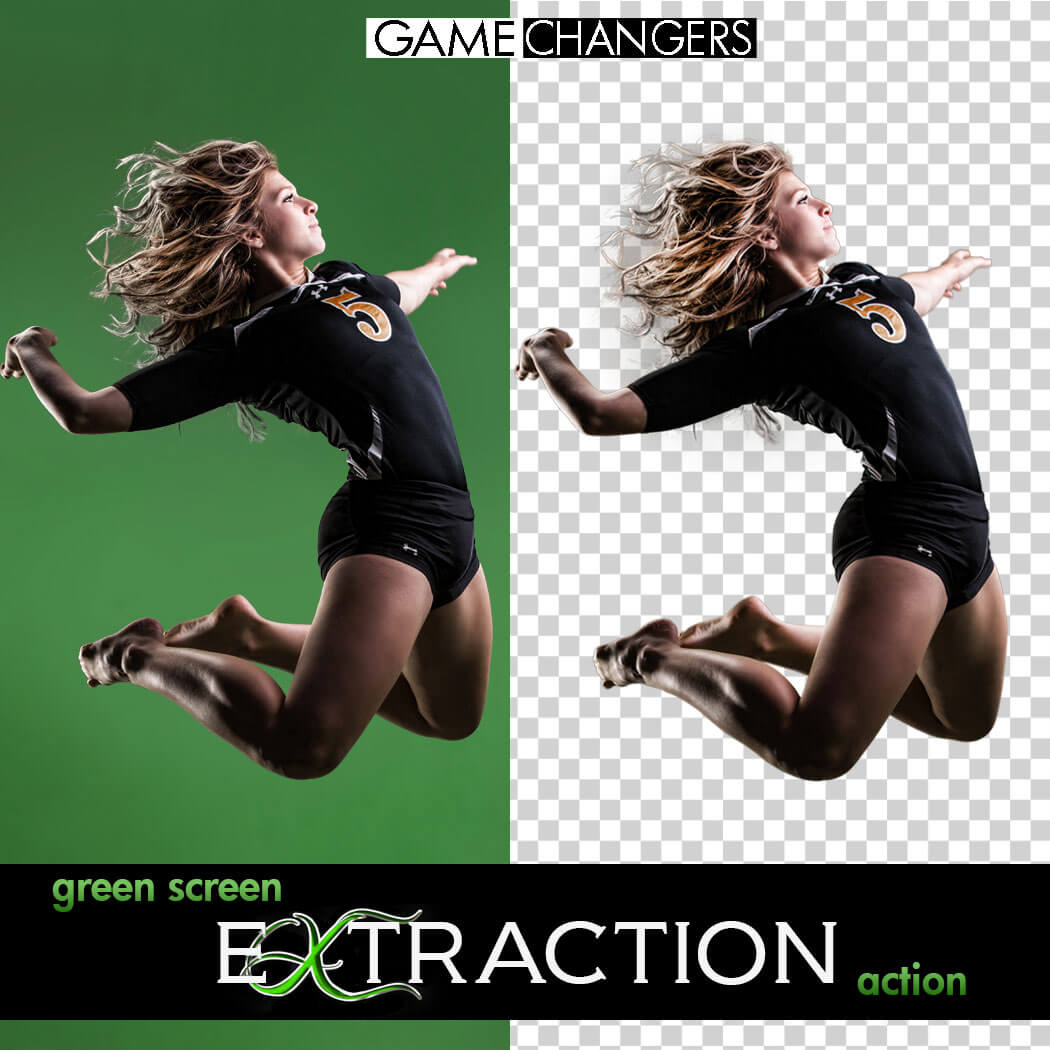
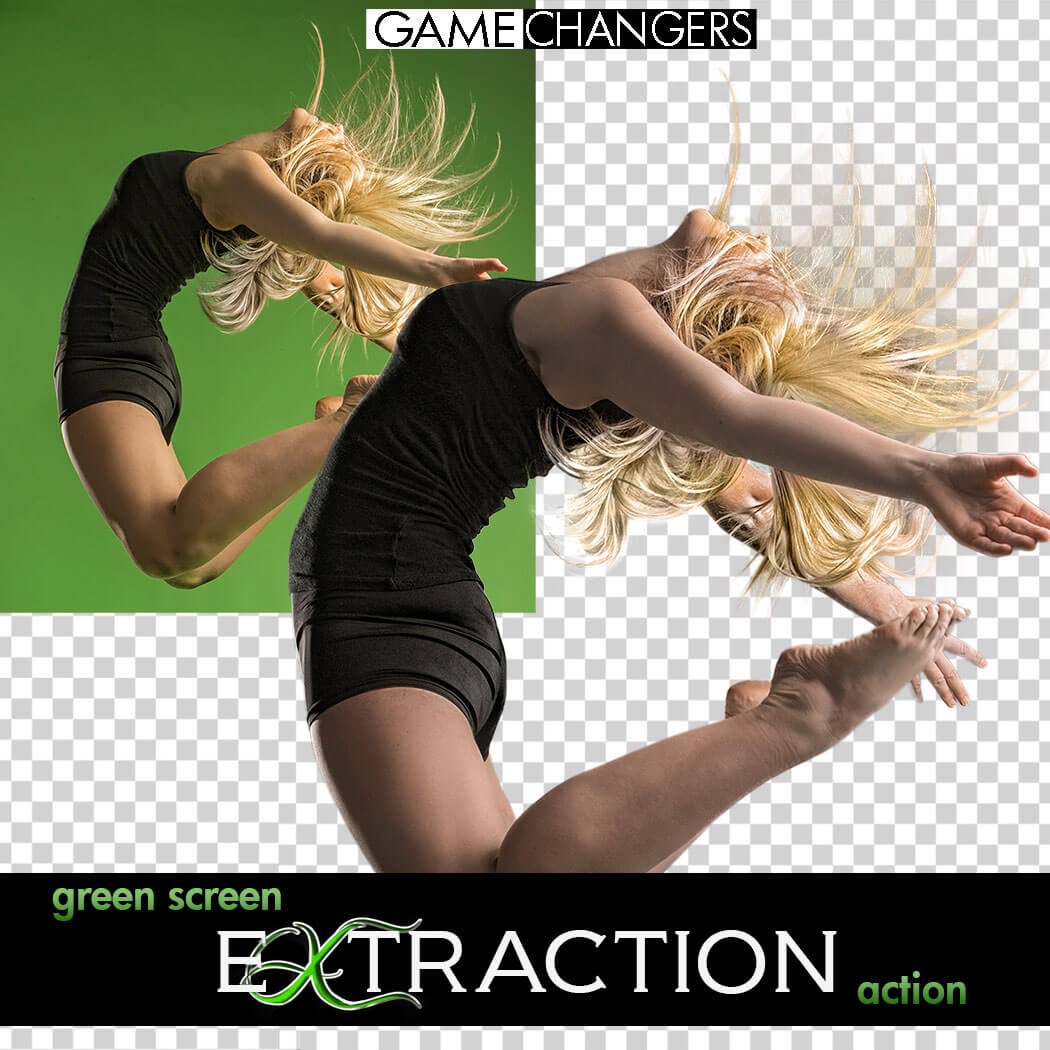
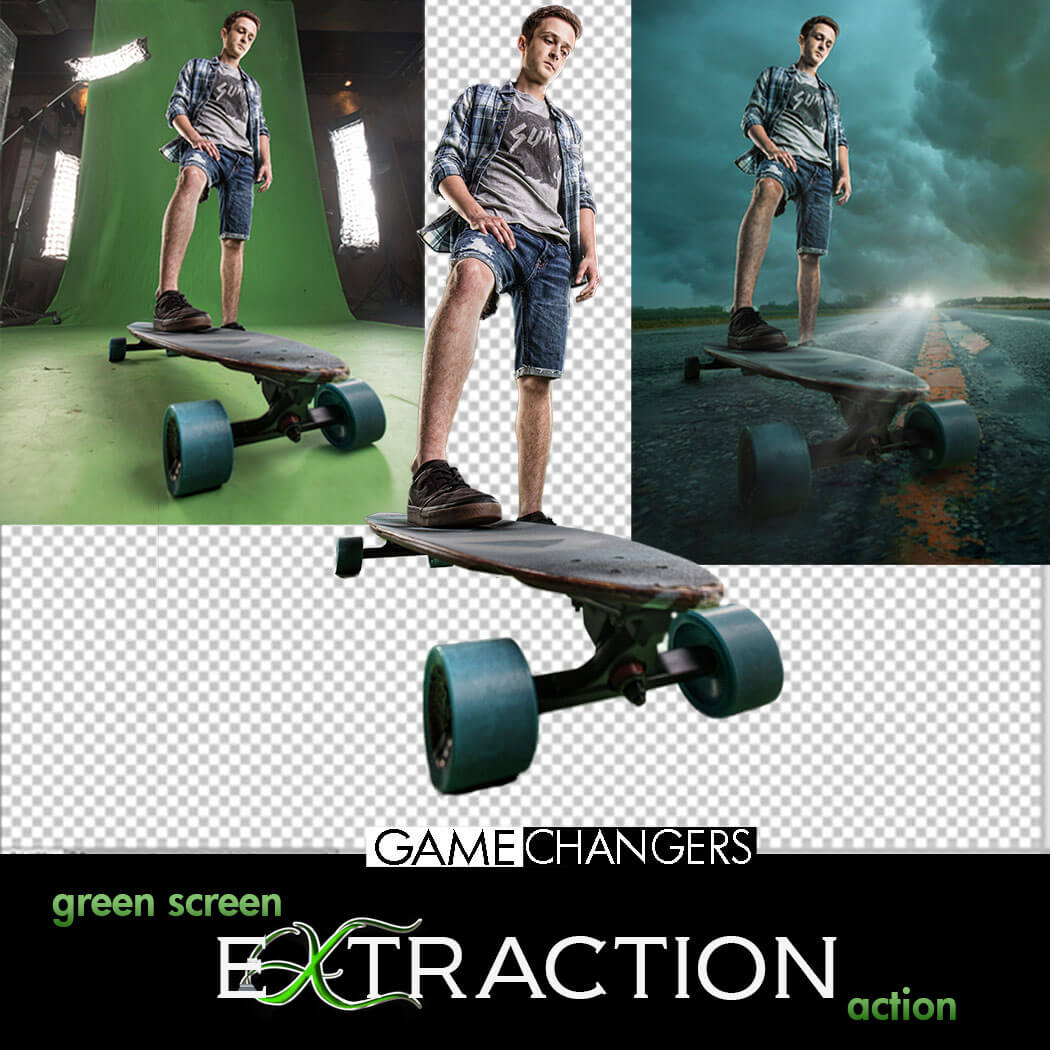
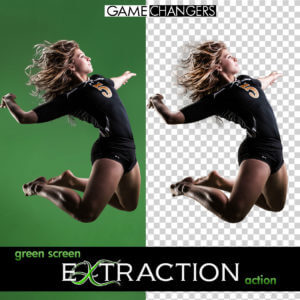
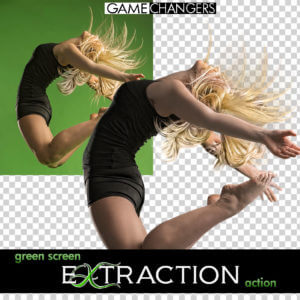
✅ Extract subjects cleanly from green or blue screen backgrounds—even with flyaway hair, tricky lighting, or action poses
✅ Remove halos and green spill around edges with ease
✅ Learn compositing techniques through guided, real-world examples
✅ Speed up your workflow with batch options and smart helper tools
Whether you’re just getting started or you’ve been shooting green screen for years, this toolkit helps you work faster, edit smarter, and create cleaner, more convincing composites.
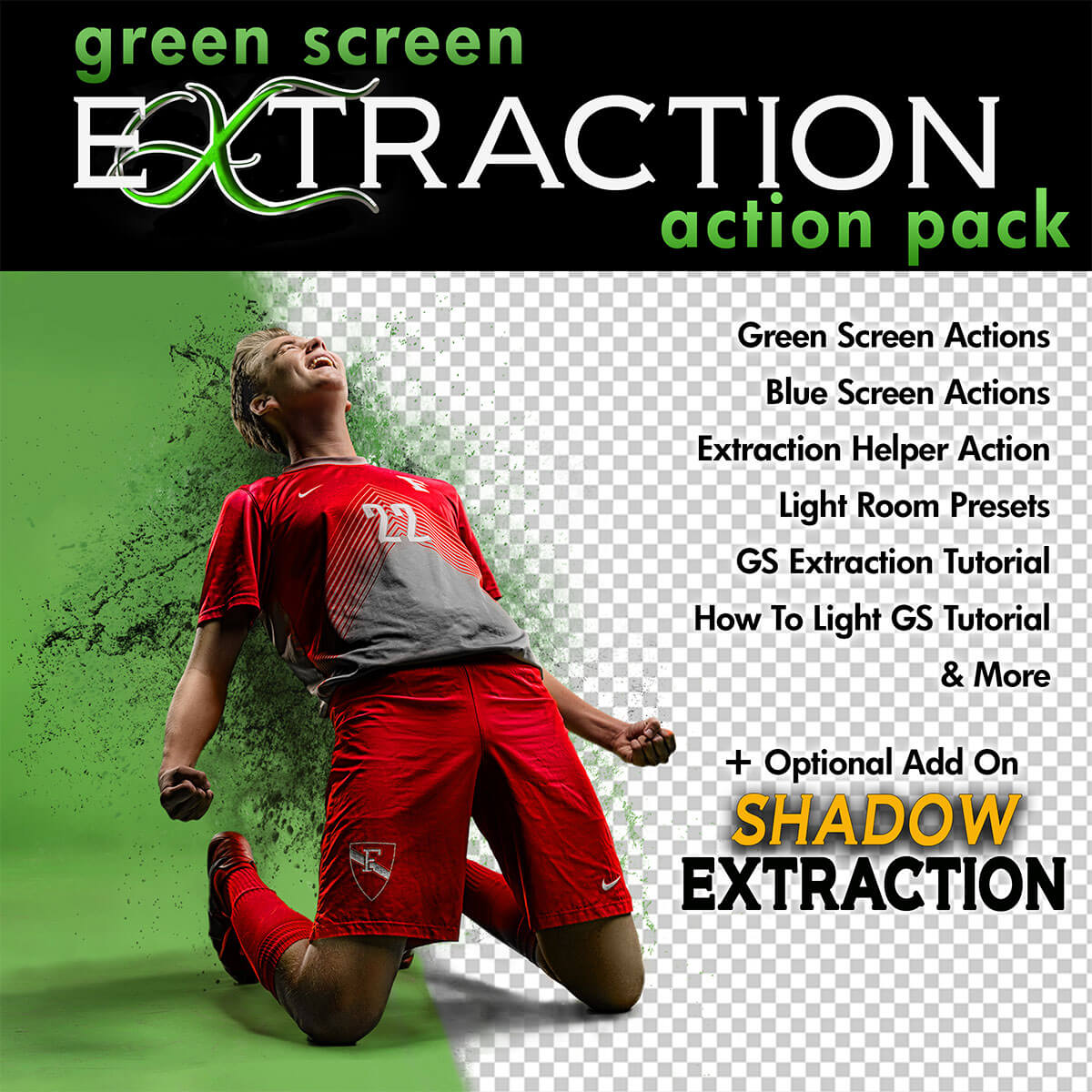
✔️ Green Screen Extraction Action
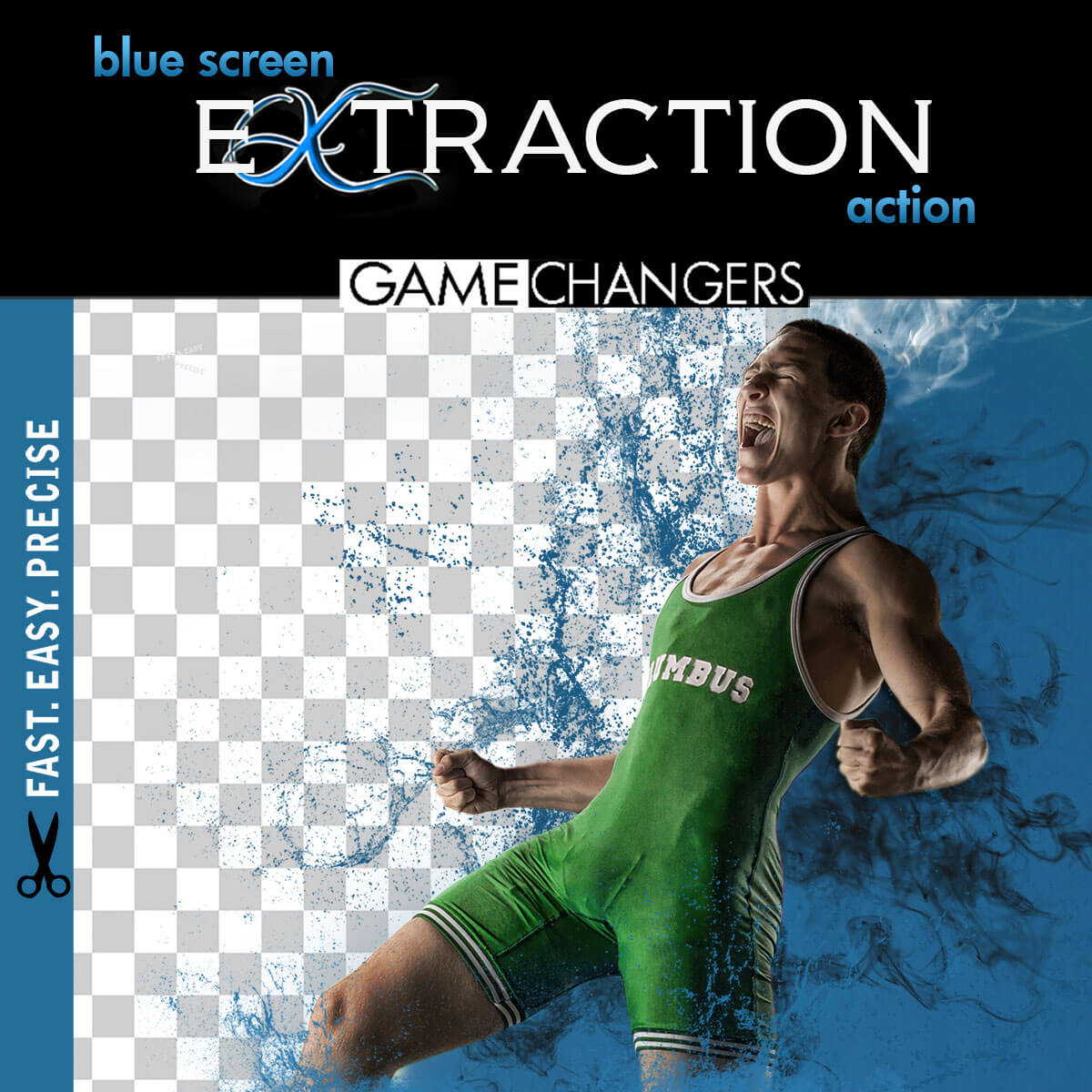
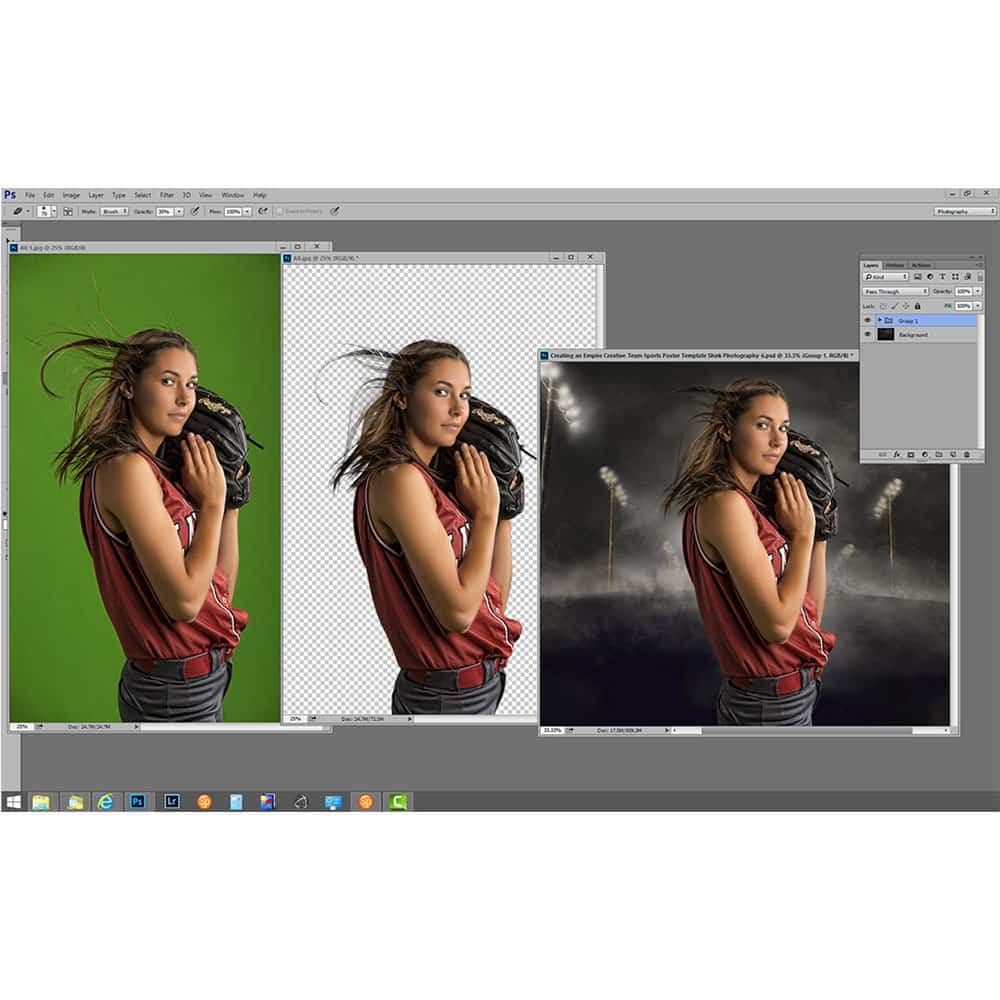
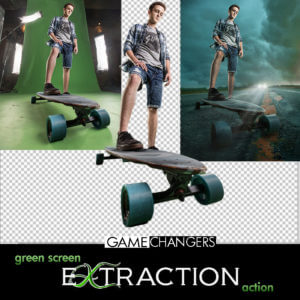
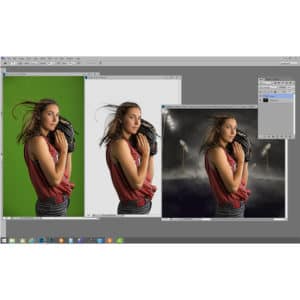
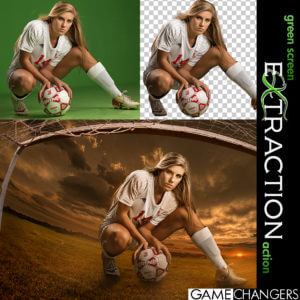
Extract your subject from green or blue screen backgrounds with optional refinement steps and automatic green spill removal.
✔️ Edge Removal Action
Instantly clean up halos while preserving fine detail like lashes and hair strands.
✔️ Quick Extraction Action
Streamlined for speed—perfect for high-volume photographers using green or blue screens.
✔️ Droplet Extraction Action
Batch extract an entire folder while you step away. Ideal for fast-paced workflows.
✔️ Extraction Helper Action (Photoshop CC+)
Working outside of green screen? This helper assists with subject selection on solid or lightly textured backgrounds. (Not a full replacement for Select Subject.)
✔️ Lightroom Preview Presets
Quickly turn green screen backgrounds gray for clean previews when showing images to clients.
✔️ 40-Minute In-Depth Tutorial Video
Learn everything from basic extractions to advanced refinement, lighting setup, and green spill control.
✔️ Green Screen Lighting Tips Video
Discover how to light your green or blue screen setup for the cleanest, easiest extractions.
Want to take your composites even further?
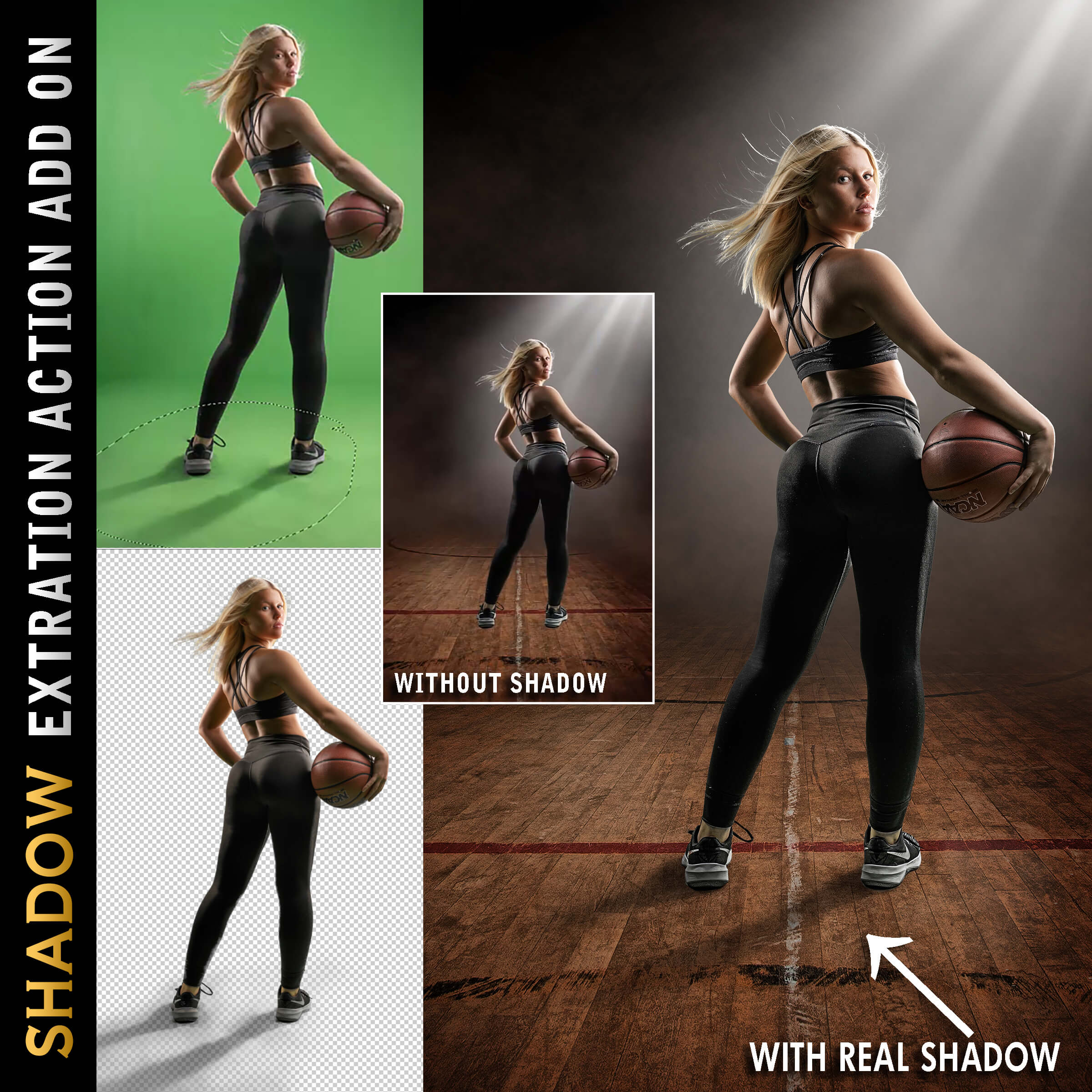
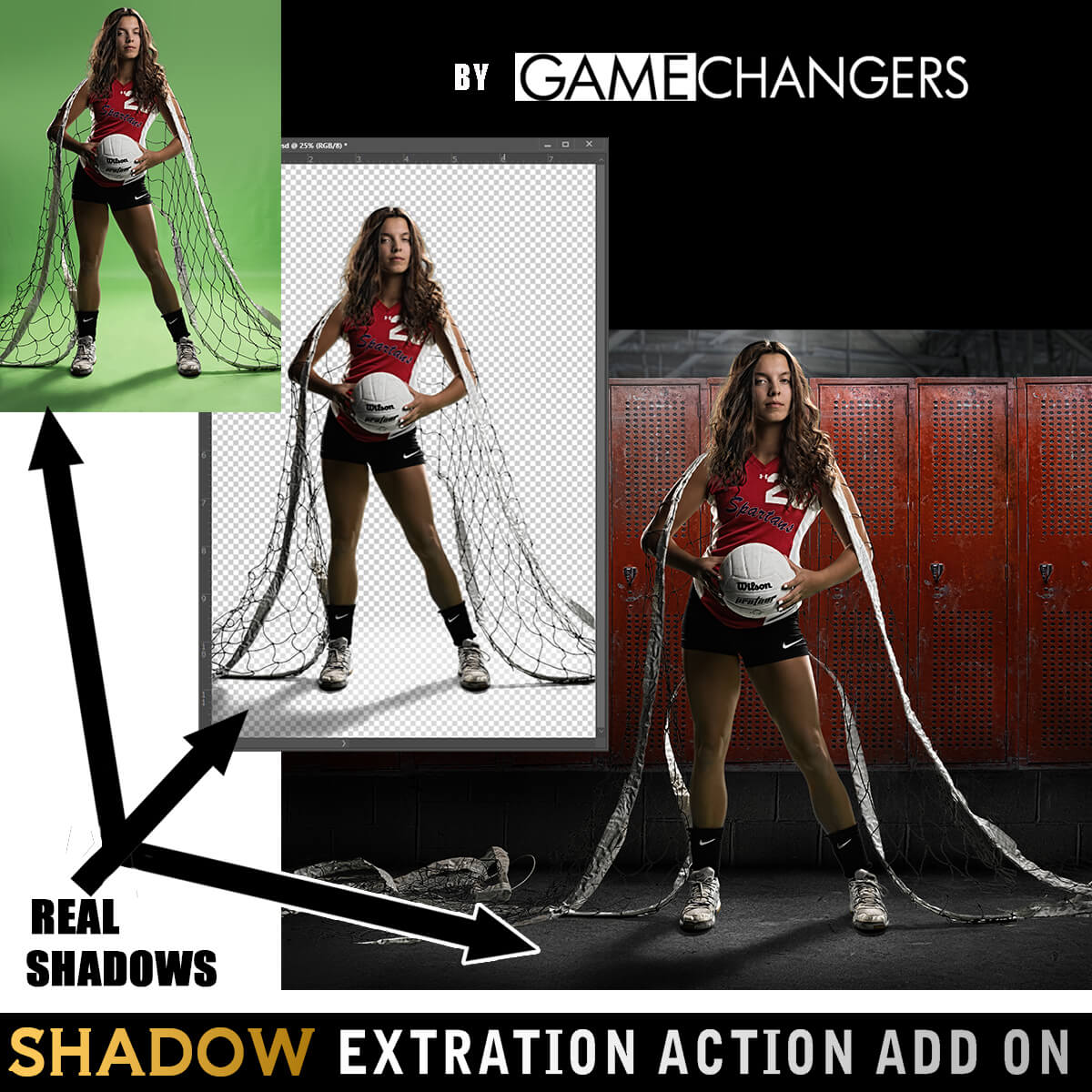
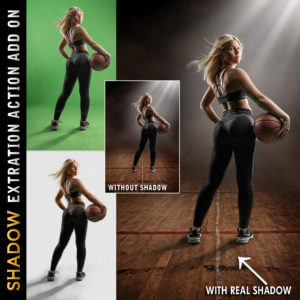
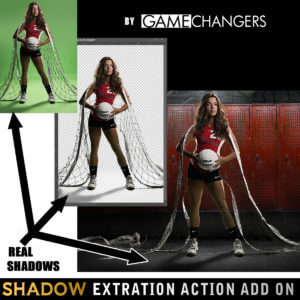
Add the Shadow Extraction Action to your toolkit and extract your subject’s actual shadow from green or blue screen images—no more painting fake shadows by hand.
Includes its own tutorial video showing step-by-step how to place and shape real shadows into new backgrounds for ultra-realistic results.
(Can be purchased separately or bundled with the main pack.)
This pack doesn’t just do the work for you—it teaches you why it works.
Many photographers say the included tutorials helped them improve not only their green screen extractions, but their overall Photoshop editing skills.
Take a look at our reviews to hear what photographers like you are saying—about the clean results, the time saved, and how much they’ve learned.
Check out our guide:
How to Get the Best Results Using Green Screen Photography
You’ll get practical tips on lighting, positioning, and shooting for flawless results from the start.
Grab the Green Screen Extraction Action Pack today—and make compositing easier, faster, and more professional.
Watch this brief preview video to see how fast the extraction action works!
| Compatibility | Photoshop CS3 and Newer, Mac, PC |
|---|---|
| Files Included with Extraction Action | CC Extraction Action.atn |
| Files Included with Shadows | CC Extraction Action with Shadows |
| Brand | Game Changers |
| Manufacturer | Shirk Photography LLC |

dillonurlacher –
I love how easy this action is. I’d say my favorite part is the “green spill” fix. Saves so much time.
Upvote if this was helpful (0) Downvote if this was not helpful (0) Watch Unwatch Flag for removal
Stan York –
Just purchased and have used it several times. Everything works great so far.
Upvote if this was helpful (0) Downvote if this was not helpful (0) Watch Unwatch Flag for removal
Kelley Moore –
This made a world of difference and cut my editing time down to nothing!
Upvote if this was helpful (0) Downvote if this was not helpful (0) Watch Unwatch Flag for removal
jennifer_shiew –
I’ve been extracting subjects from green screen by hand for at least 5 years. I finally broke down and bought this and it has made my work easier and faster. The download was easy to install as well. Thank you!
Upvote if this was helpful (0) Downvote if this was not helpful (0) Watch Unwatch Flag for removal
Grant Frost –
Great explanation and examples. Now to put into action.
Upvote if this was helpful (0) Downvote if this was not helpful (0) Watch Unwatch Flag for removal
Glenn Eymard –
Super easy to learn and use! It is an absolute time saver!
Upvote if this was helpful (0) Downvote if this was not helpful (0) Watch Unwatch Flag for removal
Amy Carroll –
Time is money and this is going to save you tons of time! Worth the money!!!
Upvote if this was helpful (0) Downvote if this was not helpful (0) Watch Unwatch Flag for removal
Michael –
I’m quite familiar (and even somewhat skilled) with extractions, but even so I thought that this utility would be a great addition in terms of lessening my workload and having an easier time with things!
Upvote if this was helpful (0) Downvote if this was not helpful (0) Watch Unwatch Flag for removal
Stephanie Dupuis –
For us the shadows are a real game changer. Being able to pick up the shadows rather then trying to paint them in makes life Sooo much easier!
Upvote if this was helpful (0) Downvote if this was not helpful (0) Watch Unwatch Flag for removal
Darlene Simms –
This is really super helpful thank you for a great product.
Upvote if this was helpful (0) Downvote if this was not helpful (0) Watch Unwatch Flag for removal
Jessie Delany –
This makes removing your subject quick, easy and natural. Perfect time saver.
Upvote if this was helpful (0) Downvote if this was not helpful (0) Watch Unwatch Flag for removal
Nicole Morehead –
I was wanting to start using green screen, but the thought of extracting images was overwhelming. With this action, it’s so simple and fast! It’s really given me the ability to use my time on the creative side of things and not have to worry about spending so much time extracting.
Upvote if this was helpful (0) Downvote if this was not helpful (0) Watch Unwatch Flag for removal
amy aiello –
This action is incredible! AMAZING time saver, and it’s SUPER accurate overall. Only minor cleanup needed when using templates that need shadowing onto objects such as floor. THANK YOU!
Upvote if this was helpful (0) Downvote if this was not helpful (0) Watch Unwatch Flag for removal
Beckyd1957 –
This has been the best money I have spent. It has saved me a ton of time. Thank you so much! I love it!
Upvote if this was helpful (0) Downvote if this was not helpful (0) Watch Unwatch Flag for removal
ngbrownphotography –
this action to extract is so awesome, definitely saves me so much time!
Upvote if this was helpful (0) Downvote if this was not helpful (0) Watch Unwatch Flag for removal