Share your thoughts!
Let us know what you think...
Only logged in customers who have purchased this product may leave a review. Log in now




$74
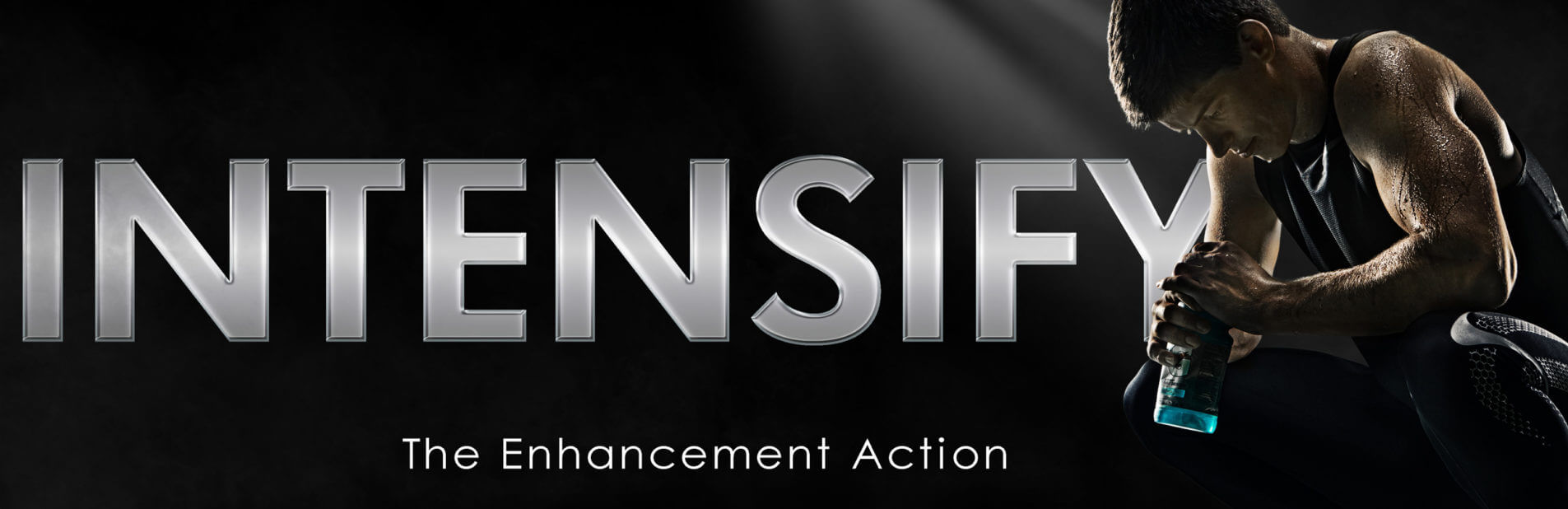
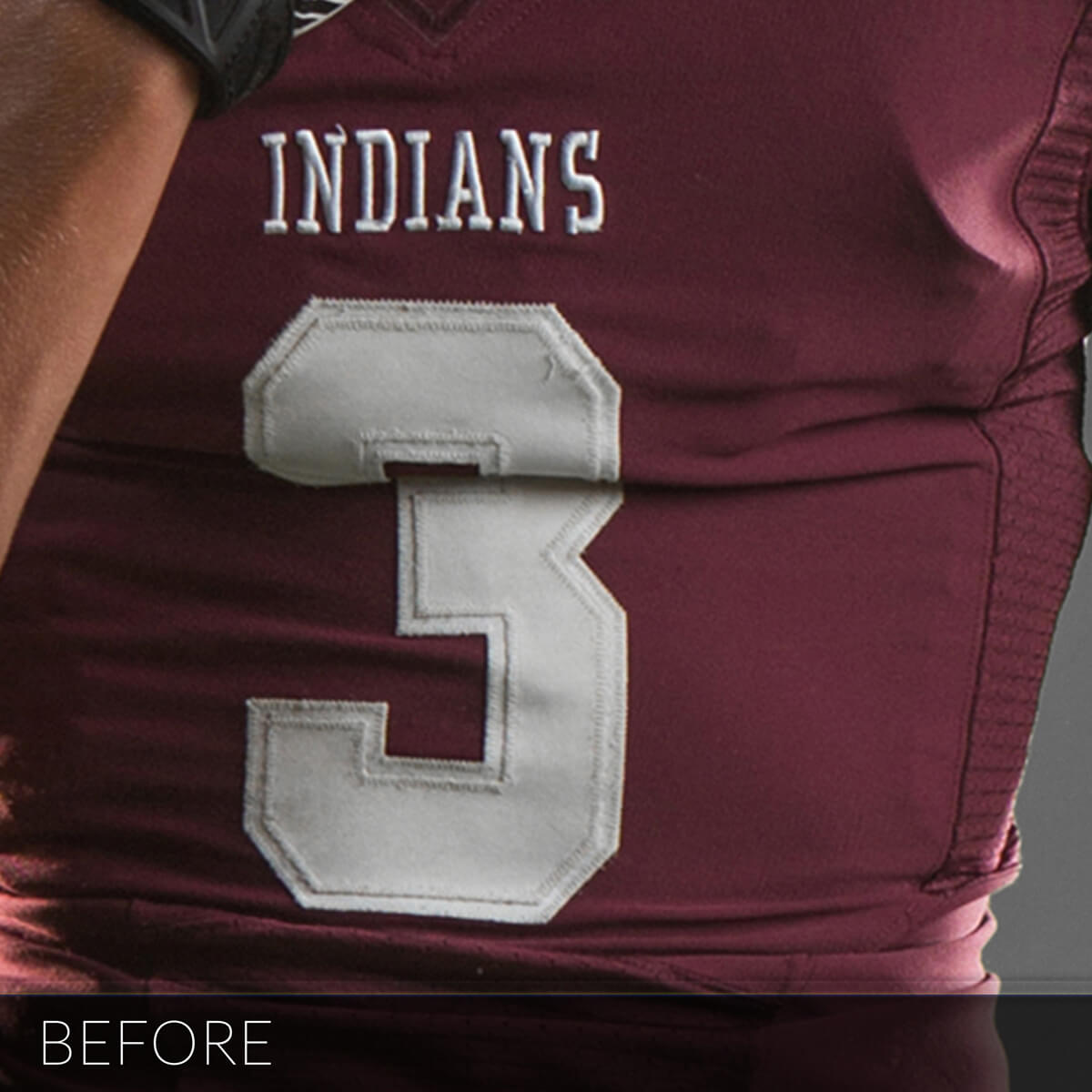
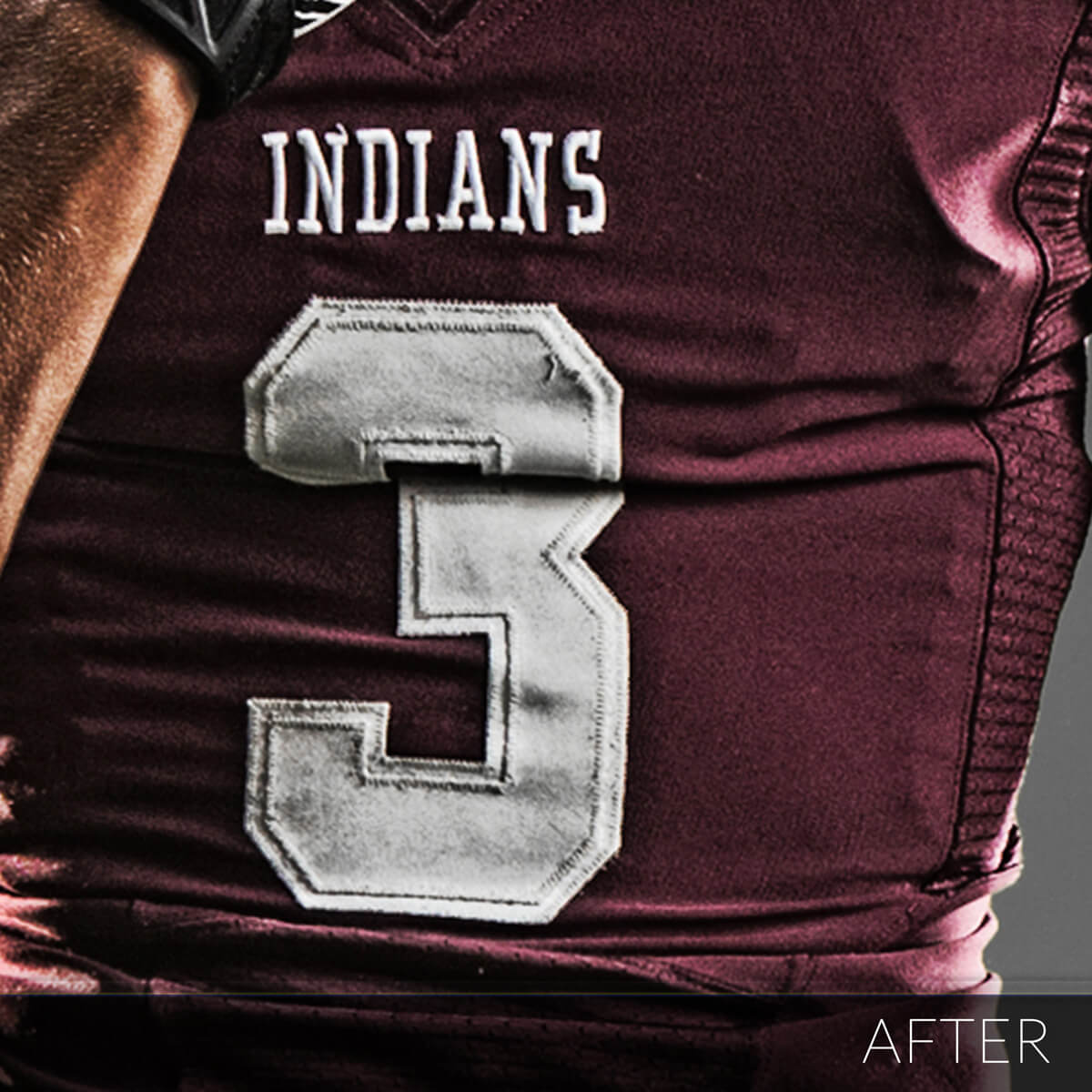
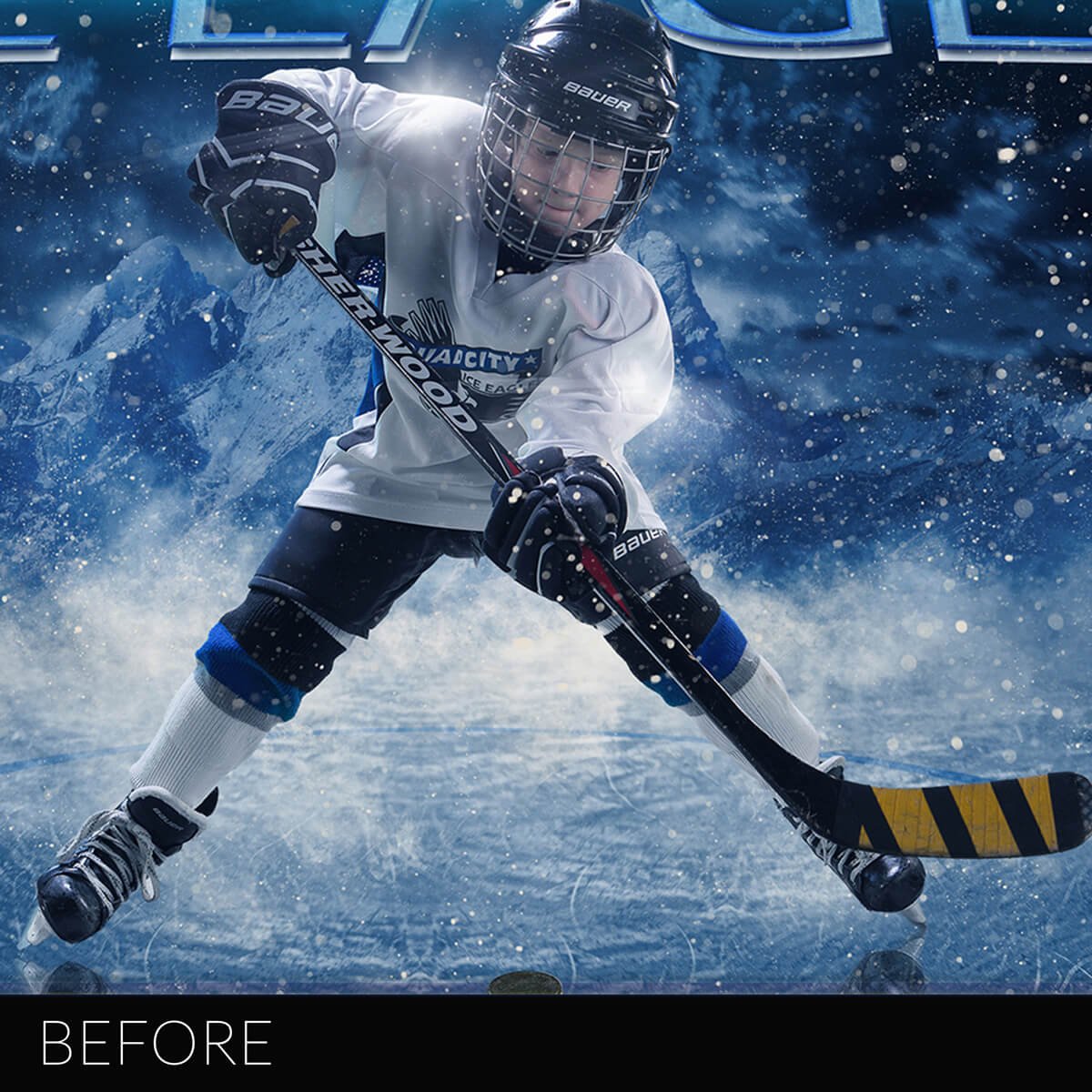
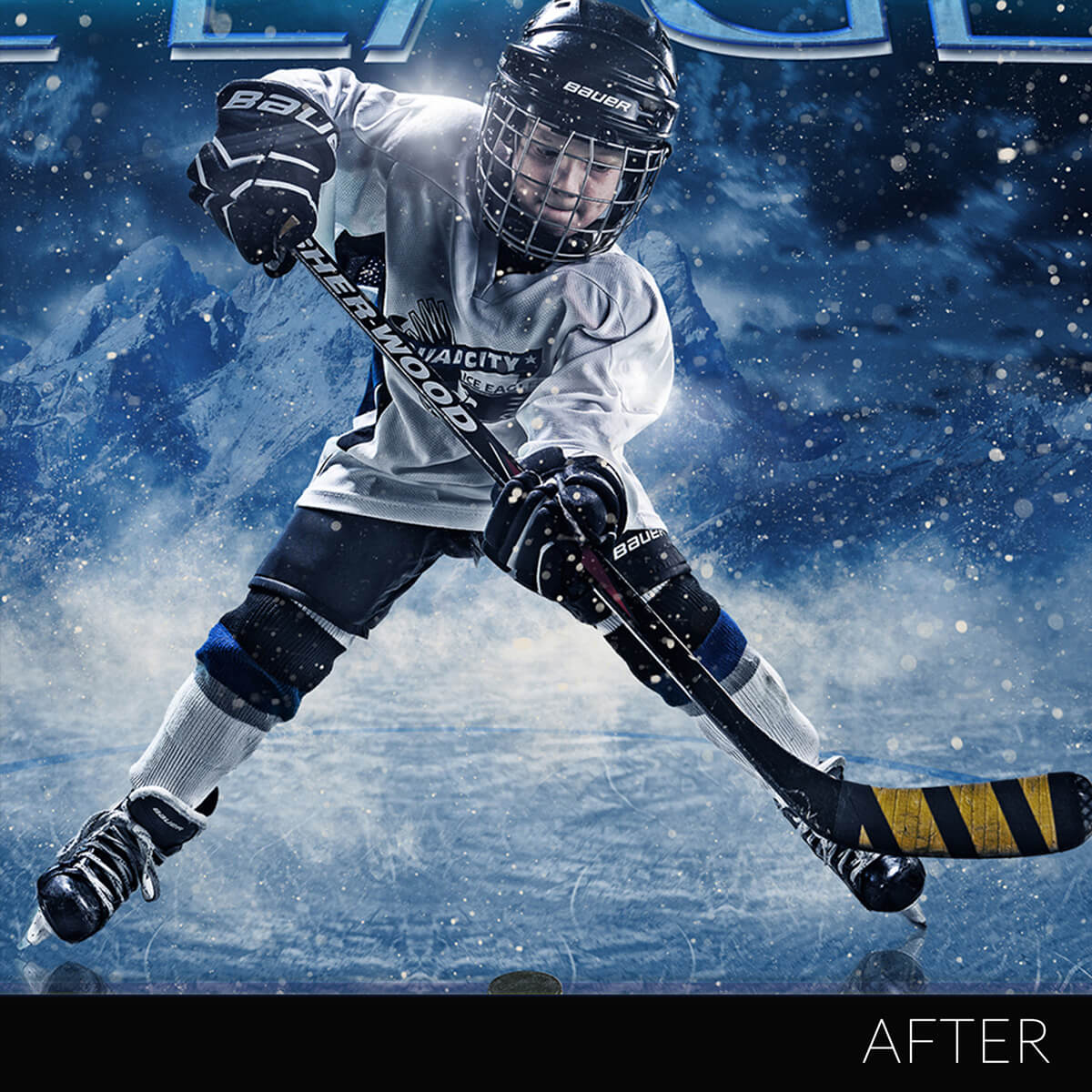
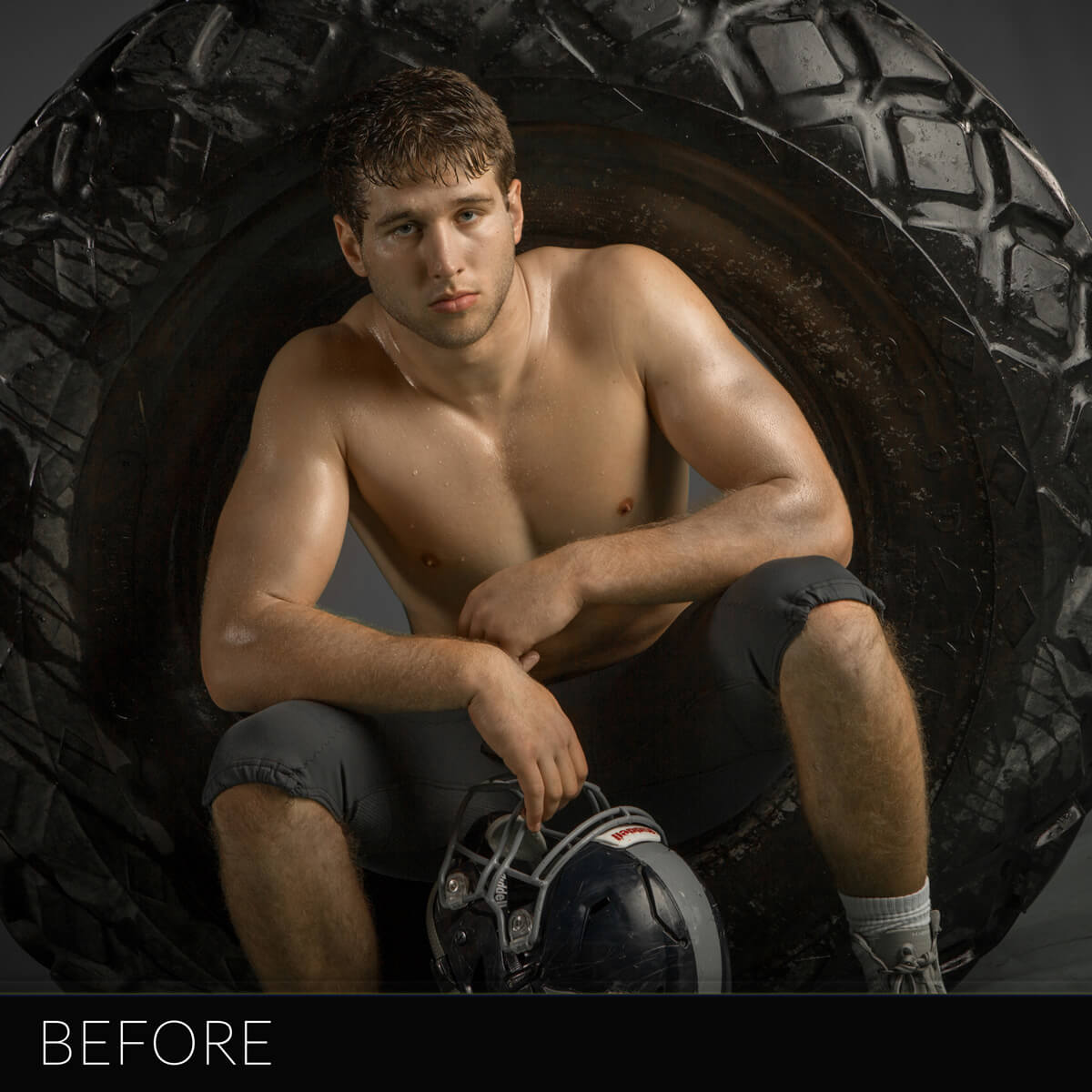
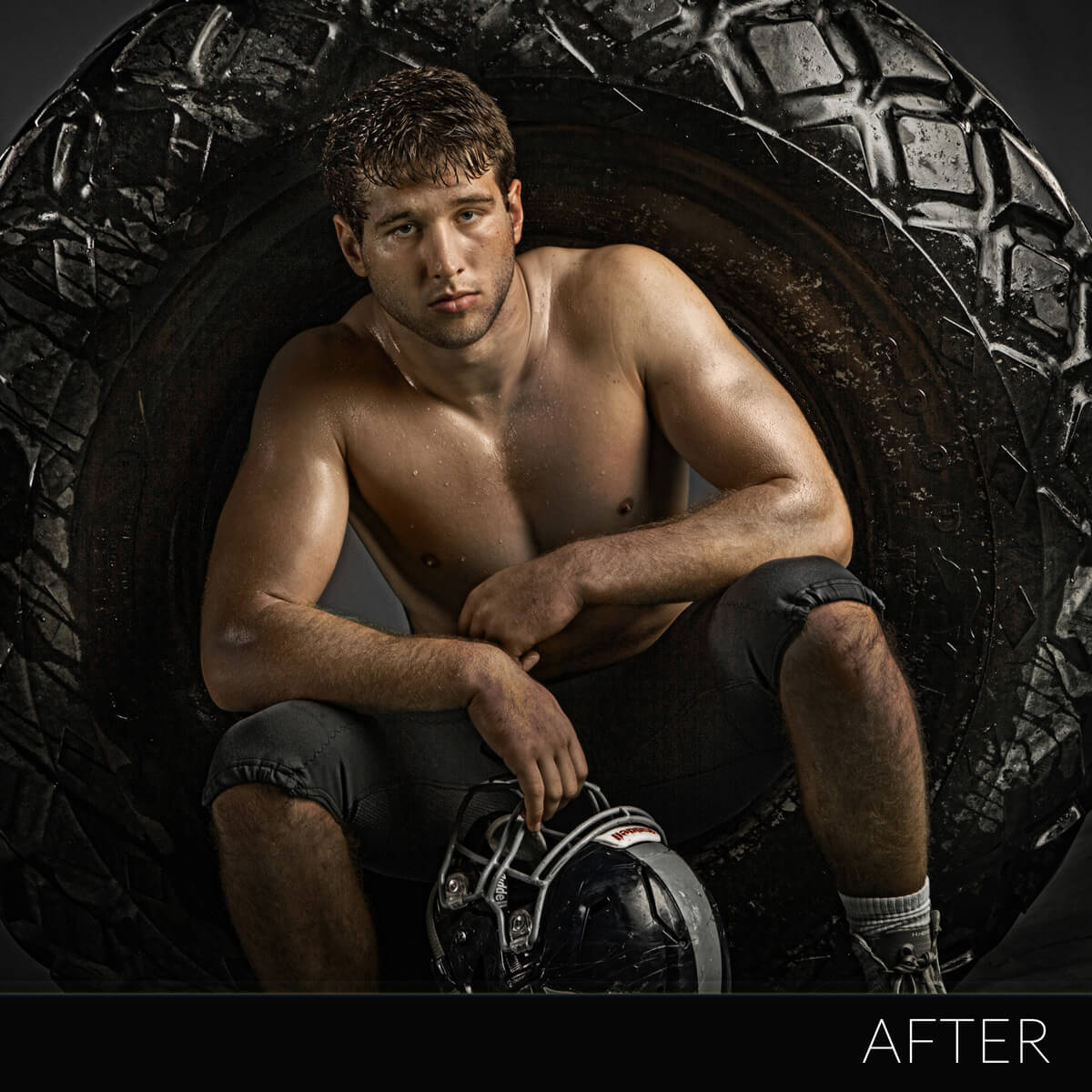
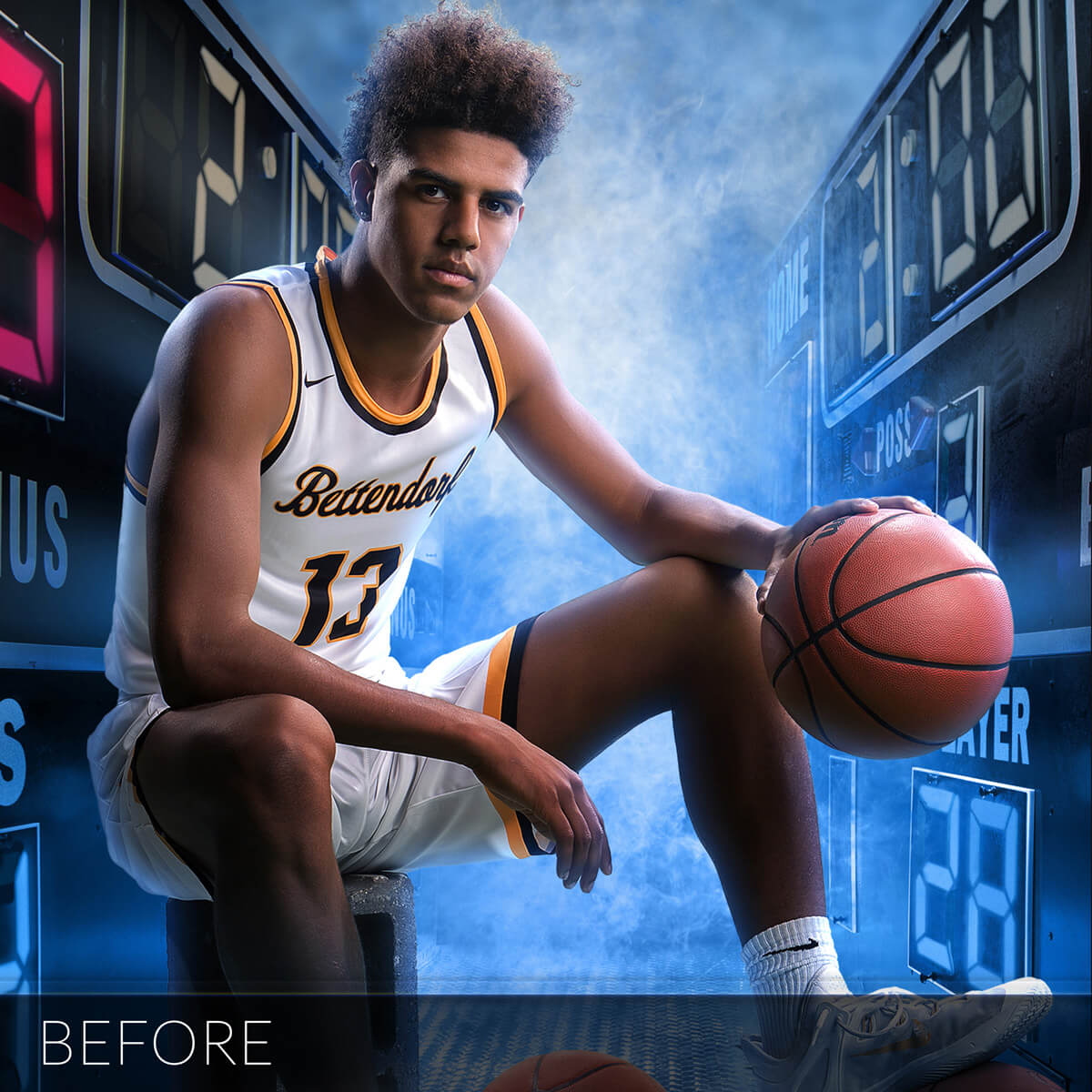
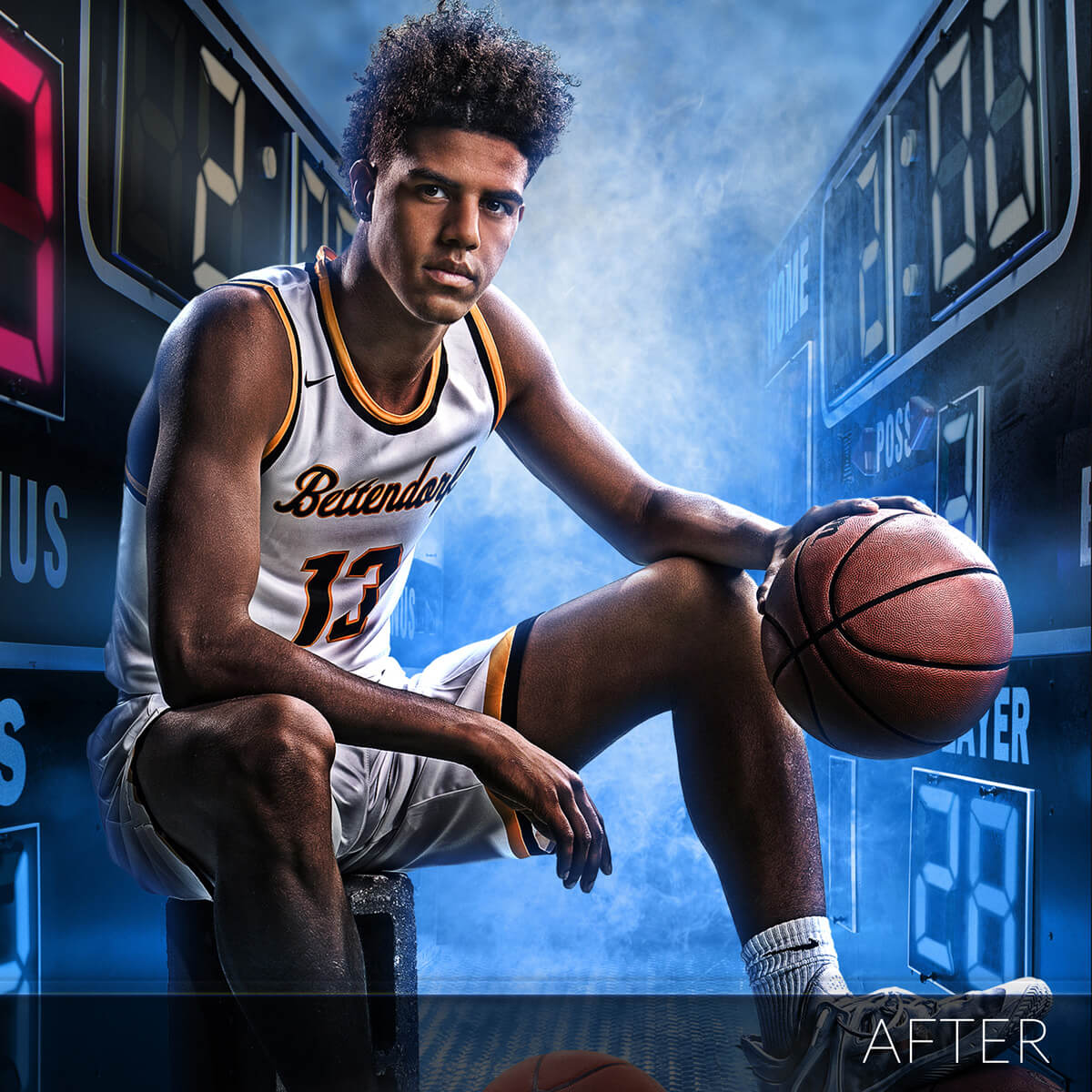
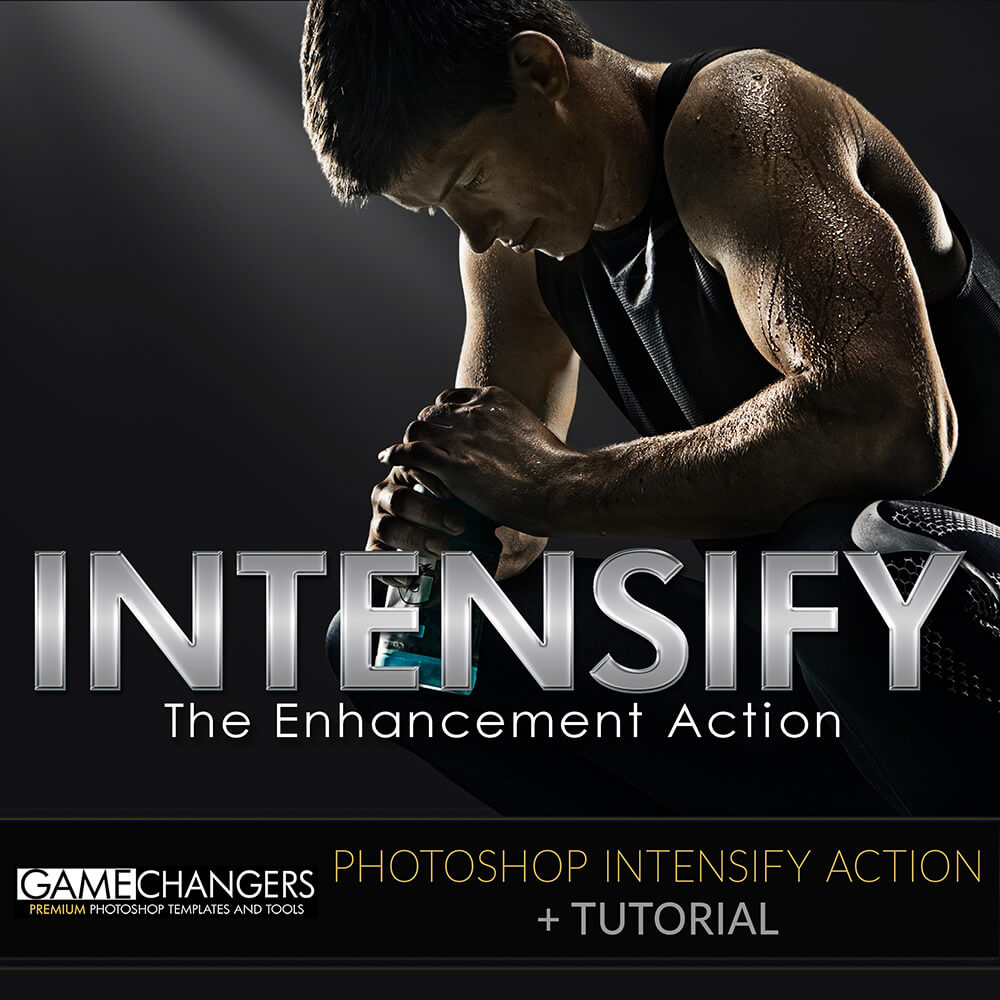
Photographers have been asking me for years how I get my athletes a more graphic – intense look. Here is the answer, my Intensify Action. Almost 100% of my athletes have this action applied to them. My Intensify Action adds detail and depth to subjects to help them look amazing. No, this is not a solution for bad photography, but it will help give your images a boost.
There are three levels of the action – (compatible with CS3 through CC)
This action is completely customizable and nondestructive so you can adjust any portion of it to your taste. It will add an editable depth layer that creates more drama and allows you to to refine the light on the subject. It also adds a detail layer that makes the athlete’s details really pop.
Included with the download is a detailed tutorial video demonstrating the ways I use my Intensify Action, the exact steps I go through, and the things I take into consideration to make my athletes look amazing.
Watch this brief preview video to get an idea of what it can do!
| Compatibility | Photoshop CS3 and Newer |
|---|---|
| Files Included | Intensify Action for CS3-CS6 (Intensify 10, Intensify 50, Intensify 100) |
| Brand | Game Changers |
| Manufacturer | Shirk Photography LLC |

amy aiello –
LOVE the options given within the action. It easily allows for me to choose how strong I’d like the action to be without having to manually adjust. Well done!
Upvote if this was helpful (0) Downvote if this was not helpful (0) Watch Unwatch Flag for removal
Abbie Fox –
I use this action on almost all of my sports portraits, it is a game changer!
Upvote if this was helpful (0) Downvote if this was not helpful (0) Watch Unwatch Flag for removal
Bryan Wright –
The key word is Depth. I run the action every pose and sometimes I dial it back to minimal, but even that helps pop your subject. Good stuff. I’m always happy to pay for products that improve the speed and quality of what I offer. You have me looking forward to whatever is next Ben, Thanks!
Upvote if this was helpful (0) Downvote if this was not helpful (0) Watch Unwatch Flag for removal
keithjohnsonphotography –
Next level stuff here guys, This is a “game changer” love this action, it really gives your photo’s an edge.
Upvote if this was helpful (0) Downvote if this was not helpful (0) Watch Unwatch Flag for removal
chad –
This gives me just the look I want with little modifications on my end! Great stuff!
Upvote if this was helpful (0) Downvote if this was not helpful (0) Watch Unwatch Flag for removal
Rebecca Coyle –
Love this action and how easy it is to use…takes the photos to a whole new level!
Upvote if this was helpful (0) Downvote if this was not helpful (0) Watch Unwatch Flag for removal
Sue Buchanan –
I have always spent lots of time to get this look. You have made it so easy.
Upvote if this was helpful (0) Downvote if this was not helpful (0) Watch Unwatch Flag for removal
Suzanne Plafcan –
This adds the pop I was looking for in my dance photos …. something that brings out the athleticism (not just the pose)
Upvote if this was helpful (0) Downvote if this was not helpful (0) Watch Unwatch Flag for removal
Steve Butchart –
This really adds a whole new depth to a photo.
Upvote if this was helpful (0) Downvote if this was not helpful (0) Watch Unwatch Flag for removal
Tracy Gillett –
Always felt my pictures just weren’t as “wow” – This does the trick. Brings out the wow factor. T
Upvote if this was helpful (0) Downvote if this was not helpful (0) Watch Unwatch Flag for removal
Lynette –
This is really making a diffence.
Upvote if this was helpful (0) Downvote if this was not helpful (0) Watch Unwatch Flag for removal
Cynthia Hutchinson –
I haven’t used many actions up until I bought this one. The Intensify Action takes your great senior banners to “freakin’ AWESOME” senior banners (that description borrowed from a client LOL). Super easy to use with different levels to get your subject looking their best. Ben’s tutorial on how to use it was very helpful.
Upvote if this was helpful (0) Downvote if this was not helpful (0) Watch Unwatch Flag for removal
cionfsb –
Ben provides three levels of “Intensity” so you can dial in the level you want. You can also adjust after the action. Superb!
Upvote if this was helpful (0) Downvote if this was not helpful (0) Watch Unwatch Flag for removal
angelo –
I’m still getting to know this product. There are three levels – 10%, 50%, and 100%. The tutorial goes over everything nicely. I am working on how to use this in more of my images.
Upvote if this was helpful (0) Downvote if this was not helpful (0) Watch Unwatch Flag for removal
ashley.skarsgard –
I’ve only used this action on a few of my sessions & need to watch some more videos & practice more to get better, but I love what it has done for my images so far.
Upvote if this was helpful (0) Downvote if this was not helpful (0) Watch Unwatch Flag for removal