



Share your thoughts!
Let us know what you think...
Only logged in customers who have purchased this product may leave a review. Log in now




If you already own the Extraction Action then simply log in to your account & select ‘Extraction Action + Shadows’ in the dropdown box below — the price for the new Shadow Action will be automatically discounted to only $49 when added to your cart!
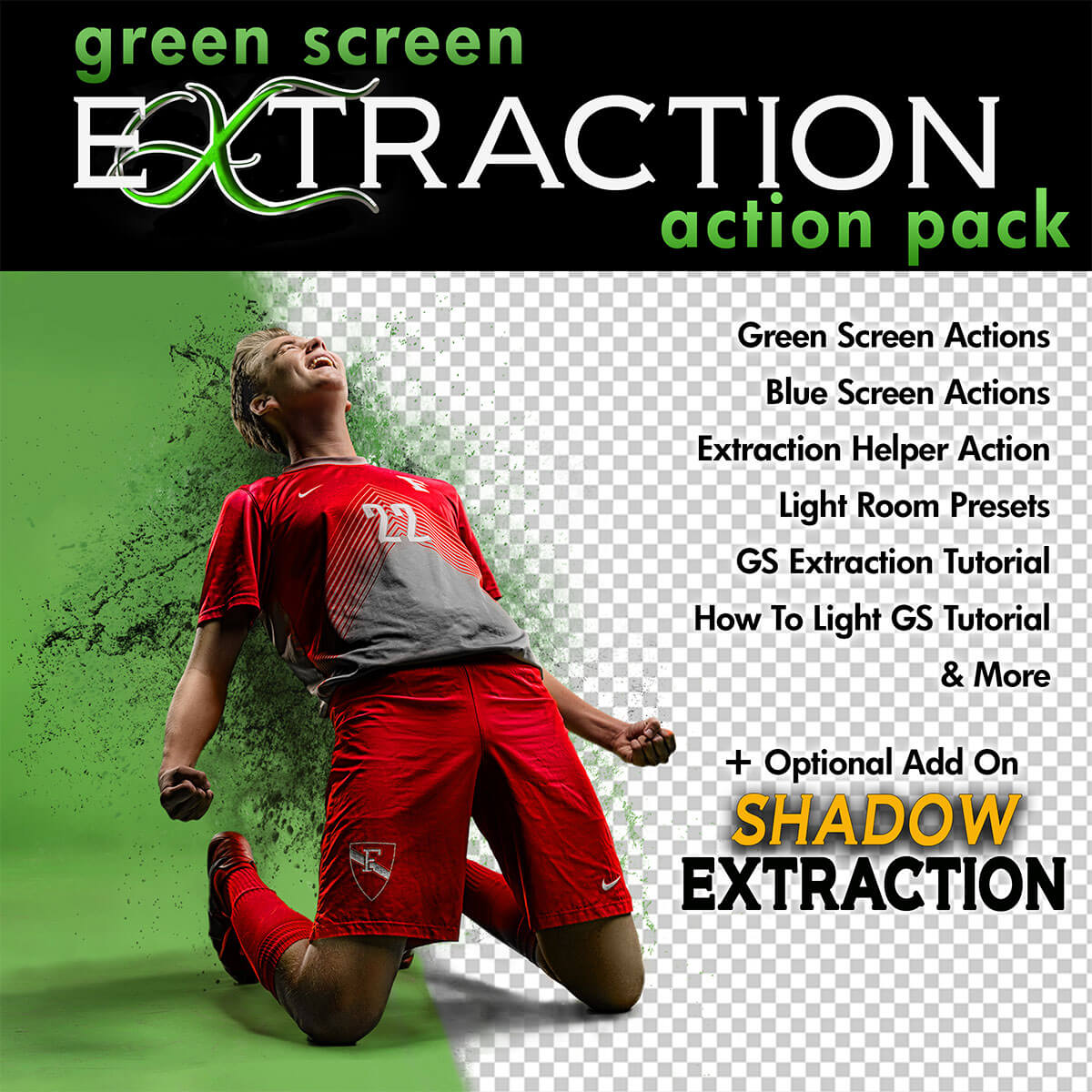
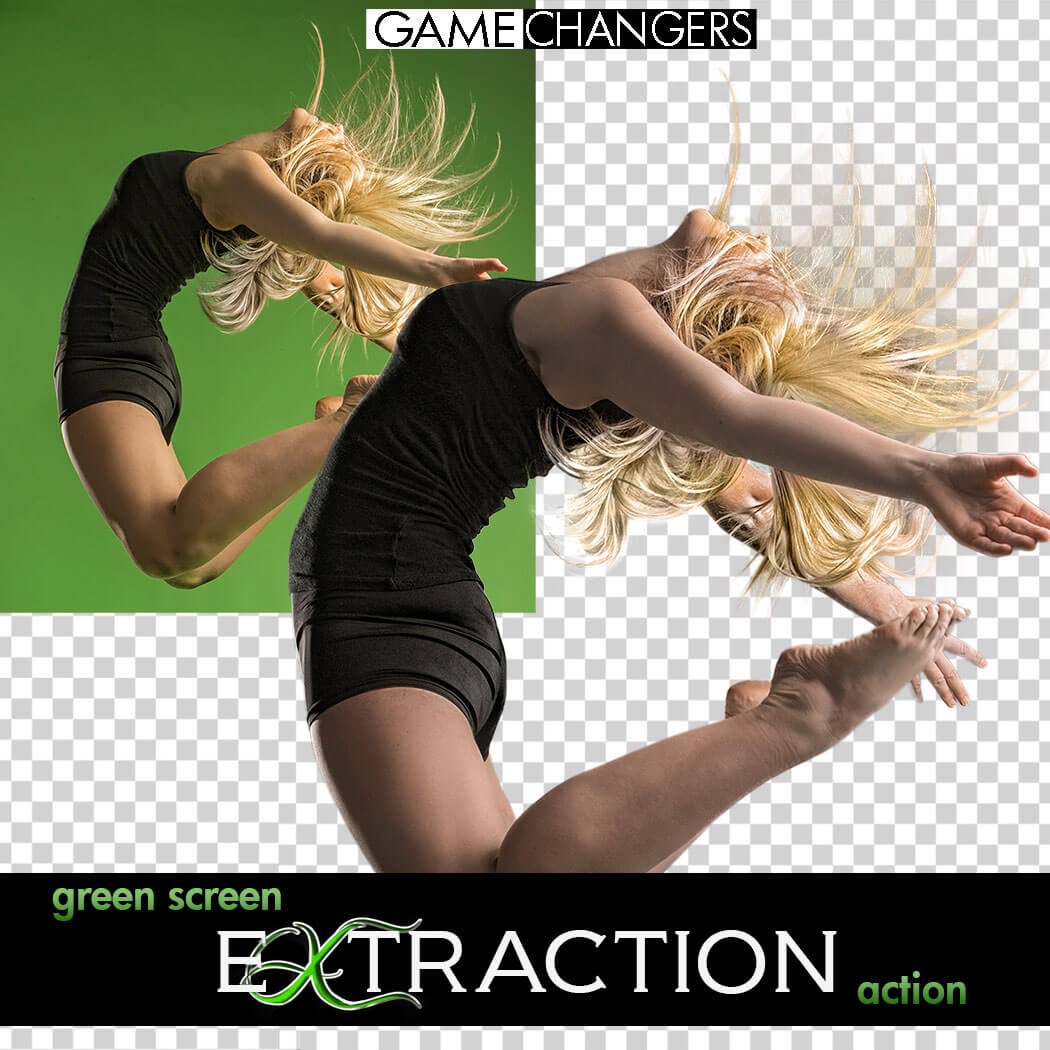
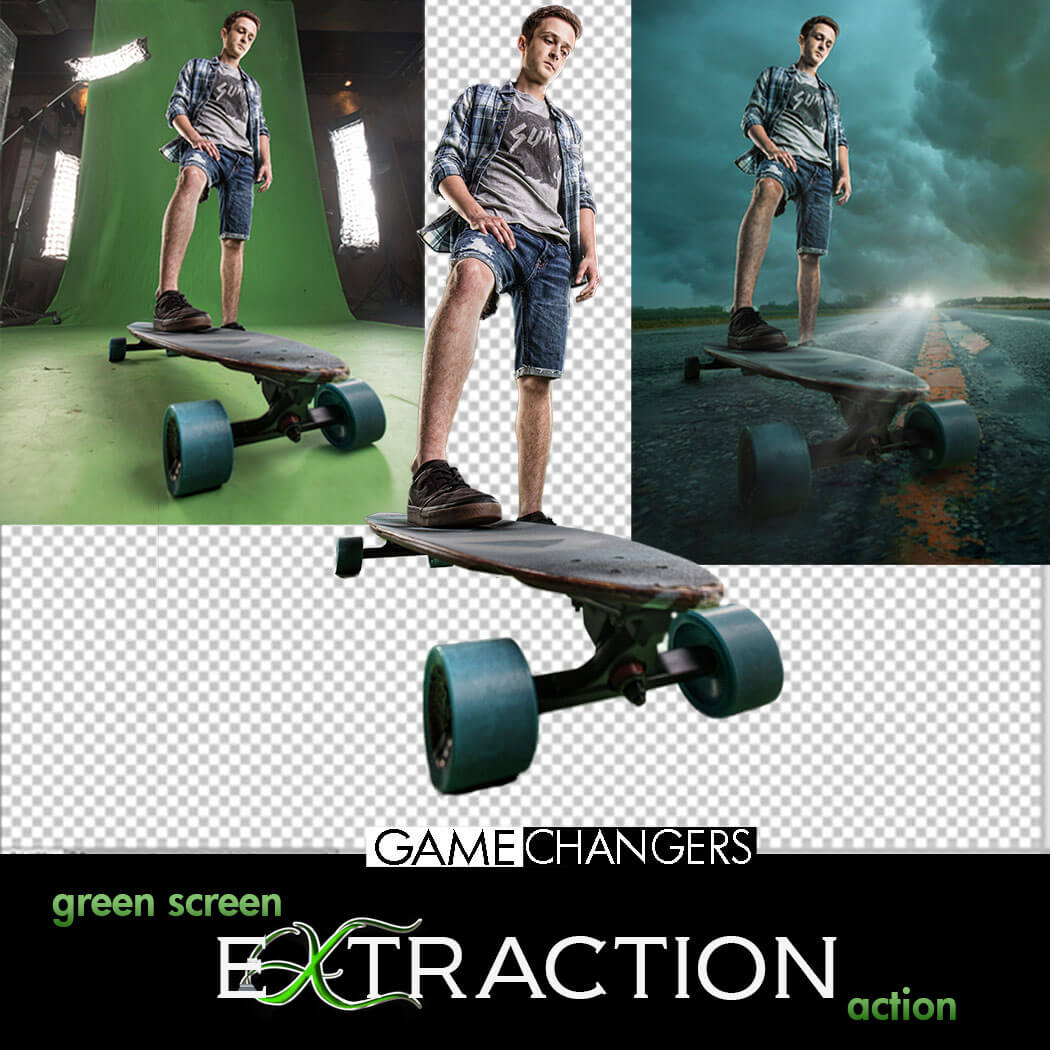
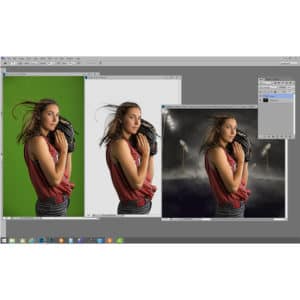
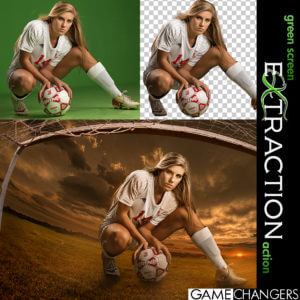
Looking for a faster, cleaner way to remove your subject from a green (or blue) screen in Photoshop?
This is way more than just a one-click action—it’s a complete compositing toolkit designed to save time, improve accuracy, and sharpen your Photoshop skills.
Whether you’re a high-volume photographer or an advanced editor working on detailed composites, this pack gives you everything you need to:
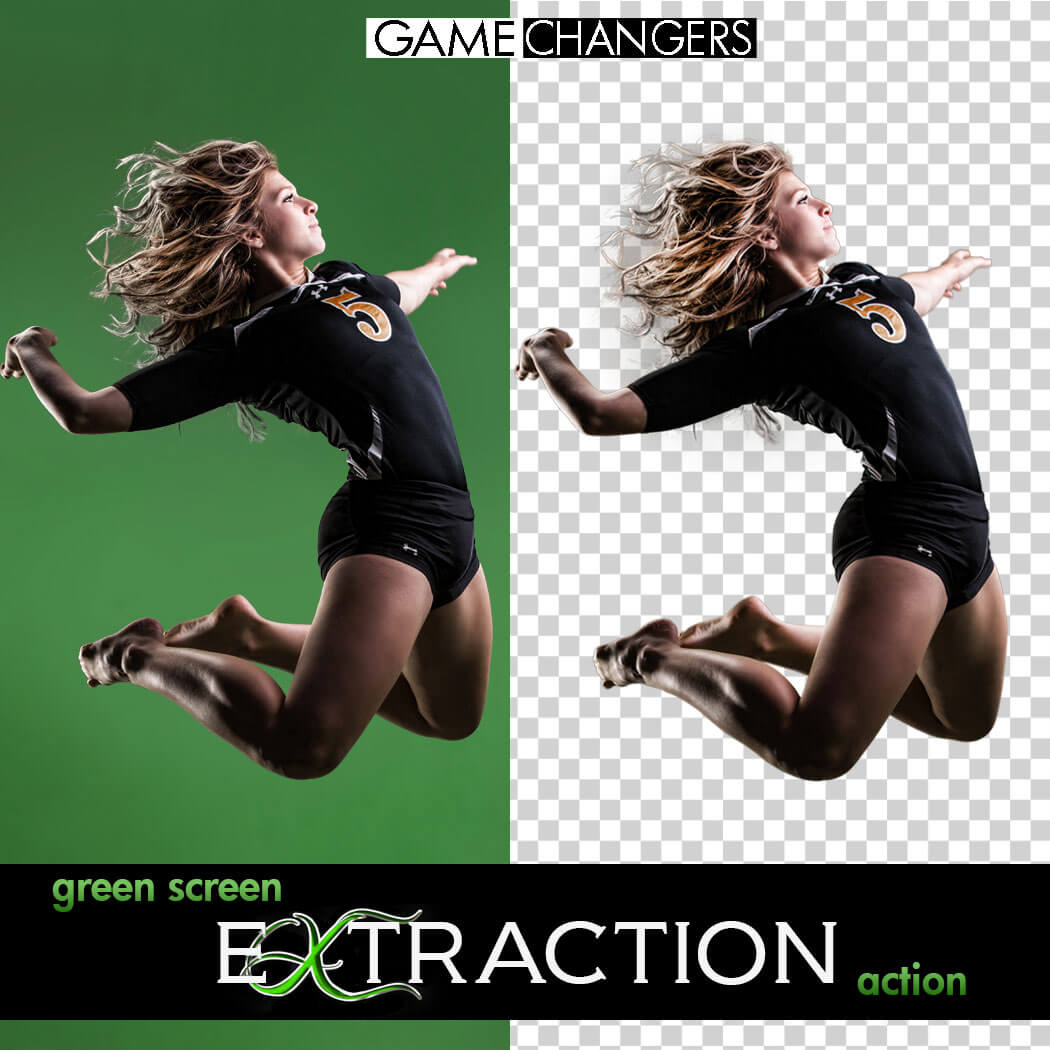
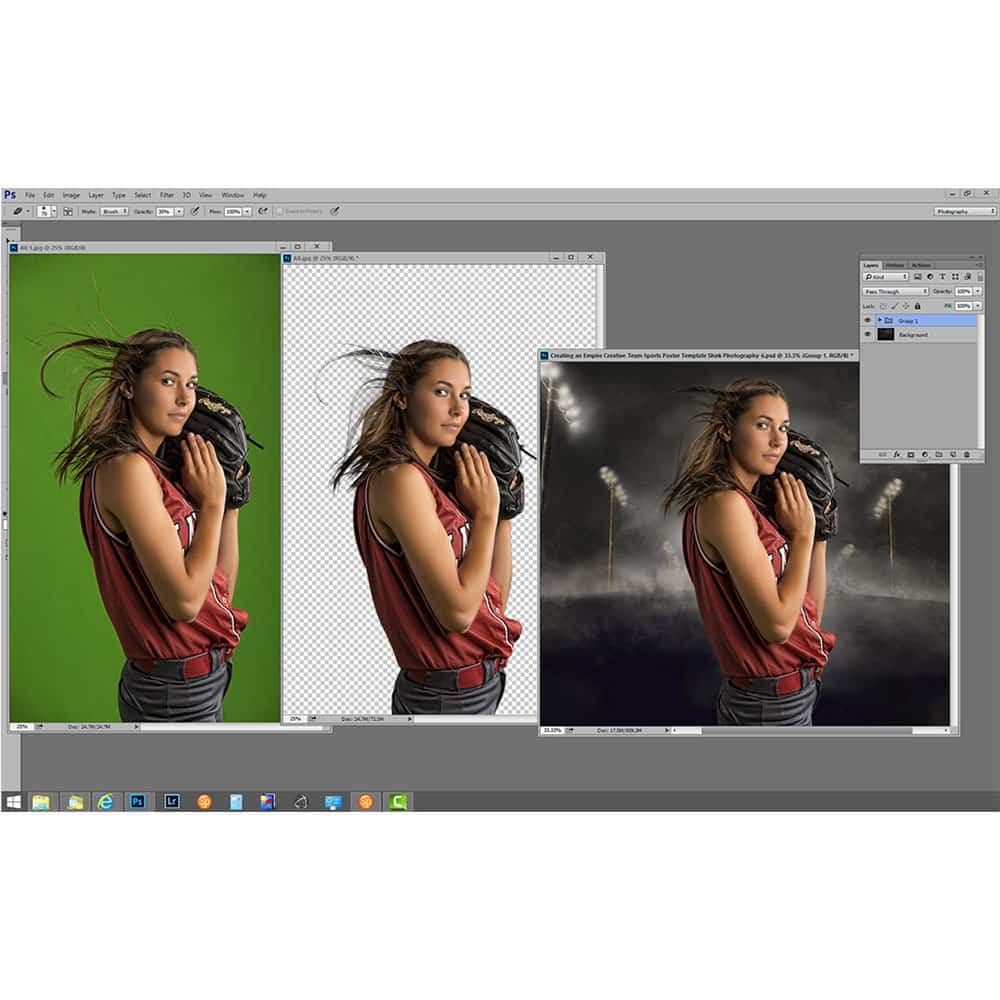
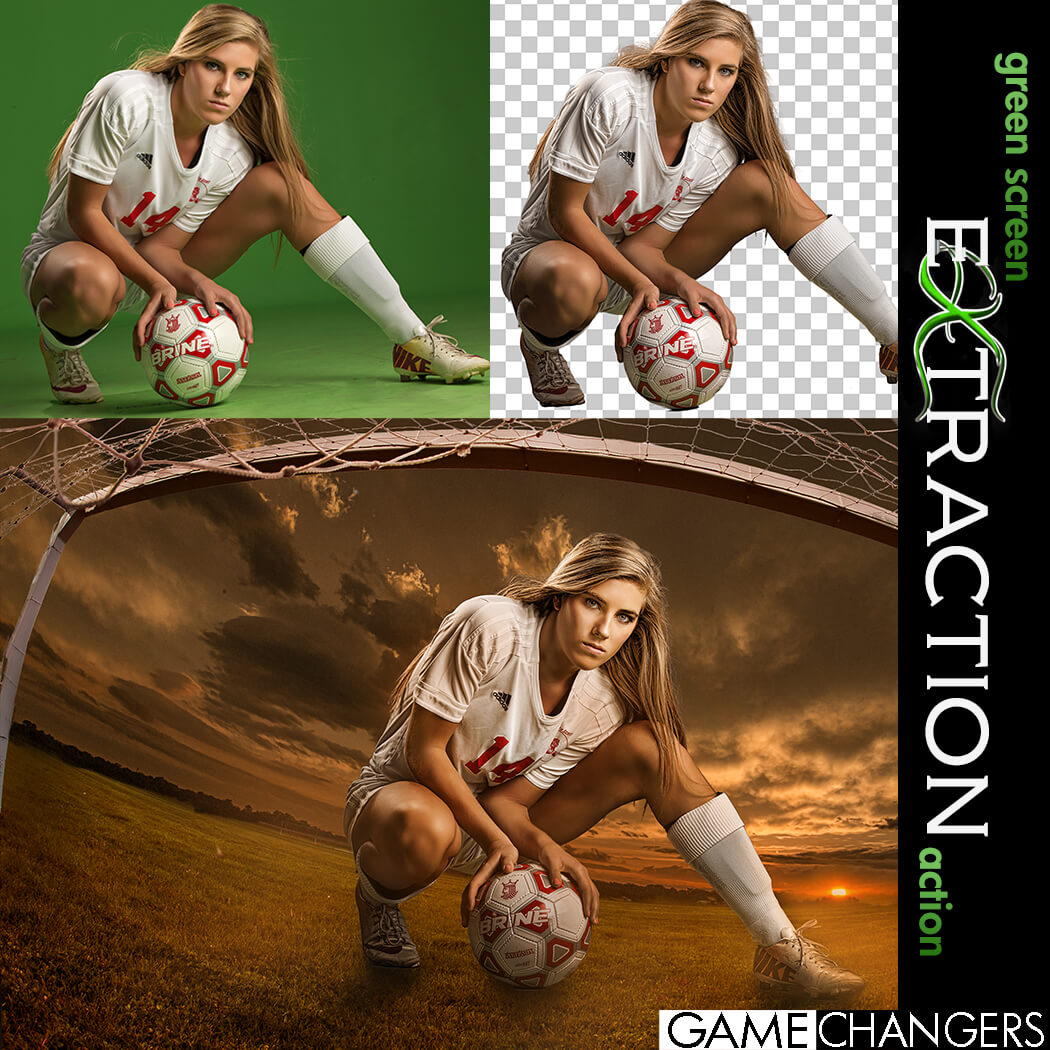
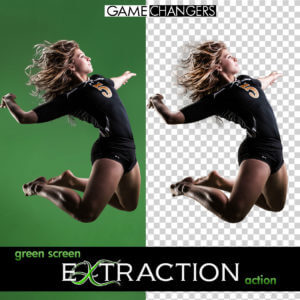
✅ Extract subjects cleanly from green or blue screen backgrounds—even with flyaway hair, tricky lighting, or action poses
✅ Remove halos and green spill around edges with ease
✅ Learn compositing techniques through guided, real-world examples
✅ Speed up your workflow with batch options and smart helper tools
Whether you’re just getting started or you’ve been shooting green screen for years, this toolkit helps you work faster, edit smarter, and create cleaner, more convincing composites.
✔️ Green Screen Extraction Action
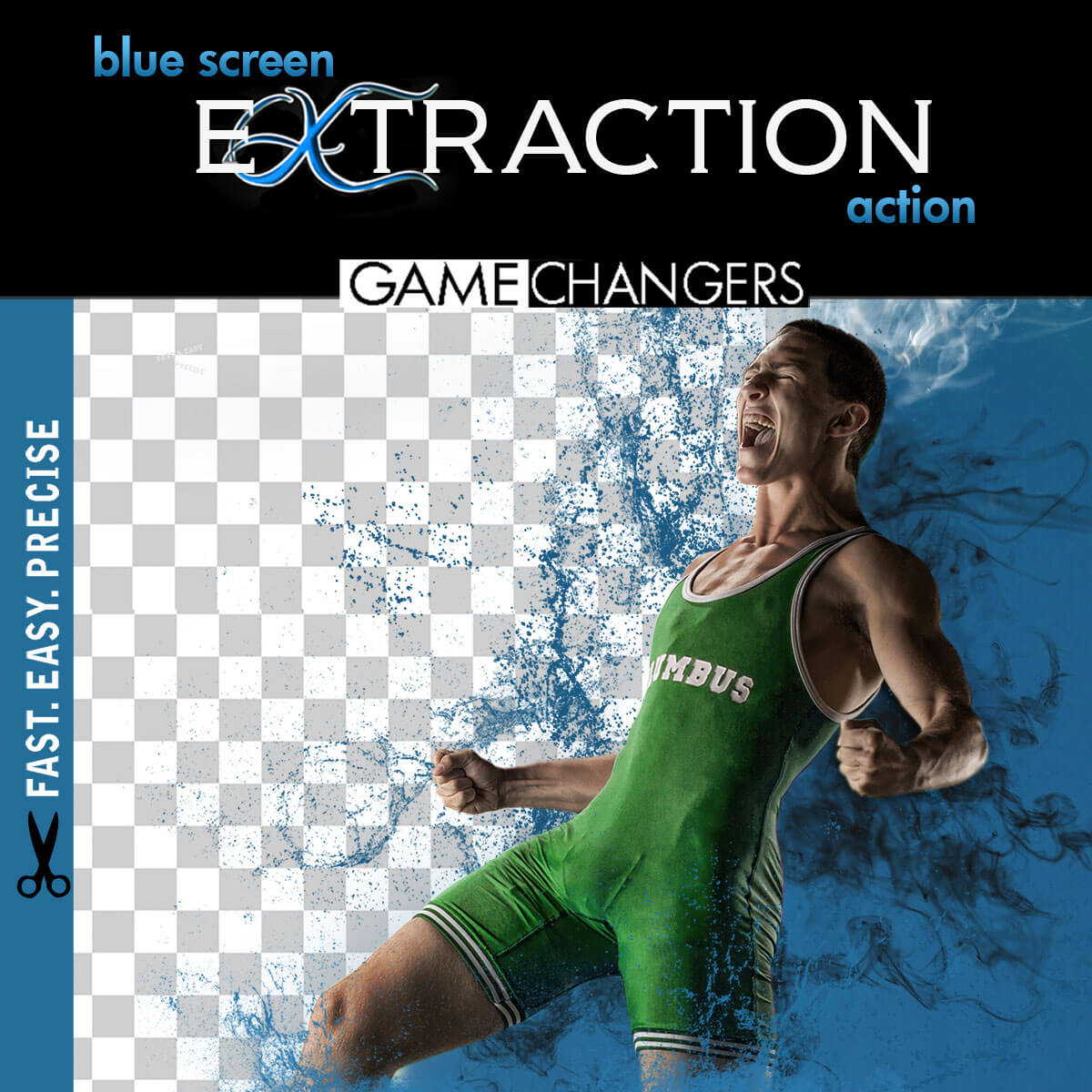
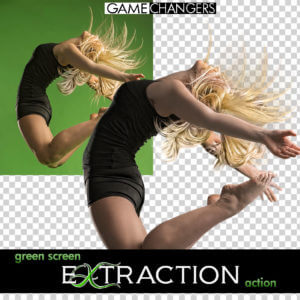
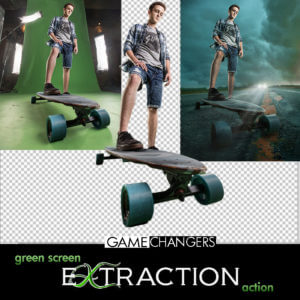
Extract your subject from green or blue screen backgrounds with optional refinement steps and automatic green spill removal.
✔️ Edge Removal Action
Instantly clean up halos while preserving fine detail like lashes and hair strands.
✔️ Quick Extraction Action
Streamlined for speed—perfect for high-volume photographers using green or blue screens.
✔️ Droplet Extraction Action
Batch extract an entire folder while you step away. Ideal for fast-paced workflows.
✔️ Extraction Helper Action (Photoshop CC+)
Working outside of green screen? This helper assists with subject selection on solid or lightly textured backgrounds. (Not a full replacement for Select Subject.)
✔️ Lightroom Preview Presets
Quickly turn green screen backgrounds gray for clean previews when showing images to clients.
✔️ 40-Minute In-Depth Tutorial Video
Learn everything from basic extractions to advanced refinement, lighting setup, and green spill control.
✔️ Green Screen Lighting Tips Video
Discover how to light your green or blue screen setup for the cleanest, easiest extractions.
Want to take your composites even further?
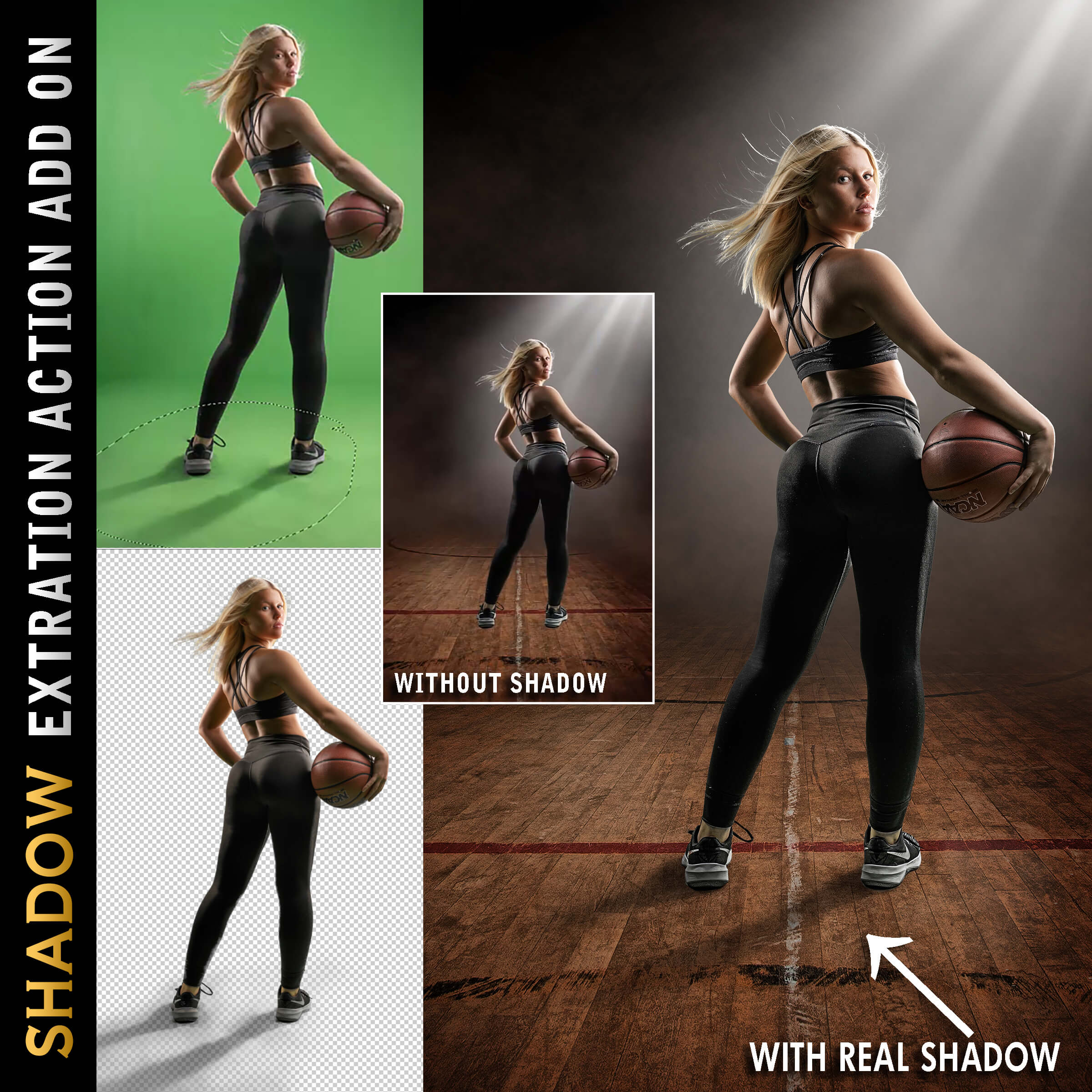
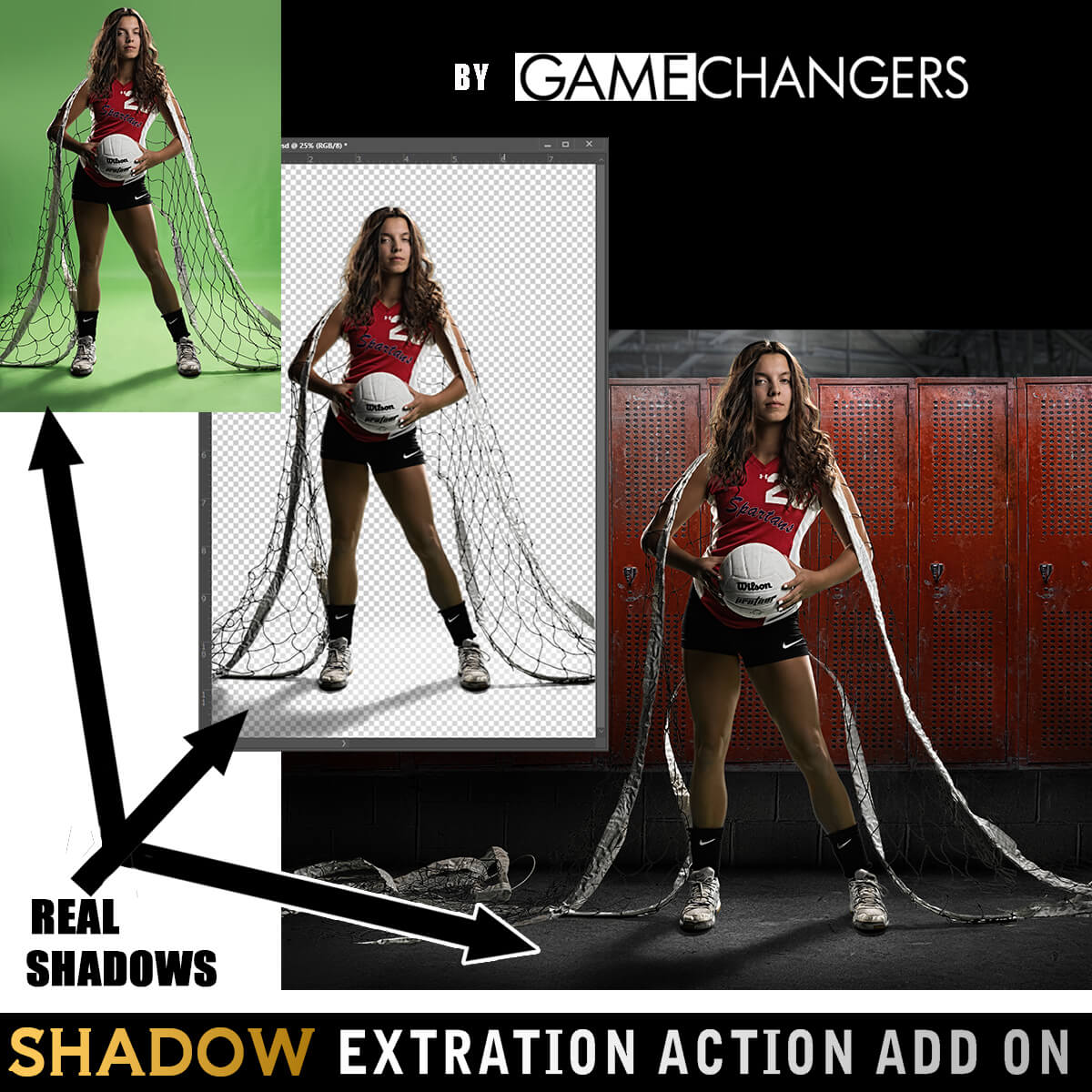
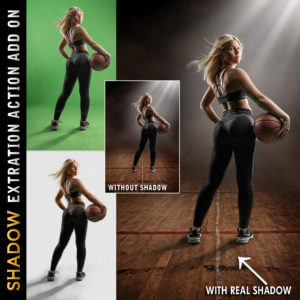
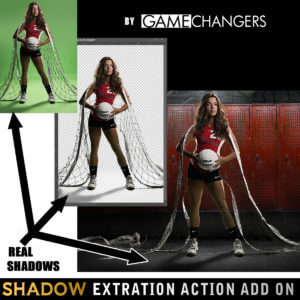
Add the Shadow Extraction Action to your toolkit and extract your subject’s actual shadow from green or blue screen images—no more painting fake shadows by hand.
Includes its own tutorial video showing step-by-step how to place and shape real shadows into new backgrounds for ultra-realistic results.
(Can be purchased separately or bundled with the main pack.)
This pack doesn’t just do the work for you—it teaches you why it works.
Many photographers say the included tutorials helped them improve not only their green screen extractions, but their overall Photoshop editing skills.
Take a look at our reviews to hear what photographers like you are saying—about the clean results, the time saved, and how much they’ve learned.
Check out our guide:
How to Get the Best Results Using Green Screen Photography
You’ll get practical tips on lighting, positioning, and shooting for flawless results from the start.
Grab the Green Screen Extraction Action Pack today—and make compositing easier, faster, and more professional.
Watch this brief preview video to see how fast the extraction action works!
| Compatibility | Photoshop CS3 and Newer, Mac, PC |
|---|---|
| Files Included with Extraction Action | CC Extraction Action.atn |
| Files Included with Shadows | CC Extraction Action with Shadows |
| Brand | Game Changers |
| Manufacturer | Shirk Photography LLC |

Nazario Alvarez –
Very easy to use, after the first time you use it, there’s no going back. Amazing!!
Upvote if this was helpful (0) Downvote if this was not helpful (0) Watch Unwatch Flag for removal
troyhugen –
Between Ben’s excellent tool and the in depth tutorial you cannot go wrong with these actions. You can tell the action / tool has been crafted after hours of trial and error and it is great to be able to access that type of knowledge and skill for such a reasonable fee. This is a great investment.
Upvote if this was helpful (0) Downvote if this was not helpful (0) Watch Unwatch Flag for removal
eruediger –
What a timesaver. Makes green screen extraction easy.
Upvote if this was helpful (0) Downvote if this was not helpful (0) Watch Unwatch Flag for removal
info82 –
Absolutely amazing green screen action! Talk about saving time and directing that saved time to other company projects. If you’re intimidated doing extractions, especially wispy hair, you need this action! Scared of the infamous green spill over on your subject? Not anymore! Ben is a creative genius and this action just adds to that. Get. This. Action.!
Upvote if this was helpful (0) Downvote if this was not helpful (0) Watch Unwatch Flag for removal
Rob –
works great-huge time saver
Upvote if this was helpful (0) Downvote if this was not helpful (0) Watch Unwatch Flag for removal
stefan –
Was a bit worried because there are several greenscreen actions on the market. But this one delivers !!! Even the droplet function works awesome. I just tested 100 photo’s with chromakey and 99% were perfect. Best investment yet !
Upvote if this was helpful (0) Downvote if this was not helpful (0) Watch Unwatch Flag for removal
Michelle German –
I shot my first green screen league this weekend, and then tried your actions for the first time. I absolutely love the droplet for the volume that I am processing. Very cool.
Upvote if this was helpful (0) Downvote if this was not helpful (0) Watch Unwatch Flag for removal
rowdy –
We purchased this action to help with some sports photography clients and it’s been a huge time saver. Not only that, but the included video tutorials have been super helpful! Thanks!!
Upvote if this was helpful (0) Downvote if this was not helpful (0) Watch Unwatch Flag for removal
sandraminerphotography –
I have been using this green screen action for a recent shoot. I love it! It’s so easy to use and the tutorial also included some helpful bonus tips. Thank you!!
Upvote if this was helpful (0) Downvote if this was not helpful (0) Watch Unwatch Flag for removal
Tommy –
Ben has made a fantastic tool with this! It’s so easy!
Upvote if this was helpful (0) Downvote if this was not helpful (0) Watch Unwatch Flag for removal
nick1 –
I was so reluctant to embrace green-screening, until I bought this tool.
So easy, so effective!
Upvote if this was helpful (0) Downvote if this was not helpful (0) Watch Unwatch Flag for removal
Sarah Anderson Collins –
I’m terrible at extraction – I can’t believe I waited until Black Friday to purchase, it’s worth 10x as much as I paid and I should have done so much earlier! You wont be disappointed!
Upvote if this was helpful (0) Downvote if this was not helpful (0) Watch Unwatch Flag for removal
bradyhughs –
I purchased the Green Screen extraction action from Shirk Photography a week or so ago and all I can say is that after years of using a variety of tools in PS and Topaz I have found the most efficient and super fast green screen removal tool. Ben Shirk’s tool is absolutely worth the money you pay for it. The action pays for it’s self the first time you use it and you realize you just extracted 30 athletes individually in less than 5 minutes. I would buy Ben’s action again in a heartbeat. Highly recommended!!
Upvote if this was helpful (0) Downvote if this was not helpful (0) Watch Unwatch Flag for removal
anthony –
I can’t believe I waited so long to get this. Regardless how many years you’ve been removing backgrounds in PS, this makes things way easier. Time is money and this was well worth every penny.
Upvote if this was helpful (0) Downvote if this was not helpful (0) Watch Unwatch Flag for removal
abrahamw –
A real time saver. Great tool.
Upvote if this was helpful (0) Downvote if this was not helpful (0) Watch Unwatch Flag for removal