

Share your thoughts!
Let us know what you think...
Only logged in customers who have purchased this product may leave a review. Log in now




If you already own the Extraction Action then simply log in to your account & select ‘Extraction Action + Shadows’ in the dropdown box below — the price for the new Shadow Action will be automatically discounted to only $49 when added to your cart!
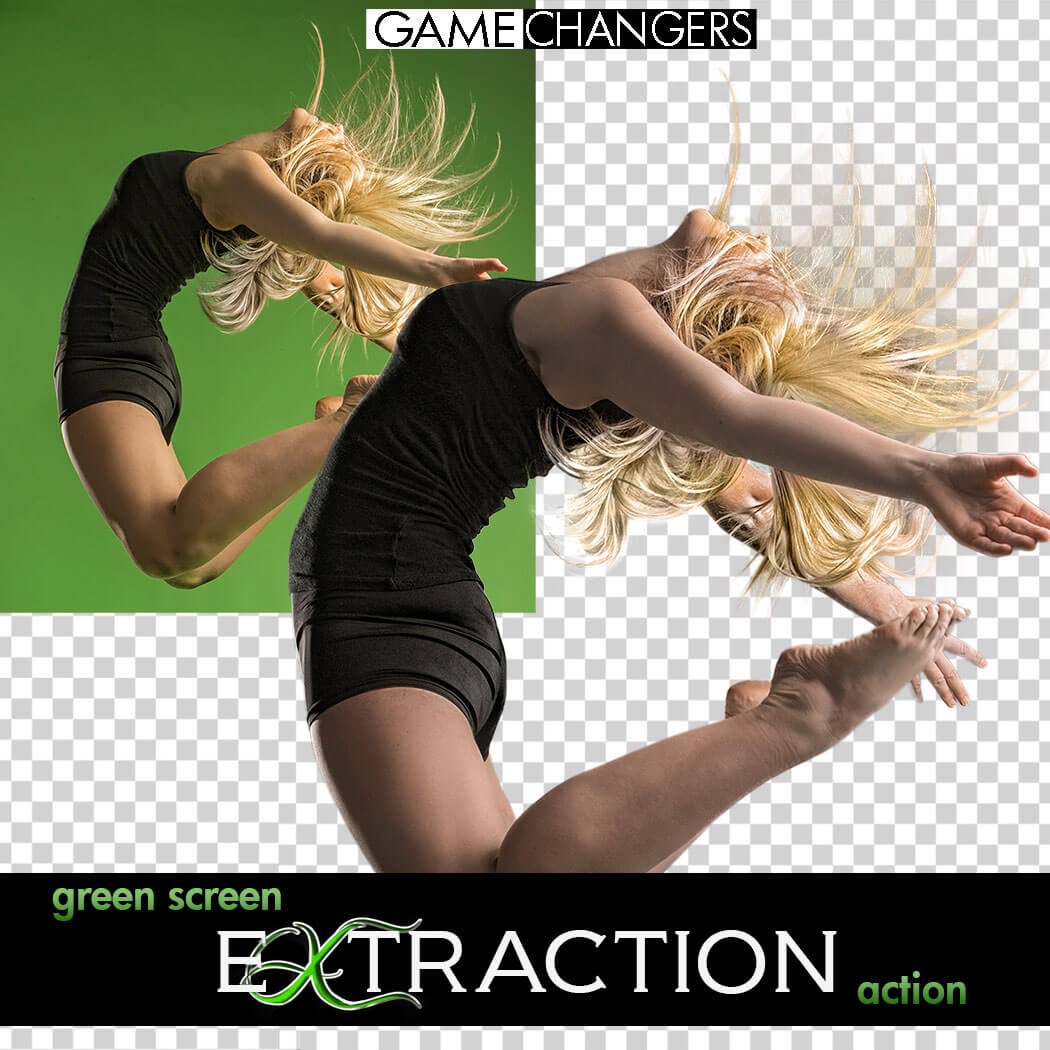
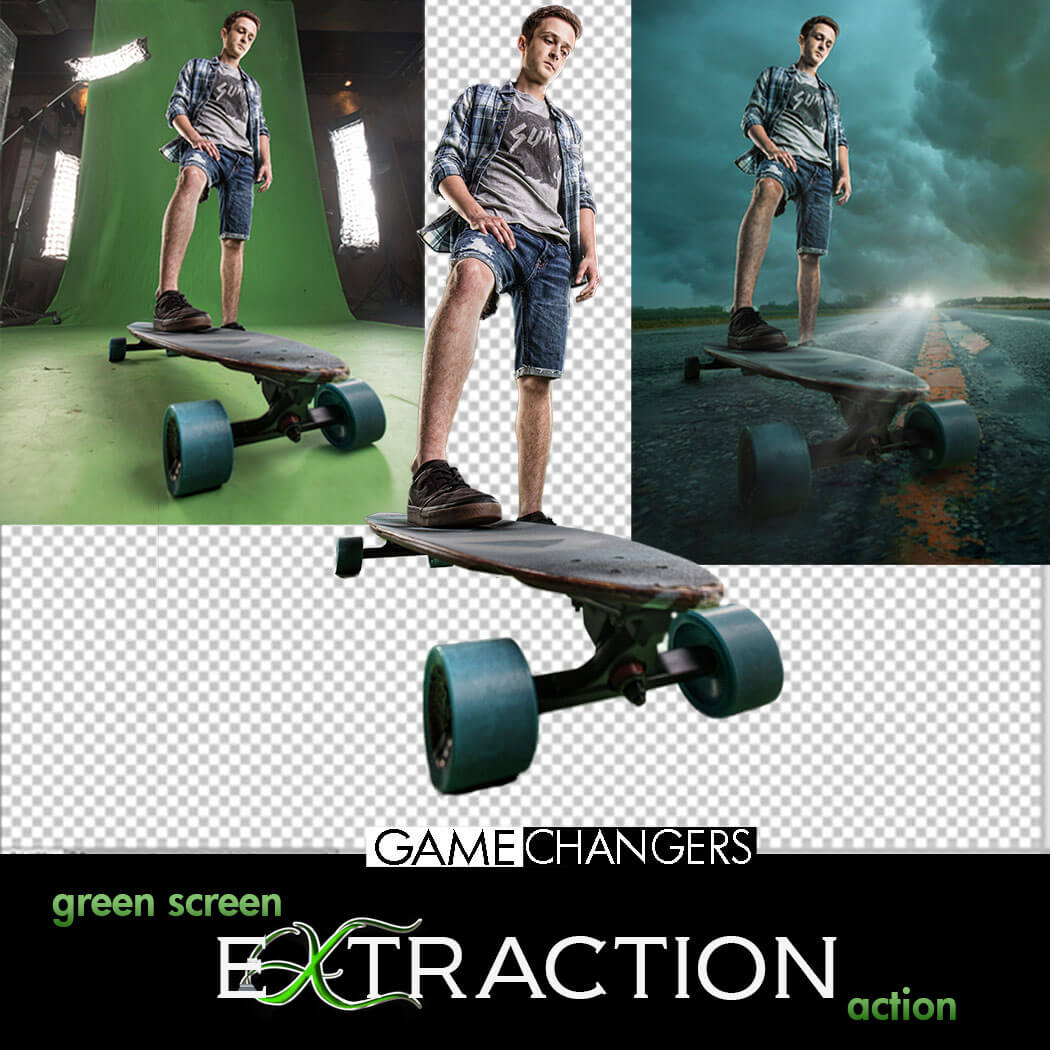
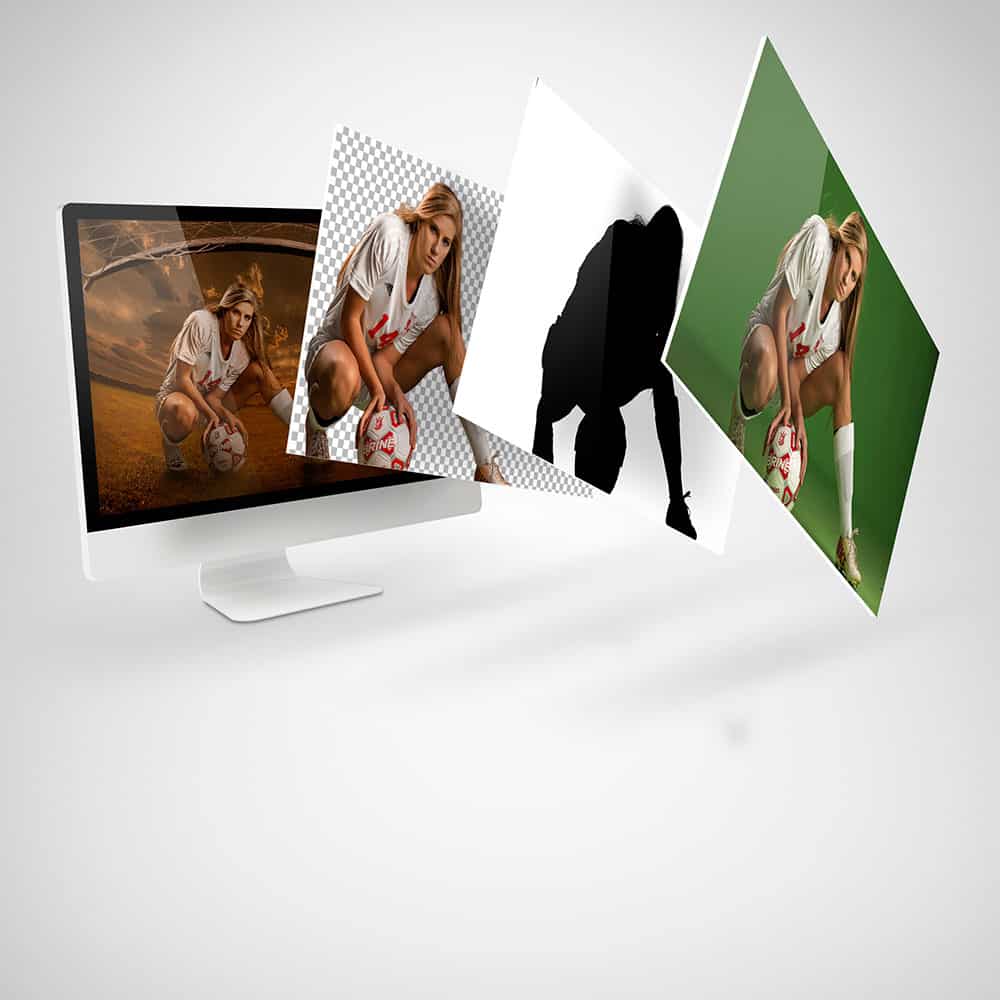
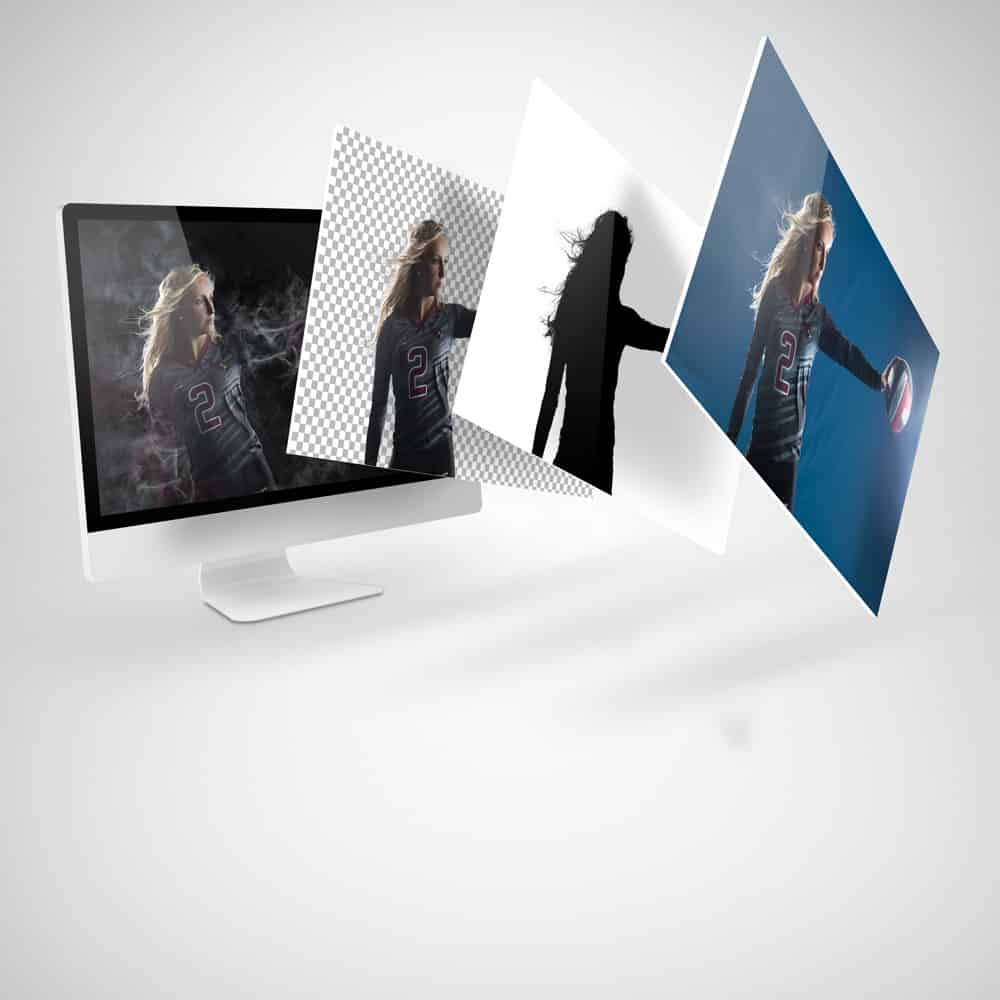
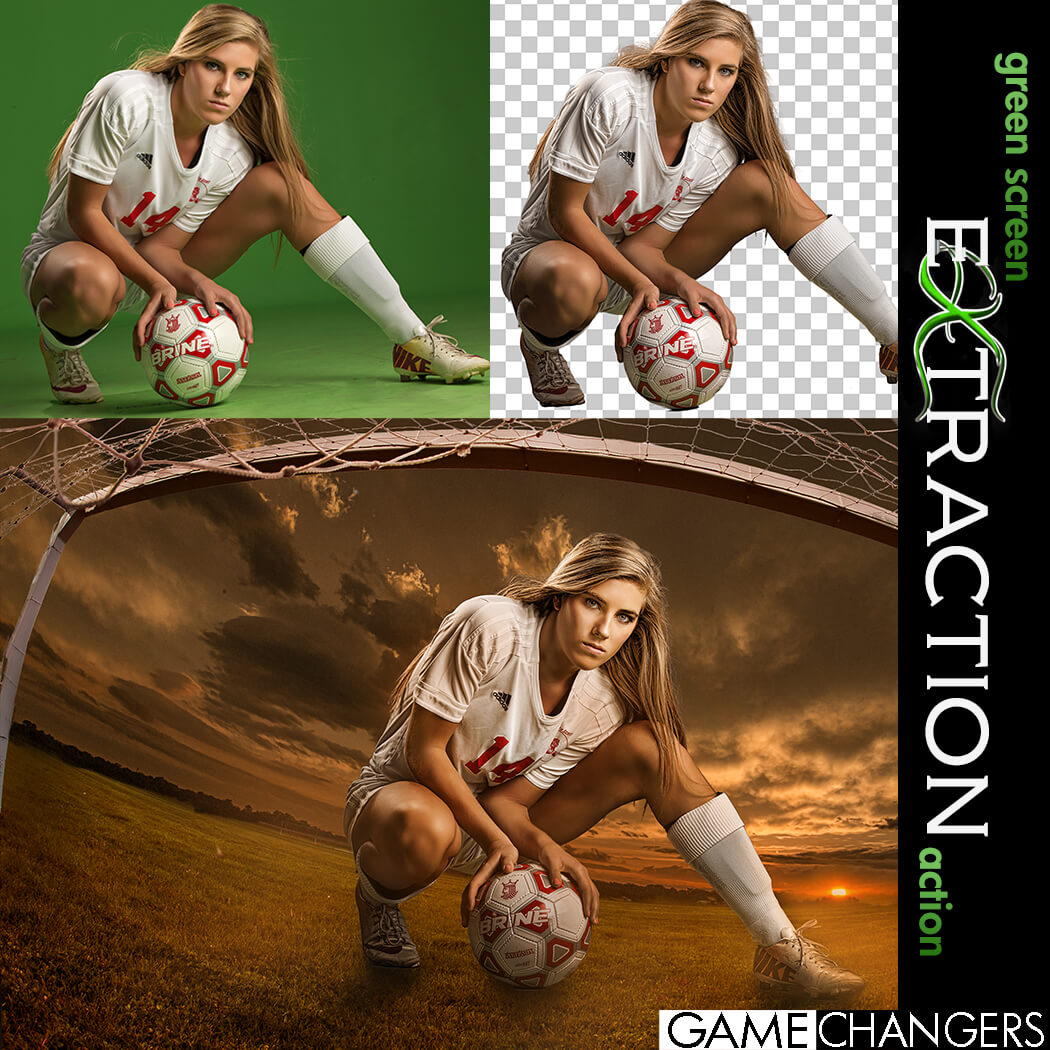
Looking for a faster, cleaner way to remove your subject from a green (or blue) screen in Photoshop?
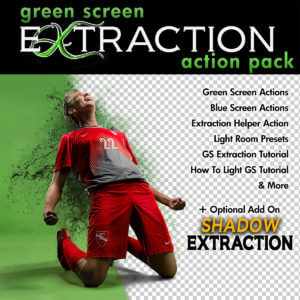
This is way more than just a one-click action—it’s a complete compositing toolkit designed to save time, improve accuracy, and sharpen your Photoshop skills.
Whether you’re a high-volume photographer or an advanced editor working on detailed composites, this pack gives you everything you need to:
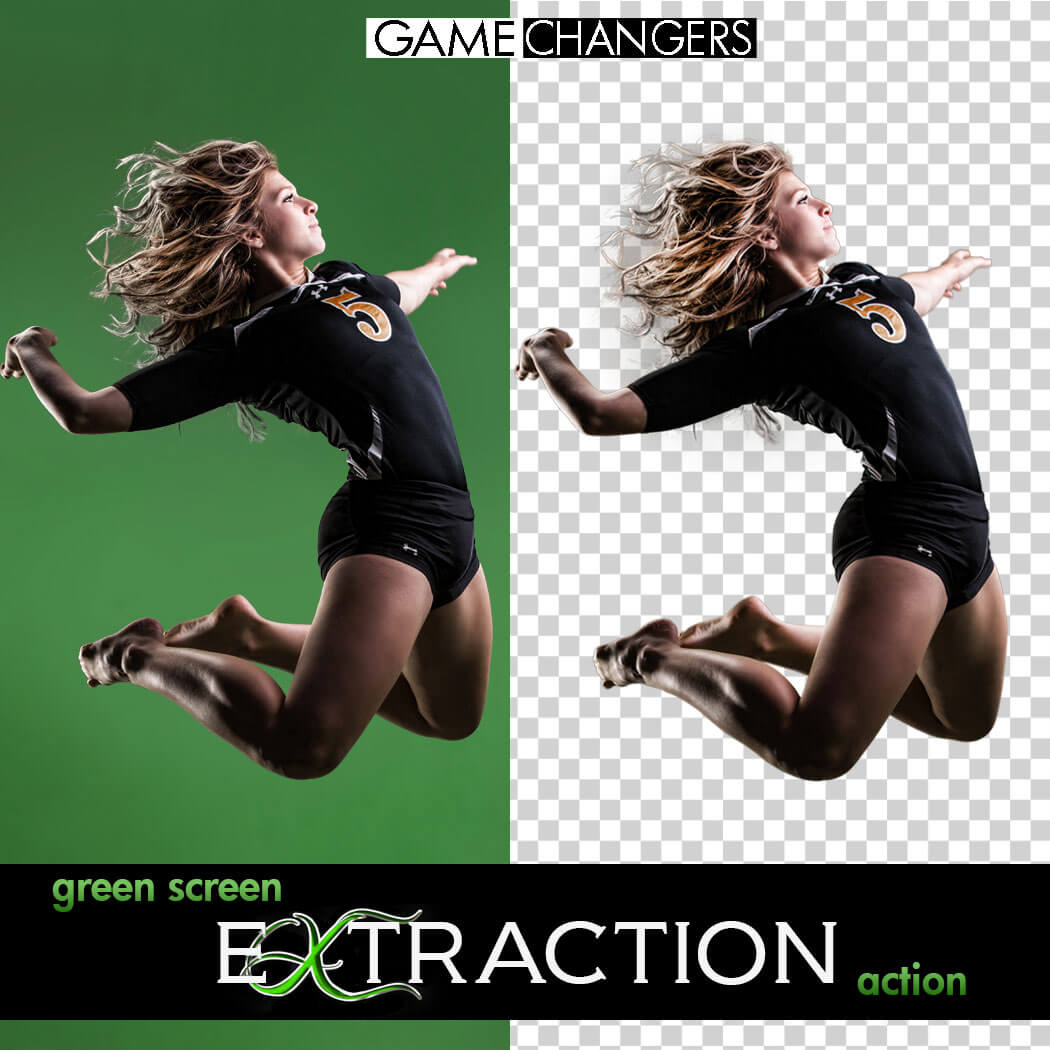
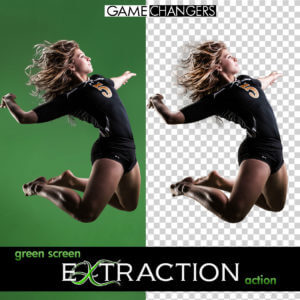
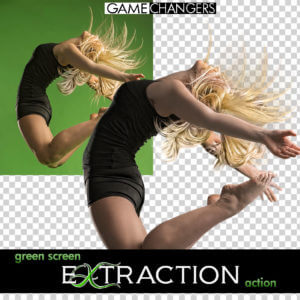
✅ Extract subjects cleanly from green or blue screen backgrounds—even with flyaway hair, tricky lighting, or action poses
✅ Remove halos and green spill around edges with ease
✅ Learn compositing techniques through guided, real-world examples
✅ Speed up your workflow with batch options and smart helper tools
Whether you’re just getting started or you’ve been shooting green screen for years, this toolkit helps you work faster, edit smarter, and create cleaner, more convincing composites.
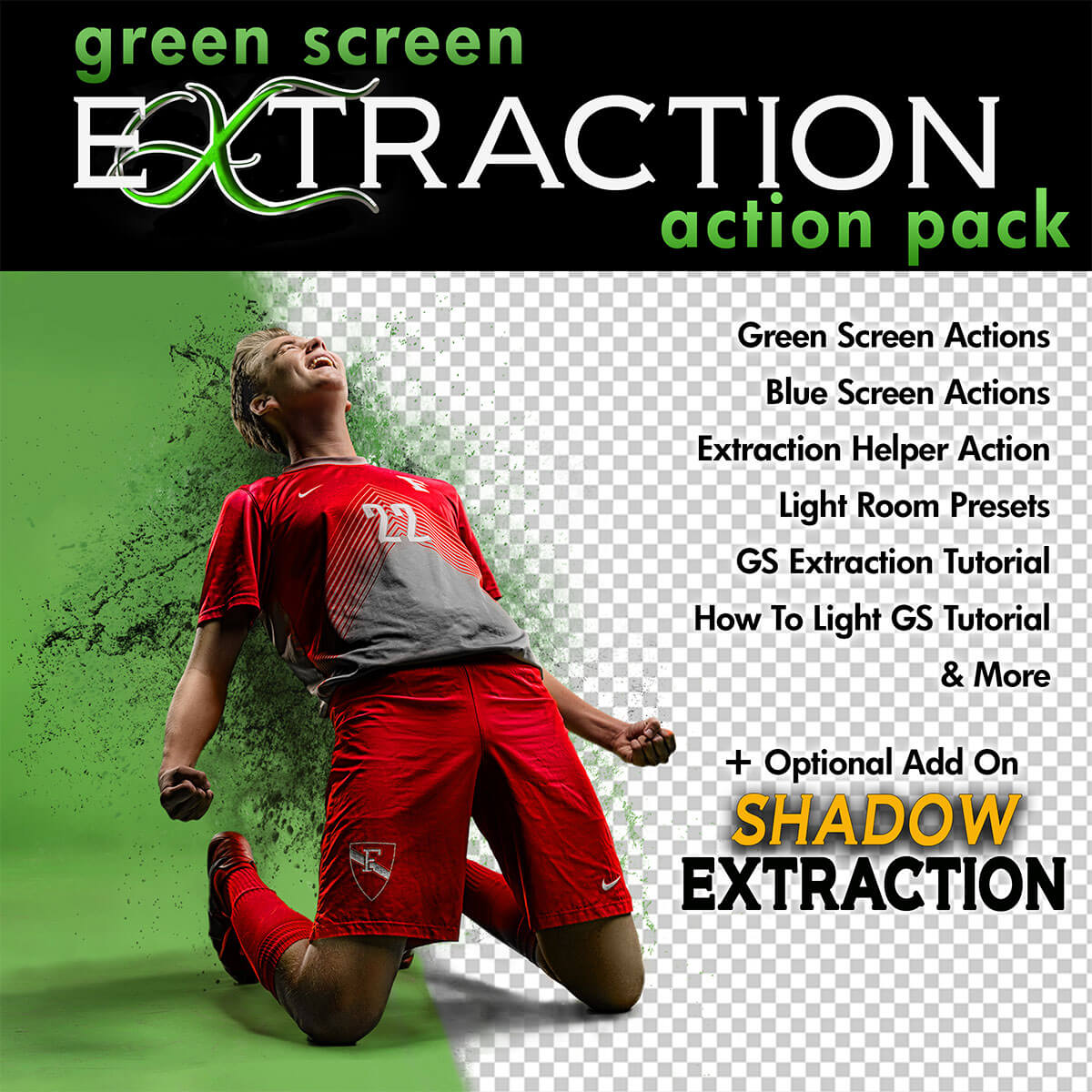
✔️ Green Screen Extraction Action
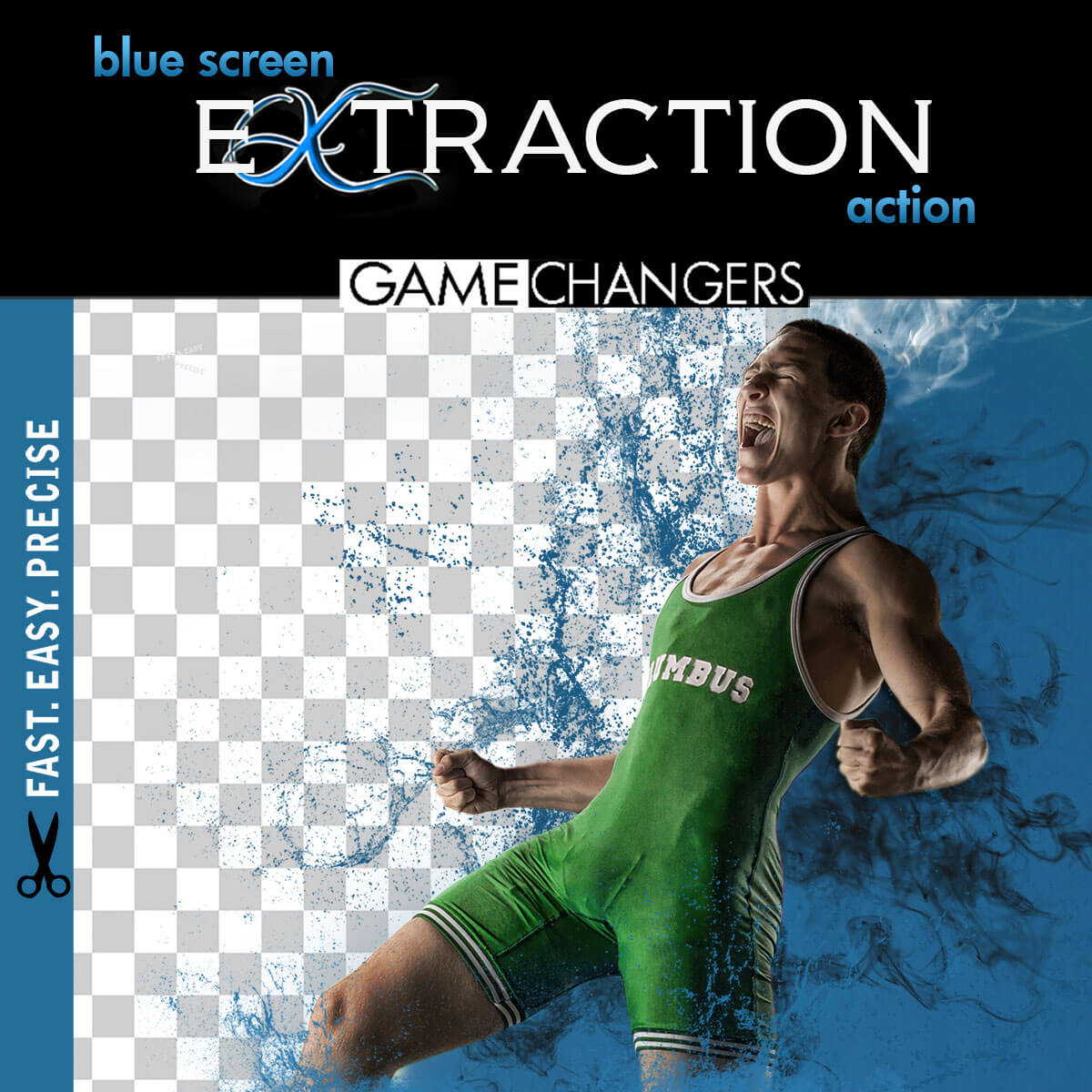
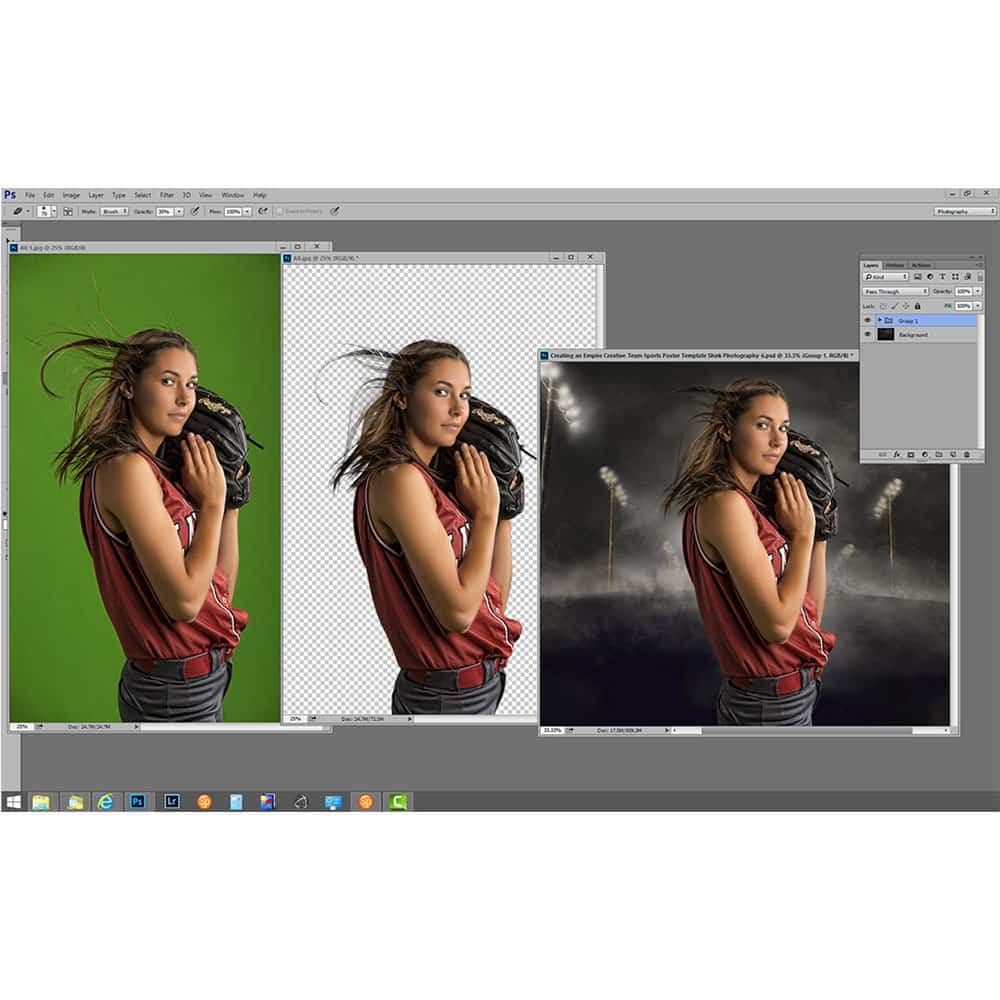
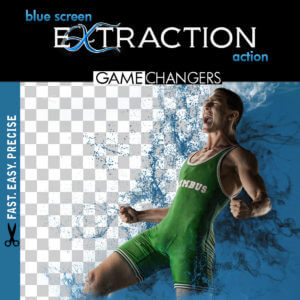
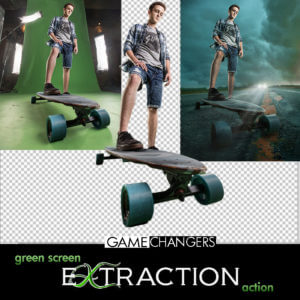
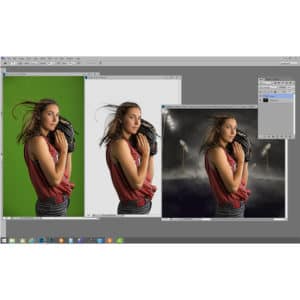
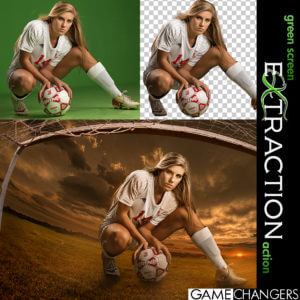
Extract your subject from green or blue screen backgrounds with optional refinement steps and automatic green spill removal.
✔️ Edge Removal Action
Instantly clean up halos while preserving fine detail like lashes and hair strands.
✔️ Quick Extraction Action
Streamlined for speed—perfect for high-volume photographers using green or blue screens.
✔️ Droplet Extraction Action
Batch extract an entire folder while you step away. Ideal for fast-paced workflows.
✔️ Extraction Helper Action (Photoshop CC+)
Working outside of green screen? This helper assists with subject selection on solid or lightly textured backgrounds. (Not a full replacement for Select Subject.)
✔️ Lightroom Preview Presets
Quickly turn green screen backgrounds gray for clean previews when showing images to clients.
✔️ 40-Minute In-Depth Tutorial Video
Learn everything from basic extractions to advanced refinement, lighting setup, and green spill control.
✔️ Green Screen Lighting Tips Video
Discover how to light your green or blue screen setup for the cleanest, easiest extractions.
Want to take your composites even further?
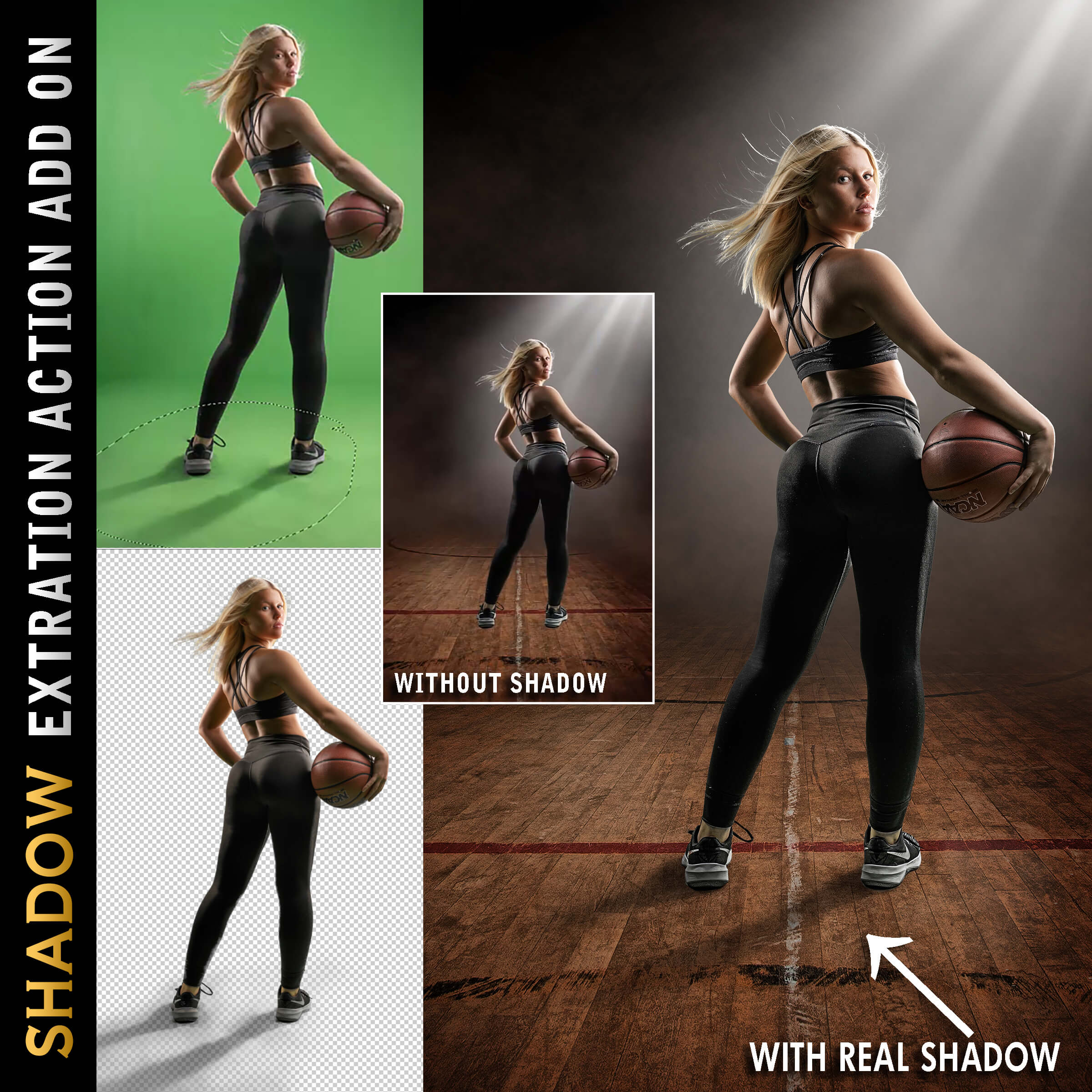
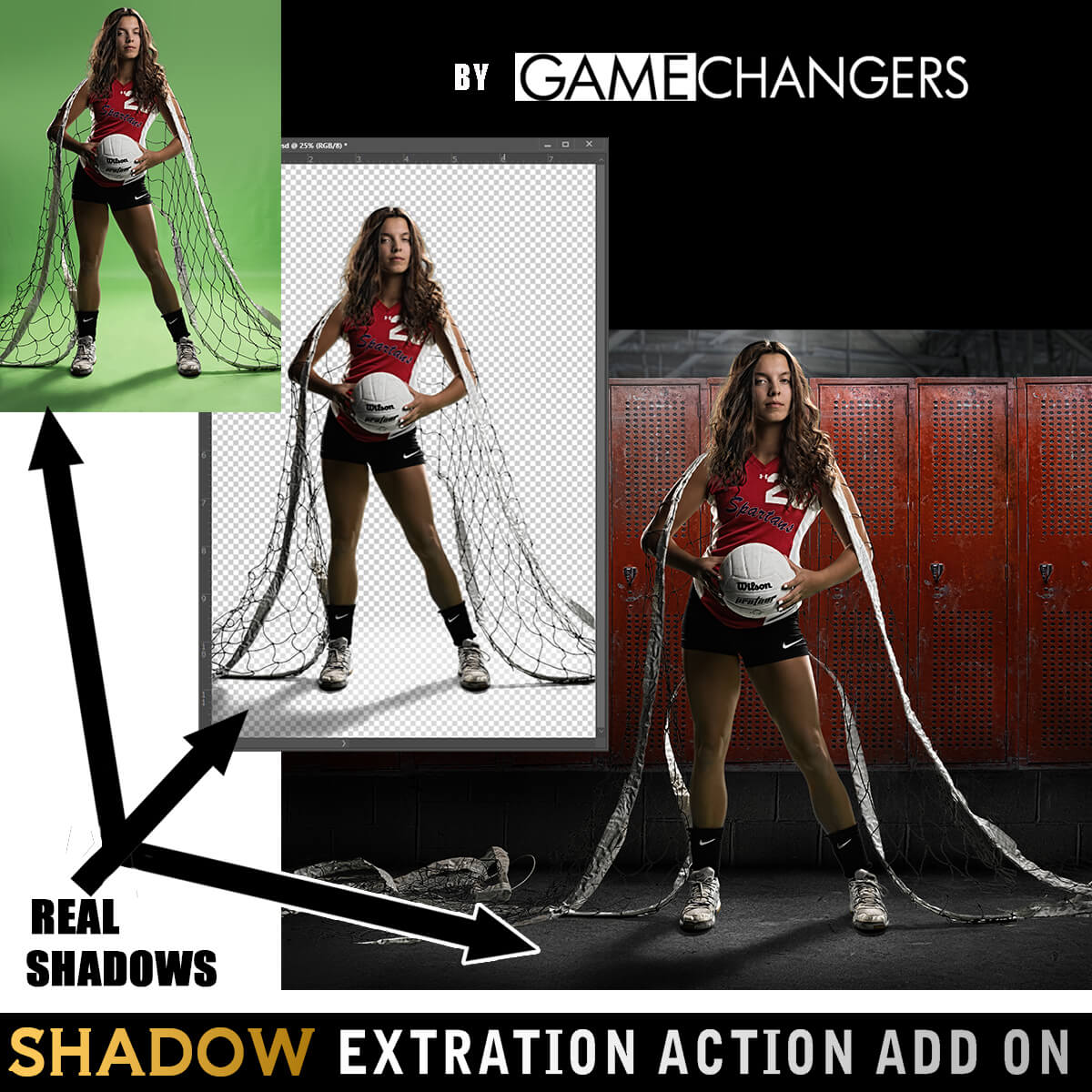
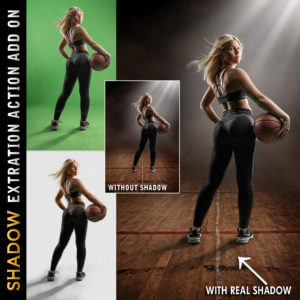
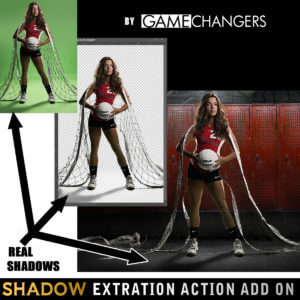
Add the Shadow Extraction Action to your toolkit and extract your subject’s actual shadow from green or blue screen images—no more painting fake shadows by hand.
Includes its own tutorial video showing step-by-step how to place and shape real shadows into new backgrounds for ultra-realistic results.
(Can be purchased separately or bundled with the main pack.)
This pack doesn’t just do the work for you—it teaches you why it works.
Many photographers say the included tutorials helped them improve not only their green screen extractions, but their overall Photoshop editing skills.
Take a look at our reviews to hear what photographers like you are saying—about the clean results, the time saved, and how much they’ve learned.
Check out our guide:
How to Get the Best Results Using Green Screen Photography
You’ll get practical tips on lighting, positioning, and shooting for flawless results from the start.
Grab the Green Screen Extraction Action Pack today—and make compositing easier, faster, and more professional.
Watch this brief preview video to see how fast the extraction action works!
| Compatibility | Photoshop CS3 and Newer, Mac, PC |
|---|---|
| Files Included with Extraction Action | CC Extraction Action.atn |
| Files Included with Shadows | CC Extraction Action with Shadows |
| Brand | Game Changers |
| Manufacturer | Shirk Photography LLC |

Jacki Taylor –
If you are going to do green screen and do not have this… you are doing it wrong!
Upvote if this was helpful (0) Downvote if this was not helpful (0) Watch Unwatch Flag for removal
mdmayberry –
An absolutely essential purchase if you work with greenscreen/blue screen. Absolutely worth the price. The way I shoot has changed, forever.
Upvote if this was helpful (0) Downvote if this was not helpful (0) Watch Unwatch Flag for removal
Nadine Urioste –
I’ve tried to extract a subject before just by using the tools in photoshop alone and it became too tedious so I went ahead and purchased this, and let me tell you, SO much easier! It makes doing composites so easy now! I’m glad I got this!
Upvote if this was helpful (0) Downvote if this was not helpful (0) Watch Unwatch Flag for removal
Antonio Sanchez –
I’m enjoying this product, is helping me to get stuff done faster, it works really good.
Upvote if this was helpful (0) Downvote if this was not helpful (0) Watch Unwatch Flag for removal
Brad Kennedy –
I had some initial issues using this but it was on my end. I emailed Ben and he promptly responded with assistance. Had me send images so he could look at help me correct my setup. I am still learning all the tools he’s included but it down help having the different actions. Thanks Ben.
Upvote if this was helpful (0) Downvote if this was not helpful (0) Watch Unwatch Flag for removal
Hang Stephen –
I was skeptical about buying this. I can extract my photos myself….but this does it BETTER and WAY FASTER.
Upvote if this was helpful (0) Downvote if this was not helpful (0) Watch Unwatch Flag for removal
Carlos Davila –
This action pack has saved me so much time, very detailed and easy to use. Extractions are clean and ready for use.
Upvote if this was helpful (0) Downvote if this was not helpful (0) Watch Unwatch Flag for removal
Gary Leighbody –
Great Product. When we had a issue with some of the spill, they created a adjustment within minutes. Can’t go wrong
Upvote if this was helpful (0) Downvote if this was not helpful (0) Watch Unwatch Flag for removal
joeyj299 –
The green screen extraction with shadows is flawless! My picture processing has been boosted 100X with this action. No more tricky tracing or removing artifacts. Unlike Photoshop, this extraction gets it right every time!
Upvote if this was helpful (0) Downvote if this was not helpful (0) Watch Unwatch Flag for removal
kwarchak –
Having purchased many photoshop type products and having a 71 year old learning curve, I can have many questions. At best, I can expect some companies to open a chat or email you with help but Ben Shirk with Game Changers had given new meaning to customer service. No only did he answer my questions but asked me to send some sample photos to review. I sent some additional photos using his recommendations to which he said were improved. He even offered to modify the green screen extraction to match my lighting preference. Now I know that what ever template I purchase, I can always count on Ben to help if needed. Thanks so much.
Upvote if this was helpful (0) Downvote if this was not helpful (0) Watch Unwatch Flag for removal
Clifford Robinson –
Made my job easier!
Upvote if this was helpful (0) Downvote if this was not helpful (0) Watch Unwatch Flag for removal
Filmology Productions –
No additional editing needed! It extracted perfectly, even though my green screen wasn’t lit evenly. Another amazing template!
Upvote if this was helpful (0) Downvote if this was not helpful (0) Watch Unwatch Flag for removal
Daniel Stockfield –
The extraction is definitely awesome compared to doing it manually in Photoshop (which I’ve done for many years). At the click of a button, the person/objects are extracted from either green or blue screens (I use both) and you also have the option of manually adjusting the extractions to do it in a more controlled manner, or a “quick” button that does it for you quickly. I usually try both to see how well it does. How well it does usually depends on how well you light your subjects. The only thing I don’t absolutely love is that if there’s the slightest light spill/green screen bounced light onto your subject, the tool will omit it as part of the green screen. Also, it often will trim a little too much off of all of the edges all the way around. But overall, I love it and have made this system the focus of my studio!
Upvote if this was helpful (0) Downvote if this was not helpful (0) Watch Unwatch Flag for removal
Alicia Donelan –
I have always struggled extracting my images from a green screen. This made it super simple and with shadows, too! Love it.
Upvote if this was helpful (0) Downvote if this was not helpful (0) Watch Unwatch Flag for removal
mac931 –
Works great Save me a lot of time. Wish it would work with any background
But it is very, very good when I’m using green screen
Mac
Upvote if this was helpful (0) Downvote if this was not helpful (0) Watch Unwatch Flag for removal