


Share your thoughts!
Let us know what you think...
Only logged in customers who have purchased this product may leave a review. Log in now




If you already own the Extraction Action then simply log in to your account & select ‘Extraction Action + Shadows’ in the dropdown box below — the price for the new Shadow Action will be automatically discounted to only $49 when added to your cart!
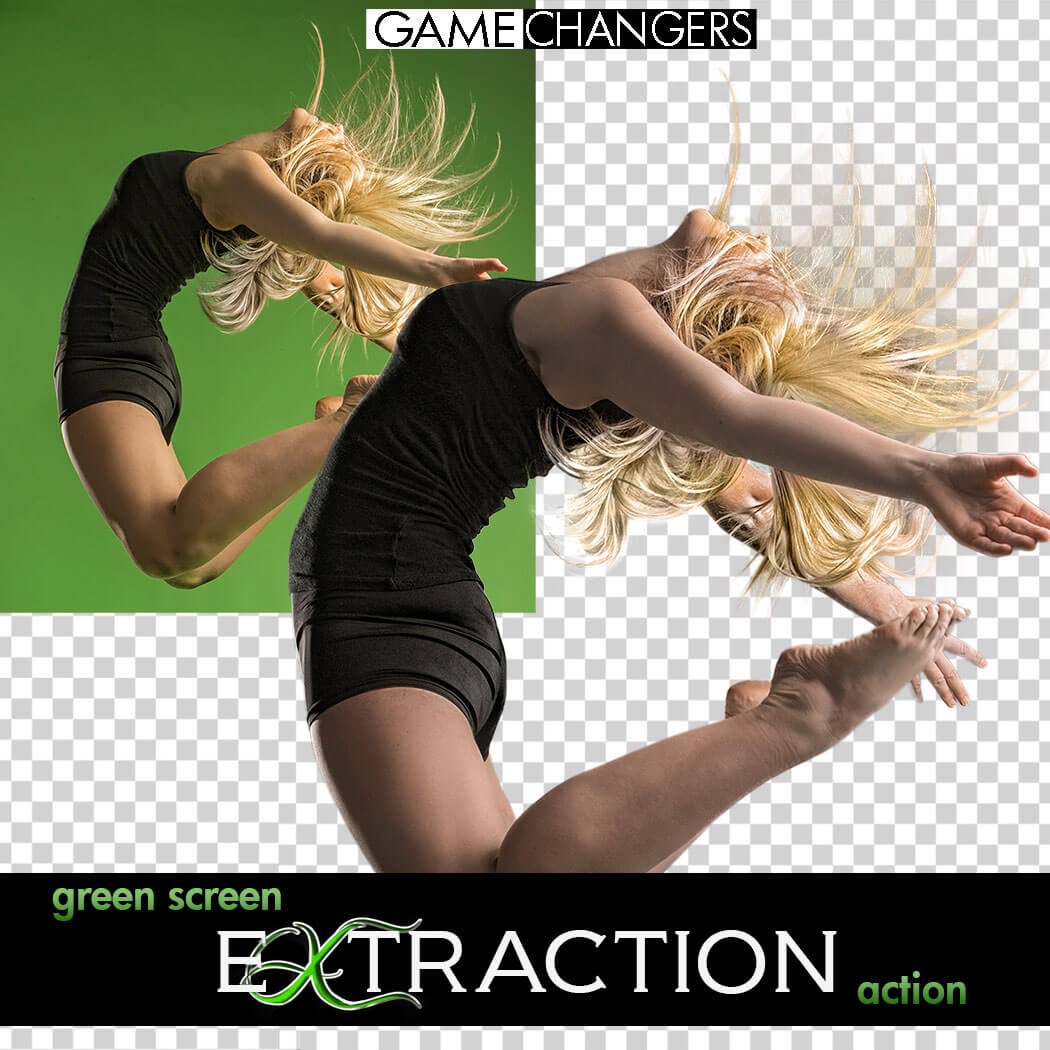
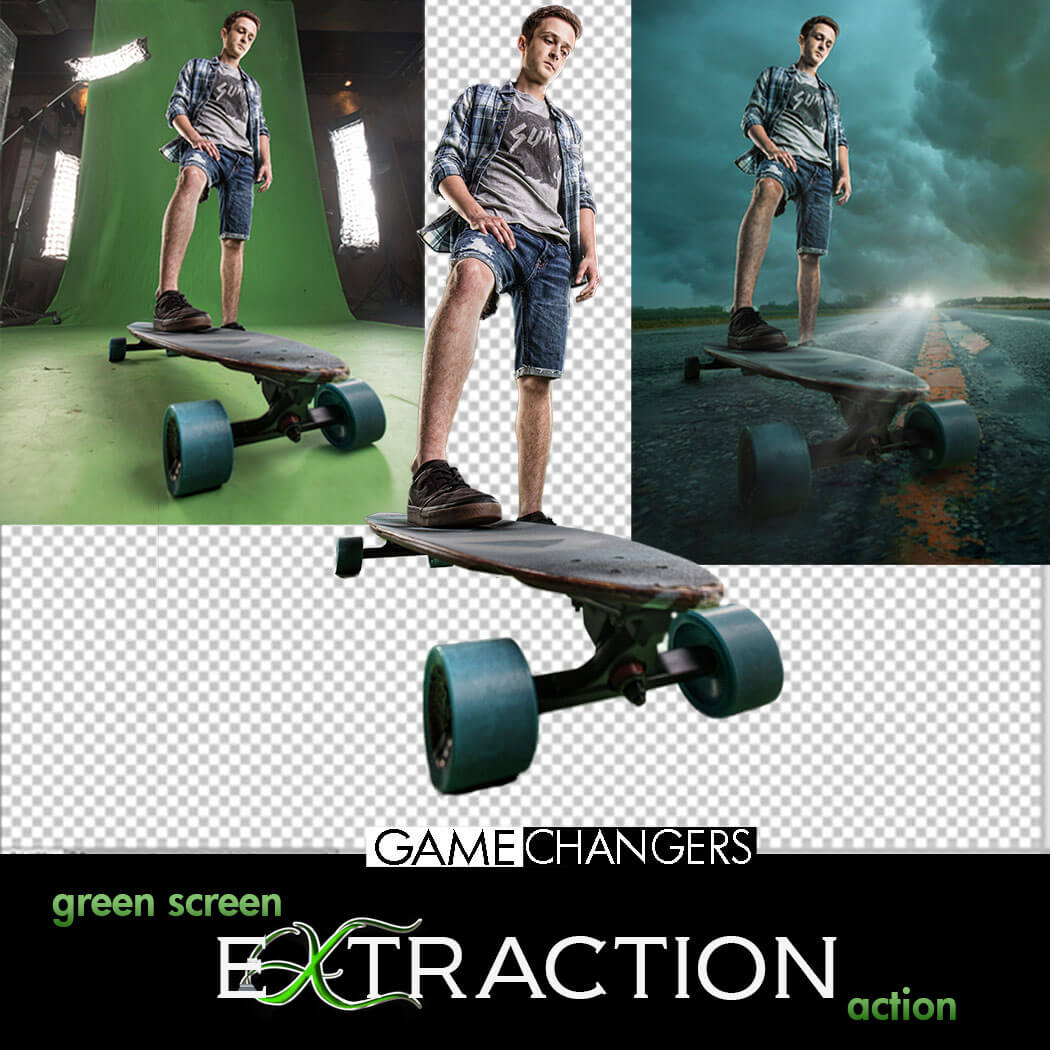
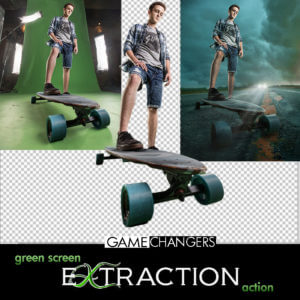
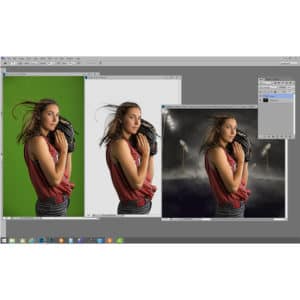
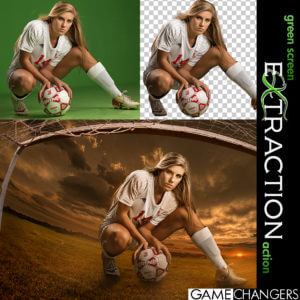
Looking for a faster, cleaner way to remove your subject from a green (or blue) screen in Photoshop?
This is way more than just a one-click action—it’s a complete compositing toolkit designed to save time, improve accuracy, and sharpen your Photoshop skills.
Whether you’re a high-volume photographer or an advanced editor working on detailed composites, this pack gives you everything you need to:
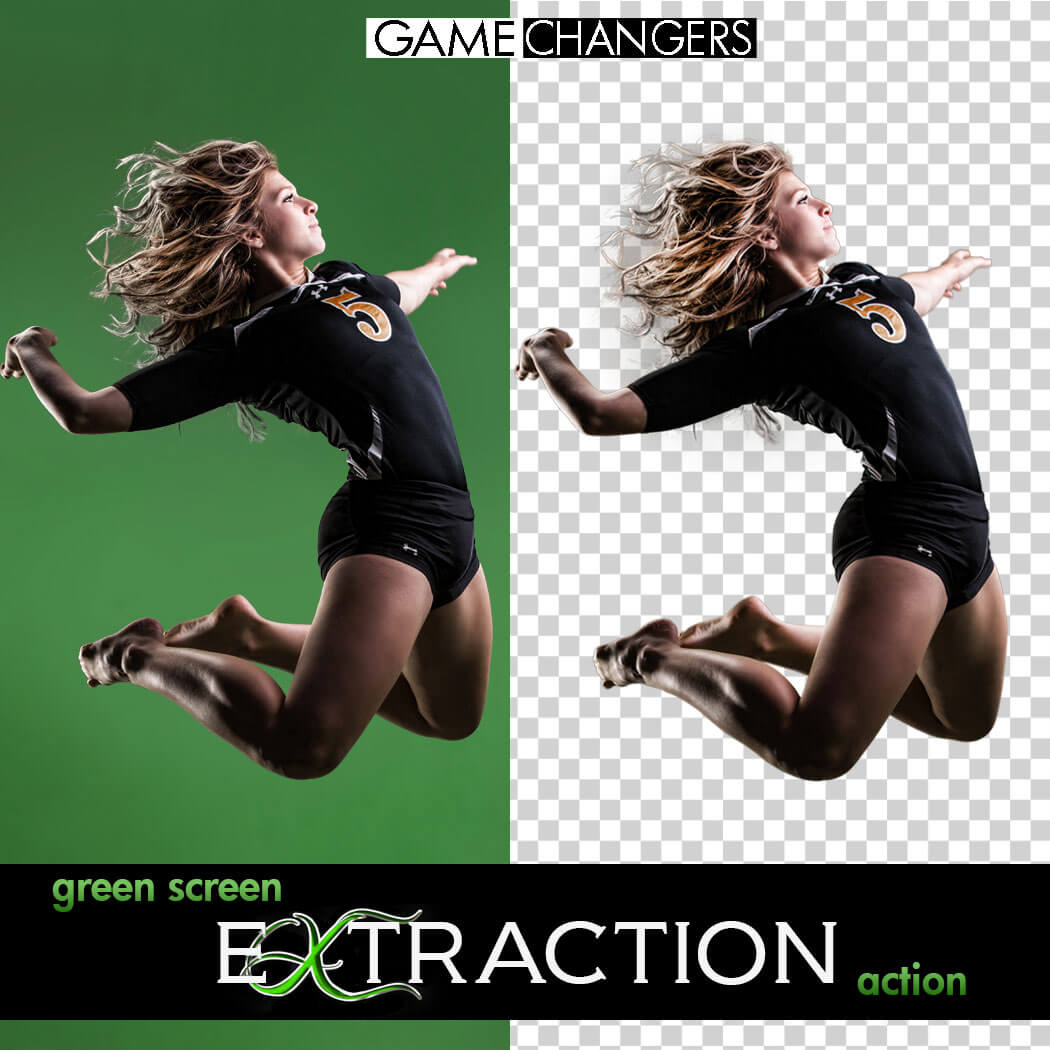
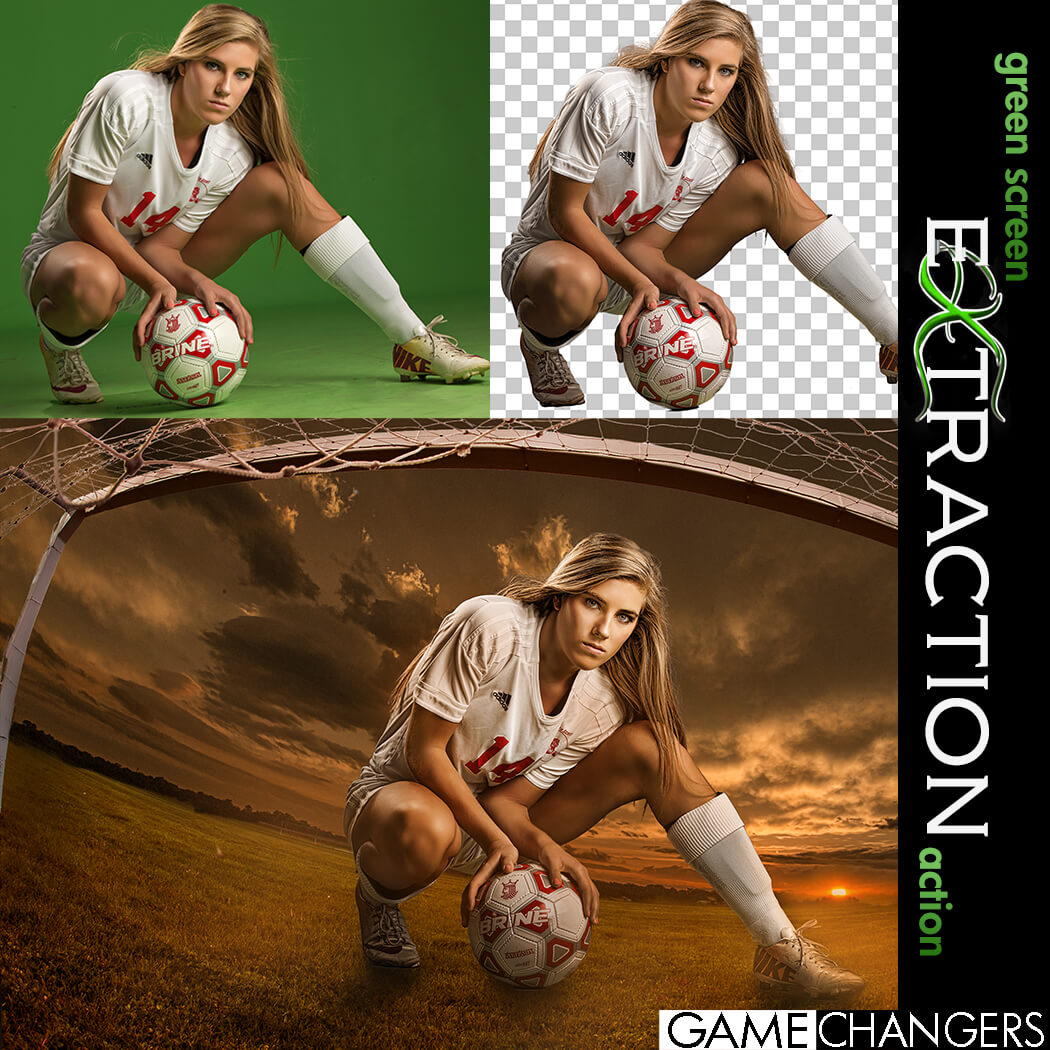
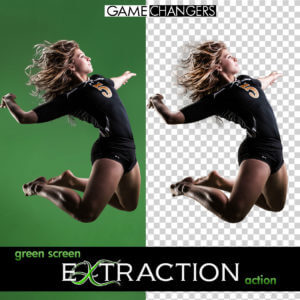
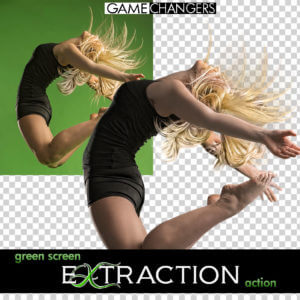
✅ Extract subjects cleanly from green or blue screen backgrounds—even with flyaway hair, tricky lighting, or action poses
✅ Remove halos and green spill around edges with ease
✅ Learn compositing techniques through guided, real-world examples
✅ Speed up your workflow with batch options and smart helper tools
Whether you’re just getting started or you’ve been shooting green screen for years, this toolkit helps you work faster, edit smarter, and create cleaner, more convincing composites.
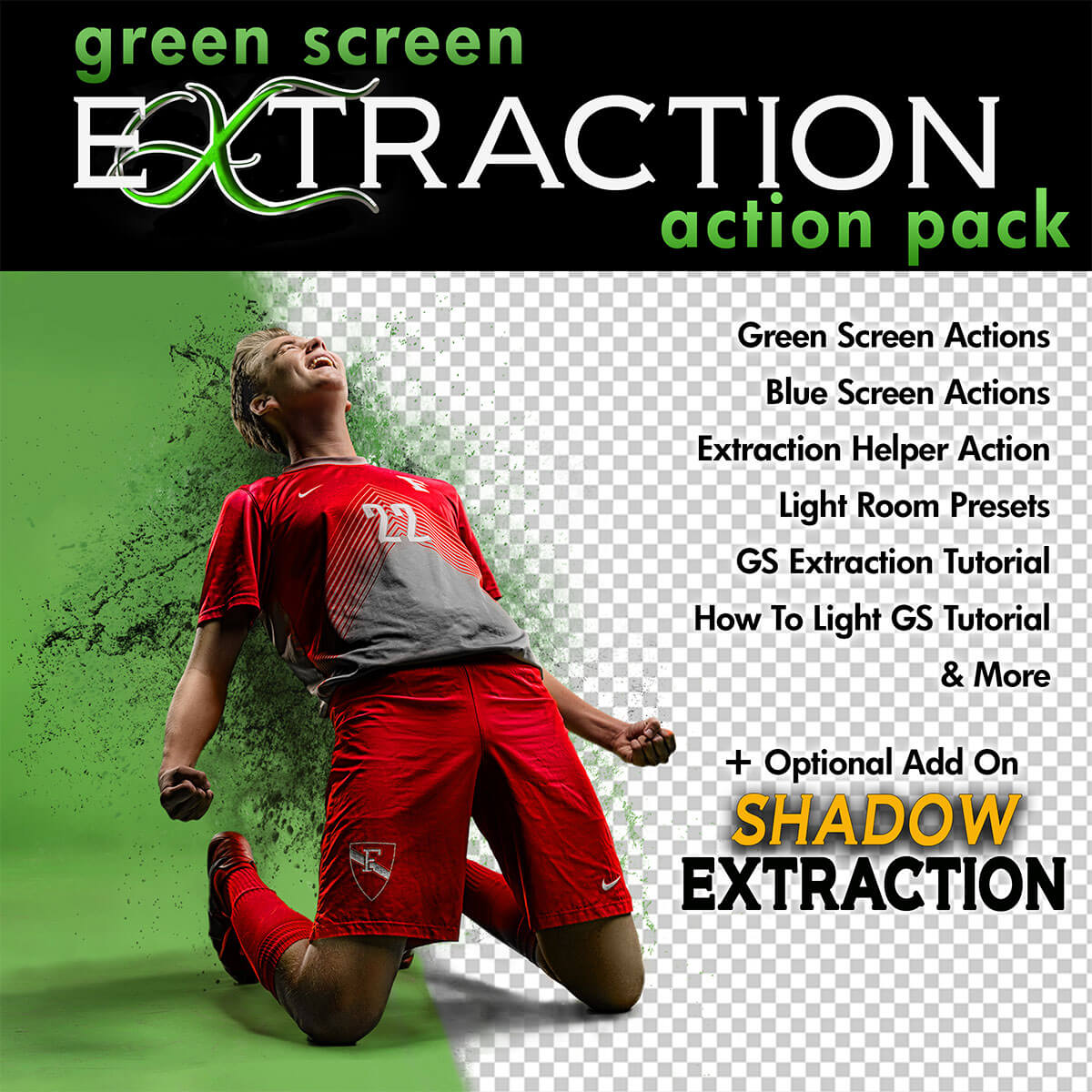
✔️ Green Screen Extraction Action
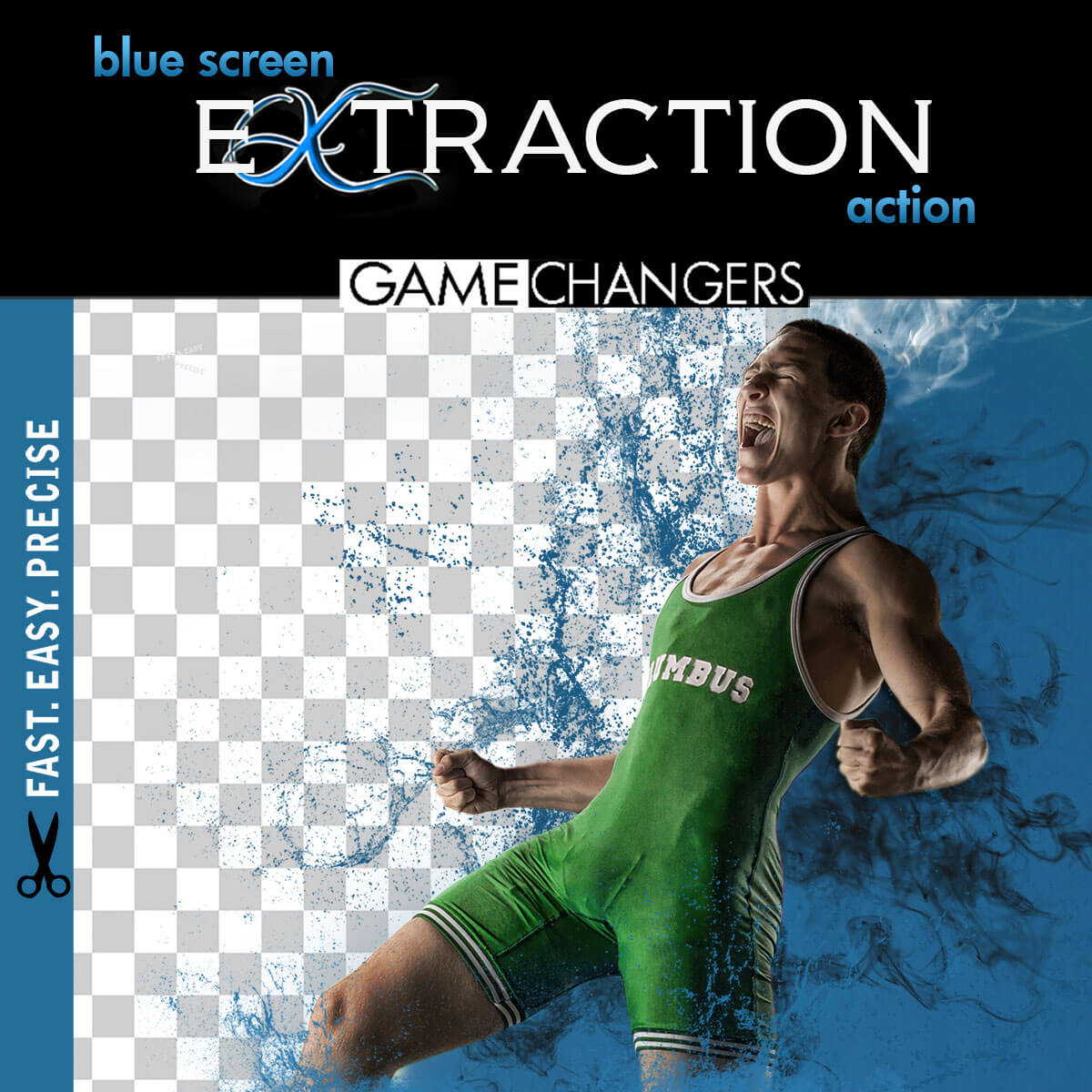
Extract your subject from green or blue screen backgrounds with optional refinement steps and automatic green spill removal.
✔️ Edge Removal Action
Instantly clean up halos while preserving fine detail like lashes and hair strands.
✔️ Quick Extraction Action
Streamlined for speed—perfect for high-volume photographers using green or blue screens.
✔️ Droplet Extraction Action
Batch extract an entire folder while you step away. Ideal for fast-paced workflows.
✔️ Extraction Helper Action (Photoshop CC+)
Working outside of green screen? This helper assists with subject selection on solid or lightly textured backgrounds. (Not a full replacement for Select Subject.)
✔️ Lightroom Preview Presets
Quickly turn green screen backgrounds gray for clean previews when showing images to clients.
✔️ 40-Minute In-Depth Tutorial Video
Learn everything from basic extractions to advanced refinement, lighting setup, and green spill control.
✔️ Green Screen Lighting Tips Video
Discover how to light your green or blue screen setup for the cleanest, easiest extractions.
Want to take your composites even further?
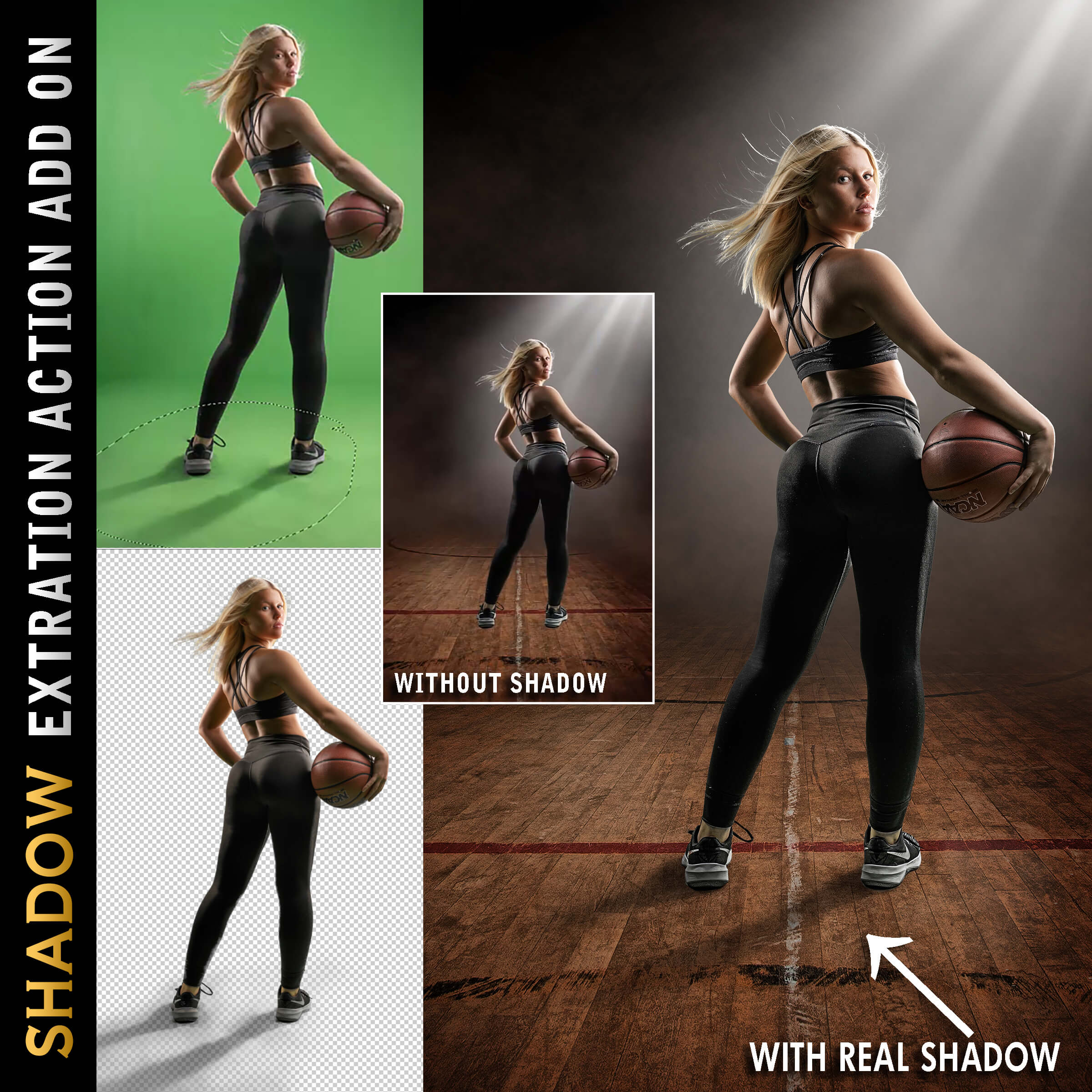
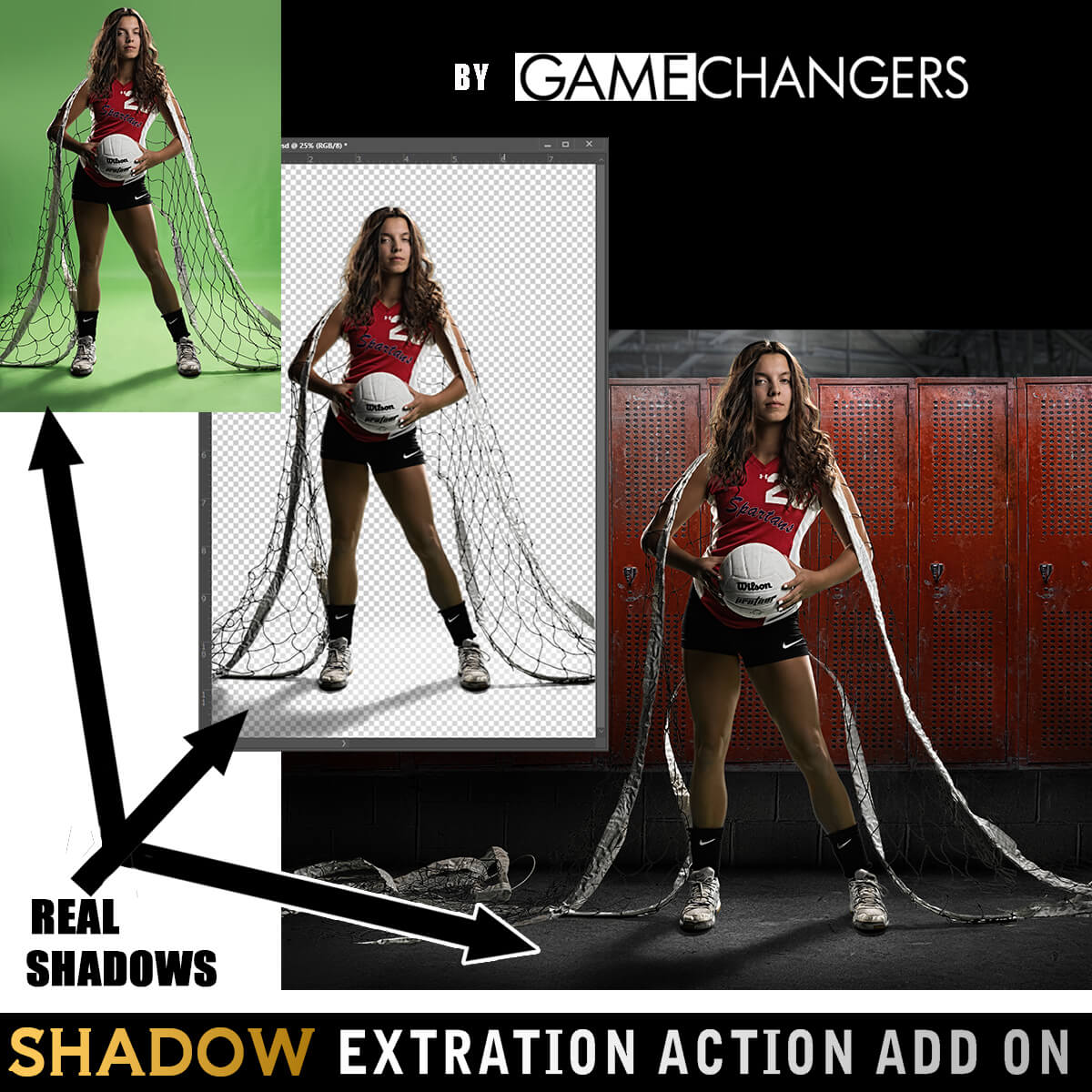
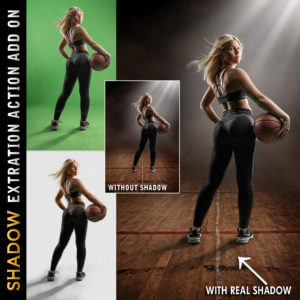
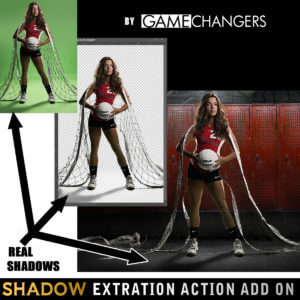
Add the Shadow Extraction Action to your toolkit and extract your subject’s actual shadow from green or blue screen images—no more painting fake shadows by hand.
Includes its own tutorial video showing step-by-step how to place and shape real shadows into new backgrounds for ultra-realistic results.
(Can be purchased separately or bundled with the main pack.)
This pack doesn’t just do the work for you—it teaches you why it works.
Many photographers say the included tutorials helped them improve not only their green screen extractions, but their overall Photoshop editing skills.
Take a look at our reviews to hear what photographers like you are saying—about the clean results, the time saved, and how much they’ve learned.
Check out our guide:
How to Get the Best Results Using Green Screen Photography
You’ll get practical tips on lighting, positioning, and shooting for flawless results from the start.
Grab the Green Screen Extraction Action Pack today—and make compositing easier, faster, and more professional.
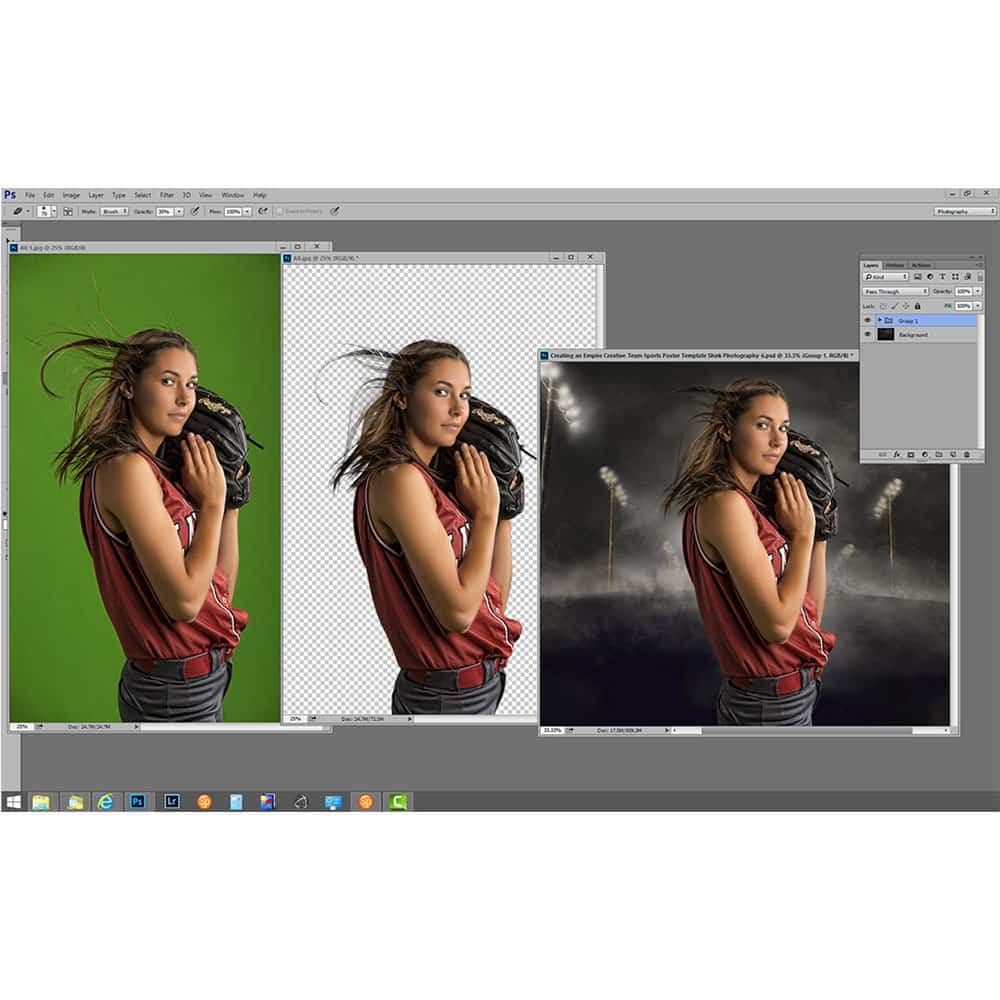
Watch this brief preview video to see how fast the extraction action works!
| Compatibility | Photoshop CS3 and Newer, Mac, PC |
|---|---|
| Files Included with Extraction Action | CC Extraction Action.atn |
| Files Included with Shadows | CC Extraction Action with Shadows |
| Brand | Game Changers |
| Manufacturer | Shirk Photography LLC |

Isabel Sam –
I’m pretty quick with the pen tool and decent with extractions, but I just got sick of painting hair back in one day and decided to get this and a green screen. It’s made a huge difference and I love how I can get done with work even faster now. I highly recommend this.
Upvote if this was helpful (0) Downvote if this was not helpful (0) Watch Unwatch Flag for removal
Bryan Wright –
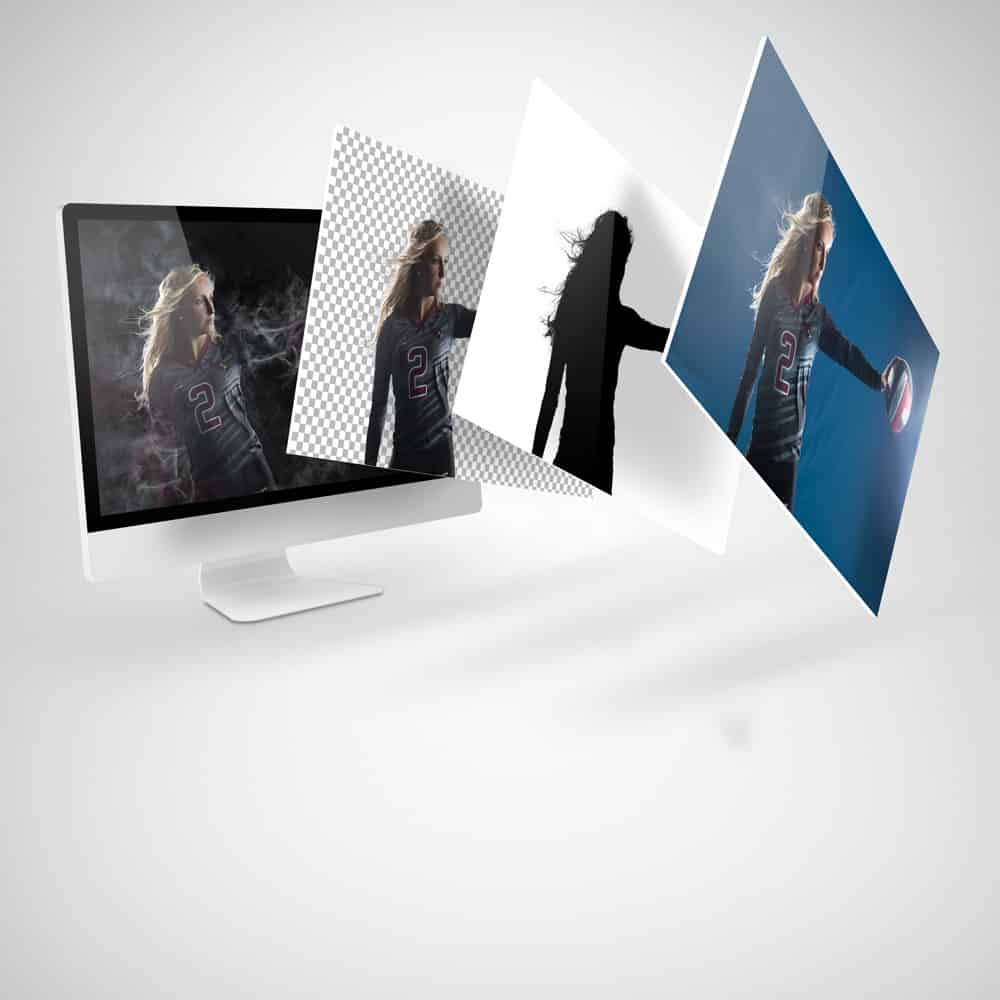
I’ve been having so much fun with compositing (thanks Covid!) that I had to rent a small space so I can keep my lights and screen up all the time! I would not have come this far in such a short time without Ben’s tools, and this is a huge piece. Thank you. Here’s my latest bonus. After I finish the art, I go back and add the finished piece over top of the original shot and trim it for a killer behind-the-scenes piece. I love the Hollywood feel!
Upvote if this was helpful (0) Downvote if this was not helpful (0) Watch Unwatch Flag for removal
Abbie Fox –
I have had a really hard time extracting from green screen but this makes my life so much easier!
Upvote if this was helpful (0) Downvote if this was not helpful (0) Watch Unwatch Flag for removal
John Wright –
Extracting manually can suck up a ton of time, and that costs me far more than this. It pays for itself with 1 team.
Upvote if this was helpful (0) Downvote if this was not helpful (0) Watch Unwatch Flag for removal
Karen Palashniuk –
This product makes high volume photography so much easier! It saves me time from having to do it manually photo by photo, as I can just choose my photos and let it run in the background of my computer and do it’s thing. Then I come back to photos ready to use. I am so glad I found this product and would recommend it to anyone who does high volume photography and works with green screens — you won’t regret it!
Upvote if this was helpful (0) Downvote if this was not helpful (0) Watch Unwatch Flag for removal
joanne –
This has saved me so much time in my workflow when extracting subjects off the background. Thank you for offering such great products and such thorough tutorials!
Upvote if this was helpful (0) Downvote if this was not helpful (0) Watch Unwatch Flag for removal
rspphotography –
I do a lot of sports teams and this action works great. It saves a me a lot of time and lot of money by not having to pay a company to extract my photos. Has been a great tool!!
Upvote if this was helpful (0) Downvote if this was not helpful (0) Watch Unwatch Flag for removal
Heidi Barnes –
I have found that it needs a little extra hand detailing sometimes.
Upvote if this was helpful (0) Downvote if this was not helpful (0) Watch Unwatch Flag for removal
Ben Shirk –
Yes, there are an infinite number of variables when it comes to photographing a subject. The power of your lights, the closeness of your subject to the green screen, lace and long flowy hair all will effect the ease of your extraction. Sometimes you will have to spend a few extra moments refining an extraction. How closely you follow the directions in the video tutorial will affect the results. Luckily there are lots of tips and suggestions in the video that will help teach you how to perfect any extraction no matter how difficult.
Upvote if this was helpful (0) Downvote if this was not helpful (0) Flag for removal
Lana Mrksa Akin –
This action saves me so much time. Love it.
Upvote if this was helpful (0) Downvote if this was not helpful (0) Watch Unwatch Flag for removal
Cathy Biggs –
This action is amazing!! What would normally take me several hours can now be accomplished by playing one action. I love the fact that it takes the green spillage off the subject! This just opened up a new market for me!
Upvote if this was helpful (0) Downvote if this was not helpful (0) Watch Unwatch Flag for removal
Mistyandjb Beams –
I have multiple other green screen removal products. This is the one to have!!
Upvote if this was helpful (0) Downvote if this was not helpful (0) Watch Unwatch Flag for removal
Kristi Fisher –
This is a great action to make quick and easy work of grabbing your subject off green screen. I am impressed of the masking detail.
Thank you!
Upvote if this was helpful (0) Downvote if this was not helpful (0) Watch Unwatch Flag for removal
luis.sagois –
Great tool for green screen extraction.
I have tried several and this is the one that has convinced me the most.
I recommend it.
Upvote if this was helpful (0) Downvote if this was not helpful (0) Watch Unwatch Flag for removal
barry.salmons –
I’ve never hesitated to outsource green screen extractions because I was not good at it. I had been looking at purchasing an extraction action for some time and finally pulled the trigger. This action is so easy to use! Think of it this way… the educational value of the videos and Ben’s teaching alone are well worth the price. Toss in a series of actions that make life easier by saving you time and it becomes a true game changer for me and will will be for you too. Stop sitting on the fence, jump in!
Upvote if this was helpful (0) Downvote if this was not helpful (0) Watch Unwatch Flag for removal
Sue Buchanan –
I have not done much green screen and bought another popular software but was looking for something a little easier. This is as easy as it gets!!!
Upvote if this was helpful (0) Downvote if this was not helpful (0) Watch Unwatch Flag for removal