


Share your thoughts!
Let us know what you think...
Only logged in customers who have purchased this product may leave a review. Log in now




If you already own the Extraction Action then simply log in to your account & select ‘Extraction Action + Shadows’ in the dropdown box below — the price for the new Shadow Action will be automatically discounted to only $49 when added to your cart!
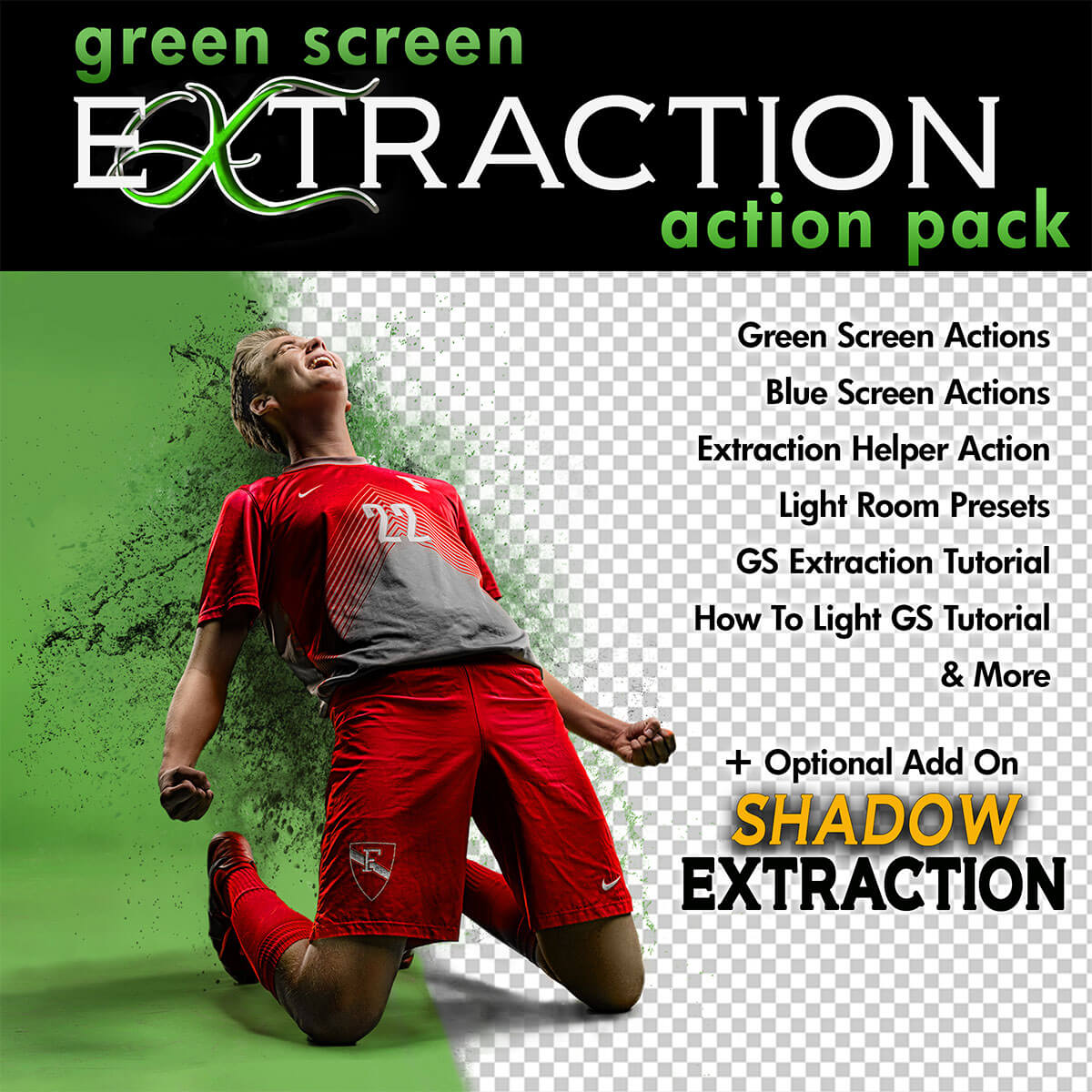
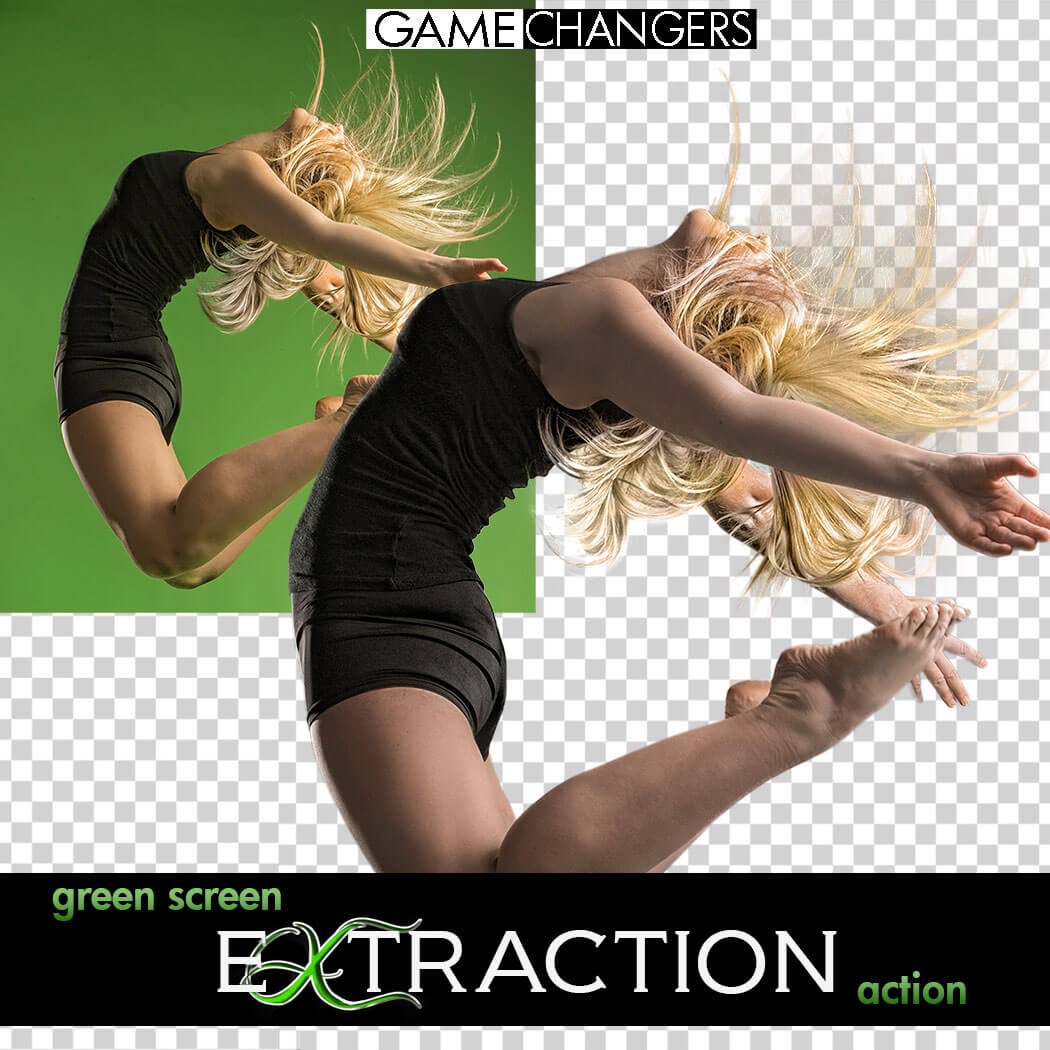
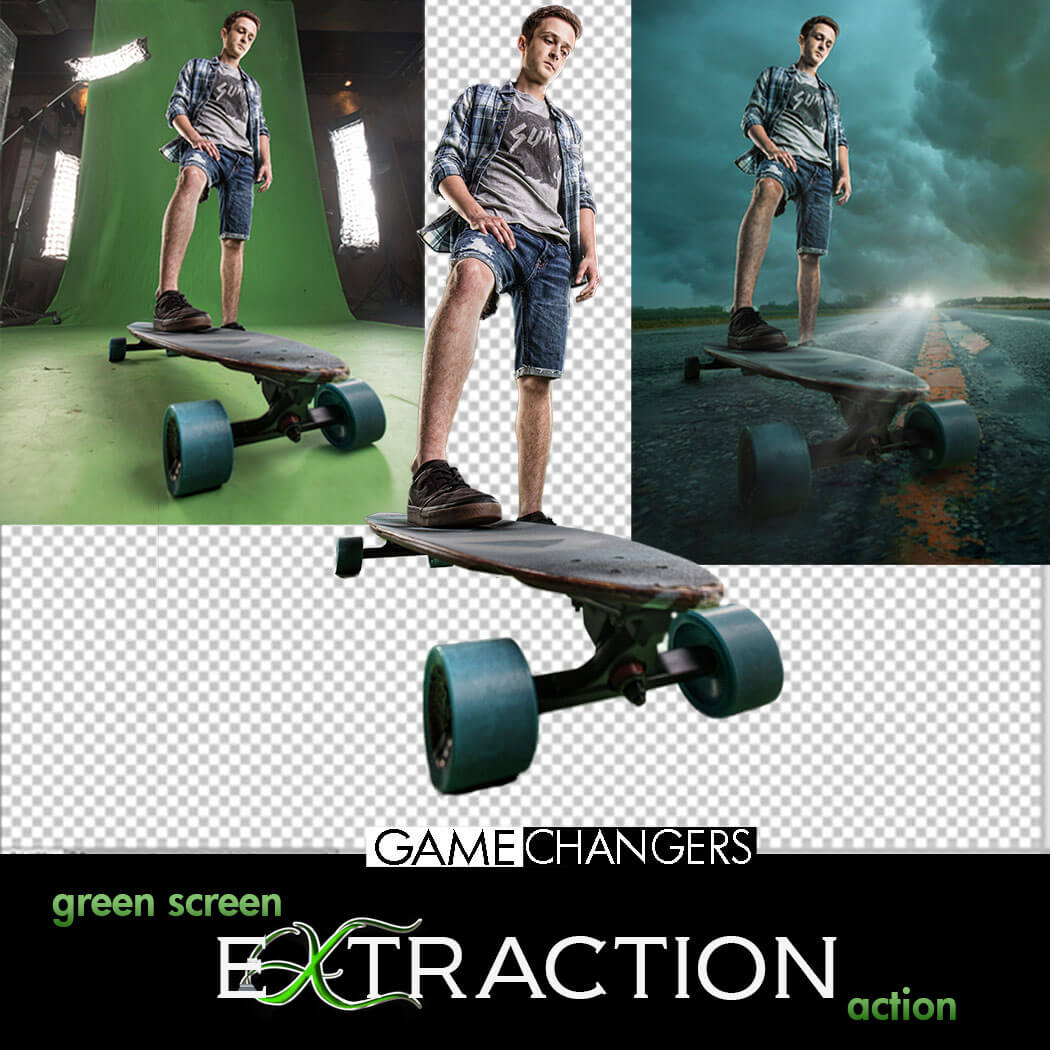
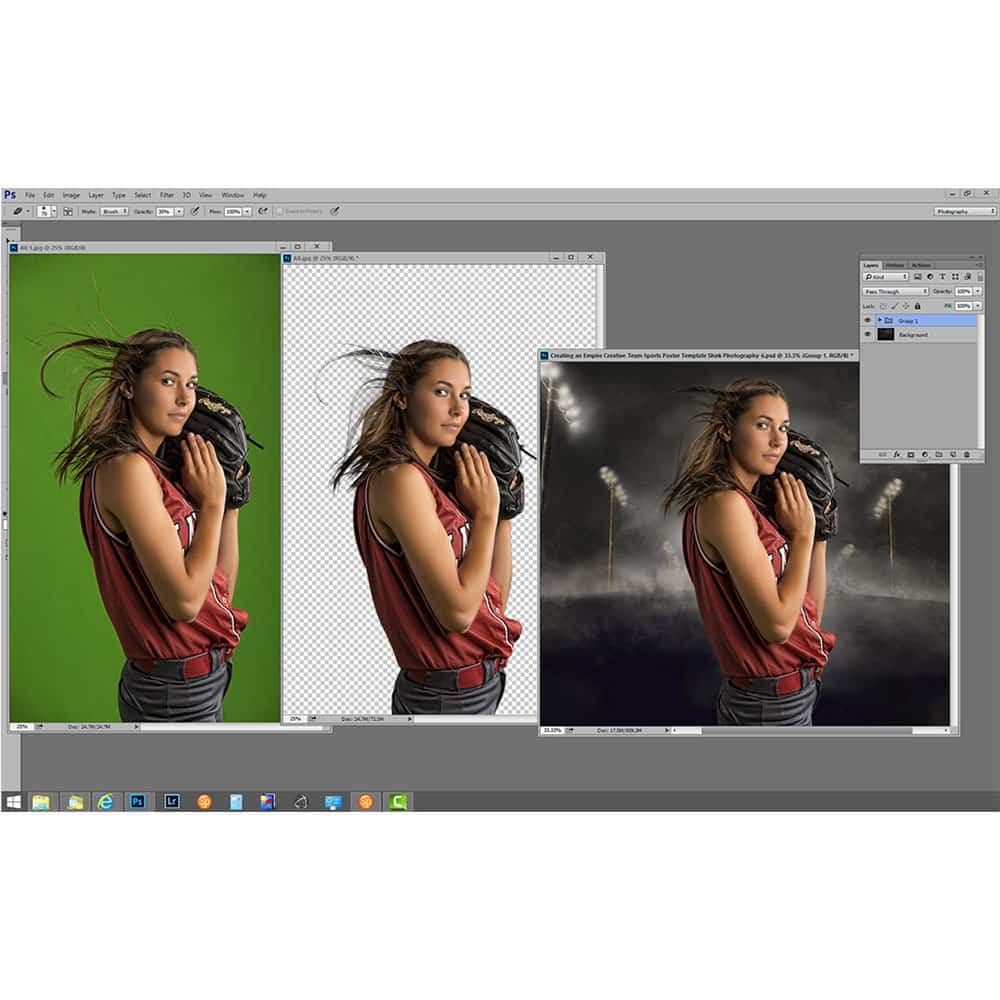
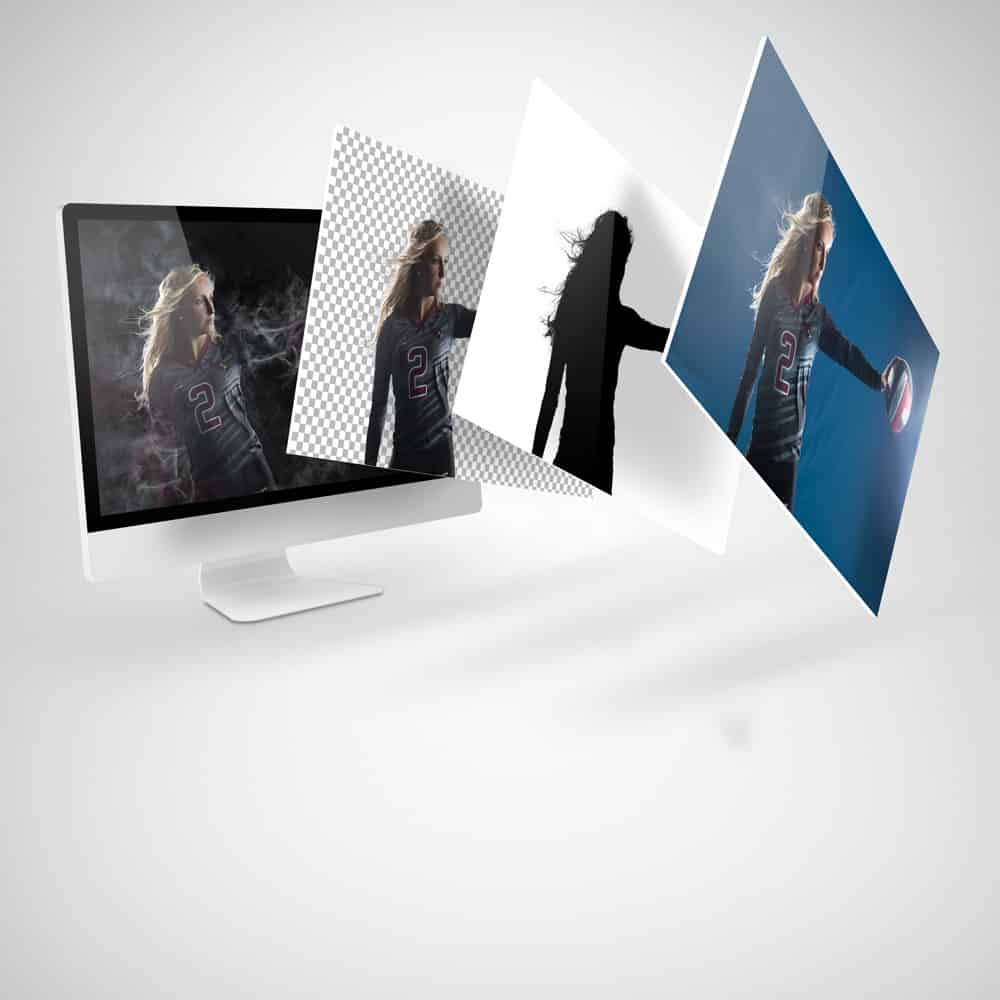
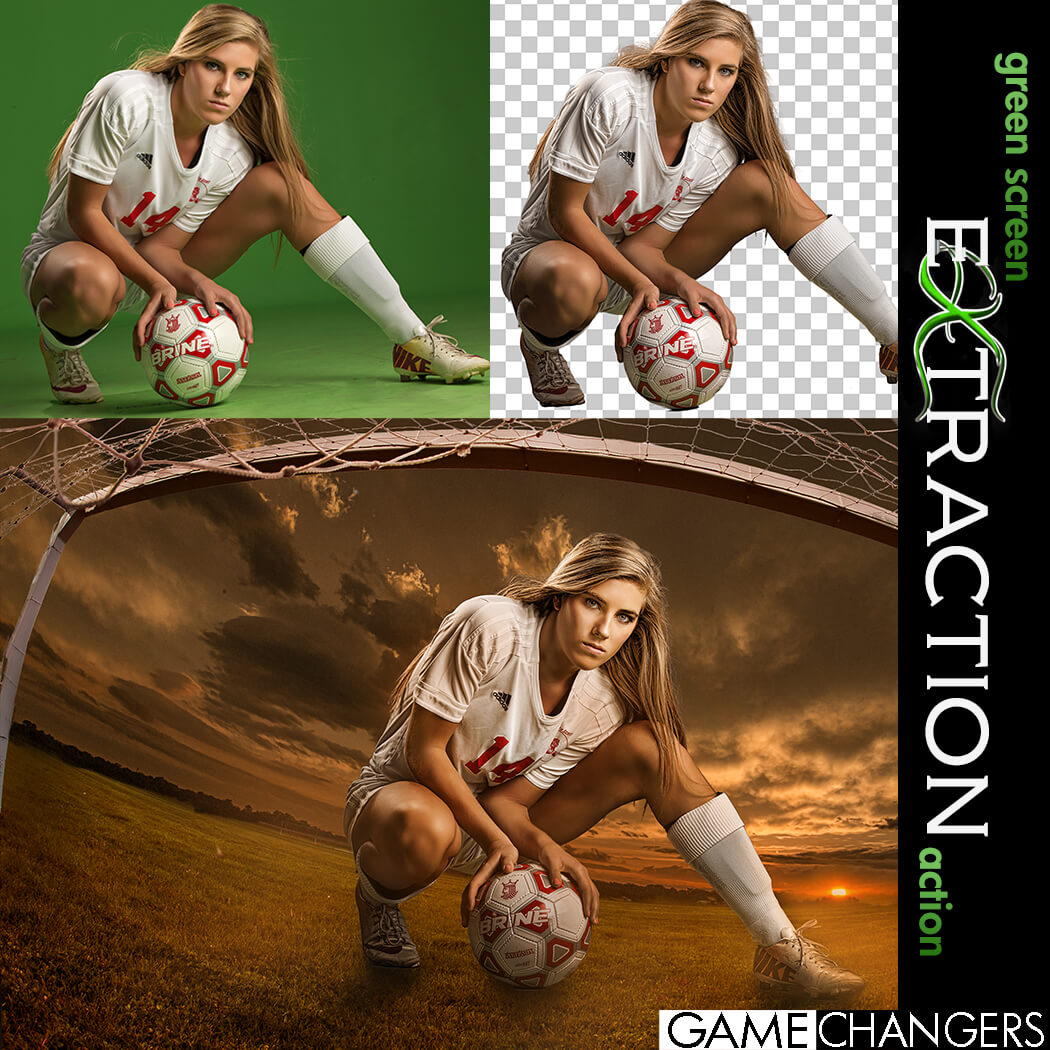
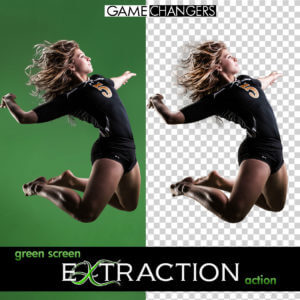
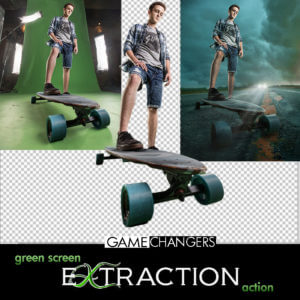
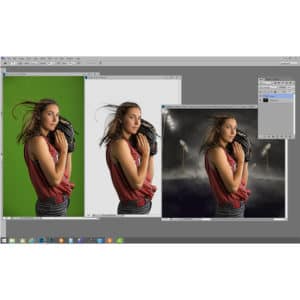
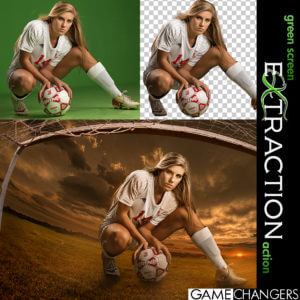
Looking for a faster, cleaner way to remove your subject from a green (or blue) screen in Photoshop?
This is way more than just a one-click action—it’s a complete compositing toolkit designed to save time, improve accuracy, and sharpen your Photoshop skills.
Whether you’re a high-volume photographer or an advanced editor working on detailed composites, this pack gives you everything you need to:
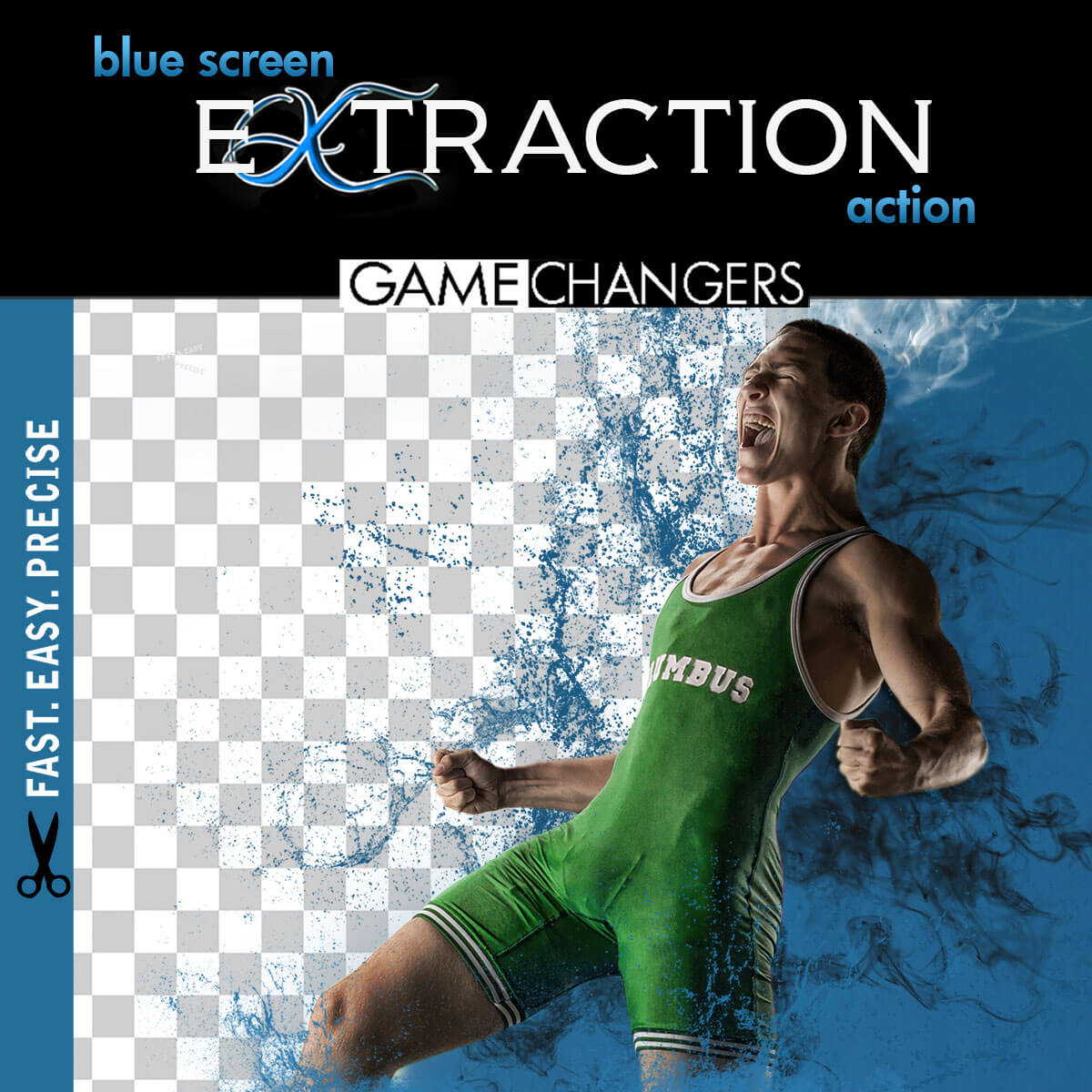
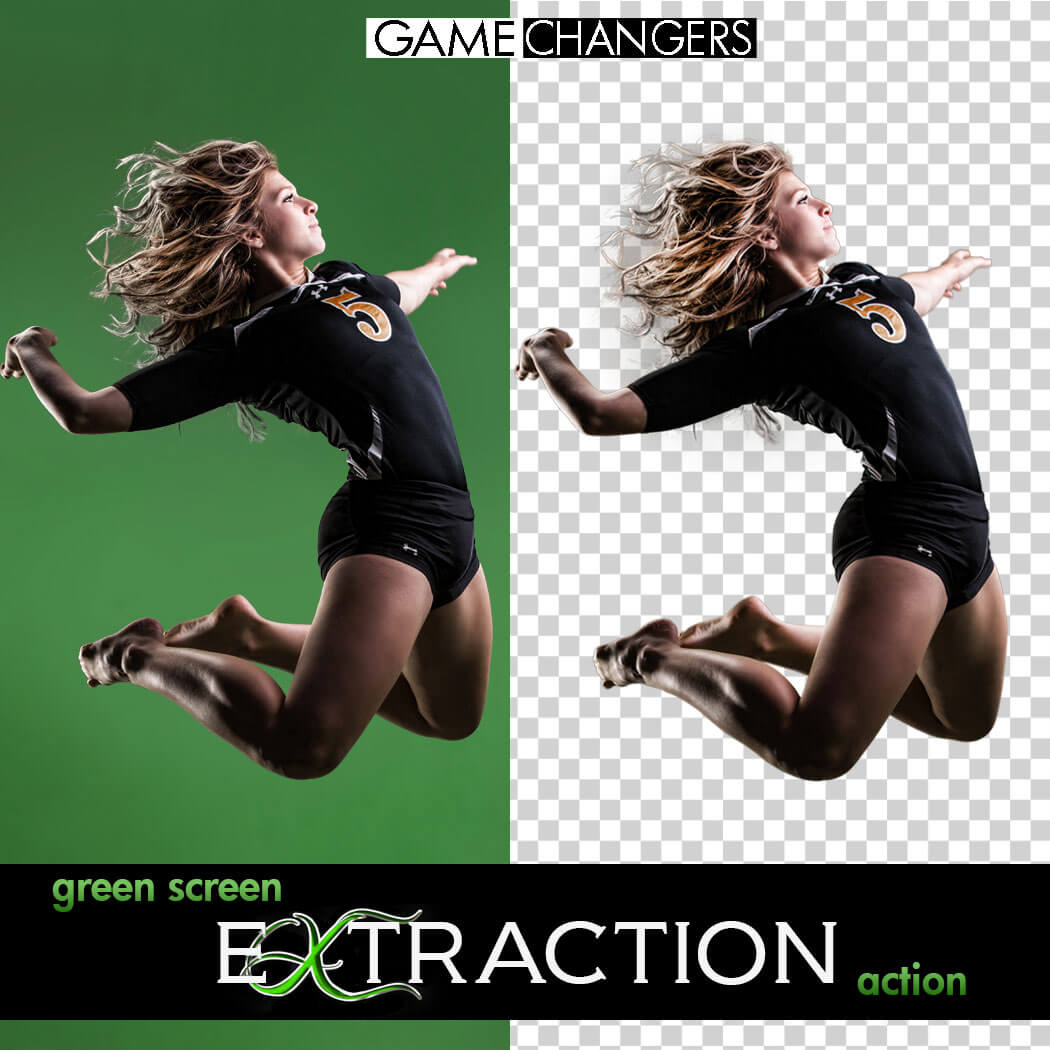
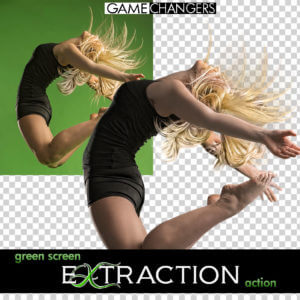
✅ Extract subjects cleanly from green or blue screen backgrounds—even with flyaway hair, tricky lighting, or action poses
✅ Remove halos and green spill around edges with ease
✅ Learn compositing techniques through guided, real-world examples
✅ Speed up your workflow with batch options and smart helper tools
Whether you’re just getting started or you’ve been shooting green screen for years, this toolkit helps you work faster, edit smarter, and create cleaner, more convincing composites.
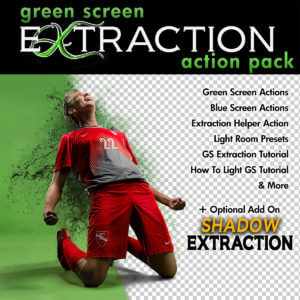
✔️ Green Screen Extraction Action
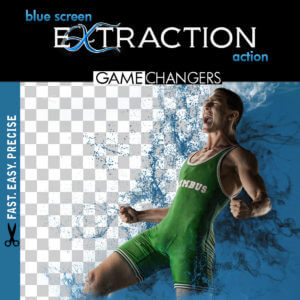
Extract your subject from green or blue screen backgrounds with optional refinement steps and automatic green spill removal.
✔️ Edge Removal Action
Instantly clean up halos while preserving fine detail like lashes and hair strands.
✔️ Quick Extraction Action
Streamlined for speed—perfect for high-volume photographers using green or blue screens.
✔️ Droplet Extraction Action
Batch extract an entire folder while you step away. Ideal for fast-paced workflows.
✔️ Extraction Helper Action (Photoshop CC+)
Working outside of green screen? This helper assists with subject selection on solid or lightly textured backgrounds. (Not a full replacement for Select Subject.)
✔️ Lightroom Preview Presets
Quickly turn green screen backgrounds gray for clean previews when showing images to clients.
✔️ 40-Minute In-Depth Tutorial Video
Learn everything from basic extractions to advanced refinement, lighting setup, and green spill control.
✔️ Green Screen Lighting Tips Video
Discover how to light your green or blue screen setup for the cleanest, easiest extractions.
Want to take your composites even further?
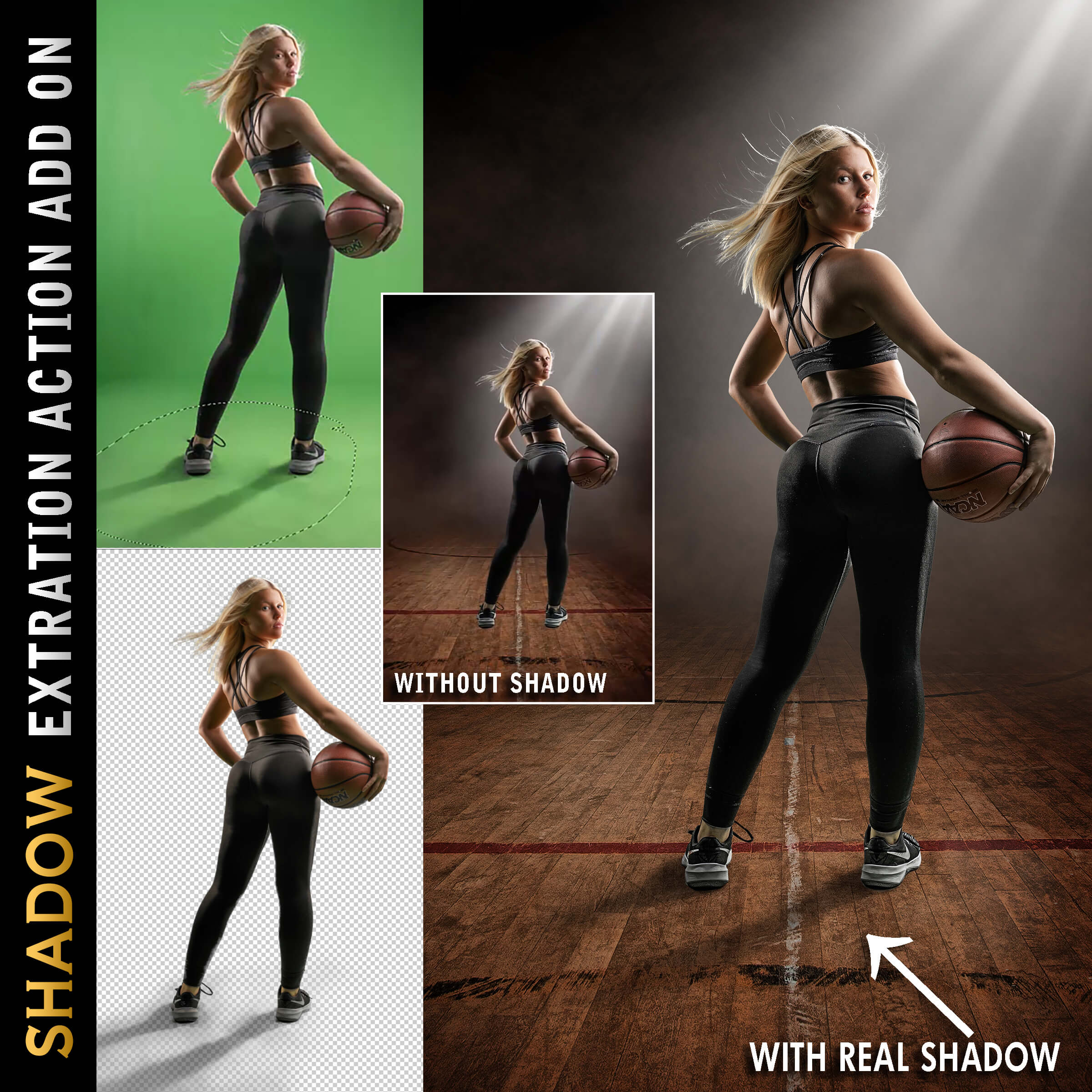
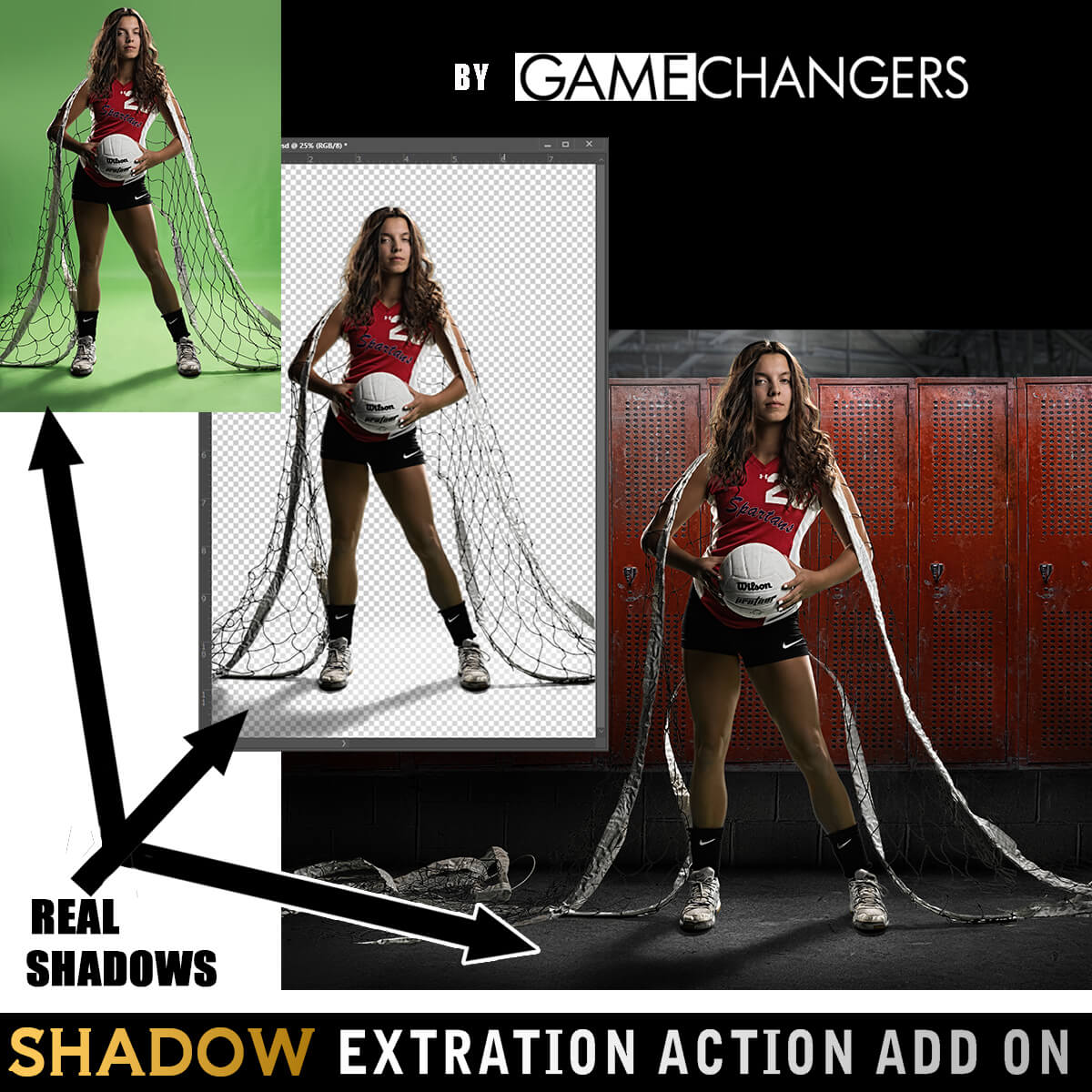
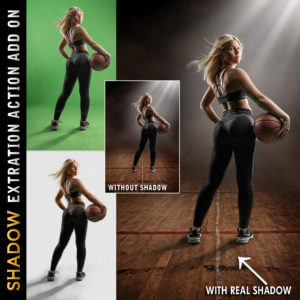
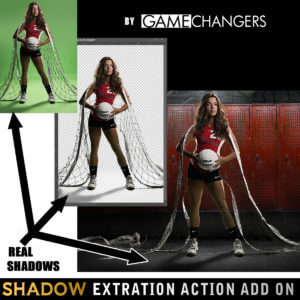
Add the Shadow Extraction Action to your toolkit and extract your subject’s actual shadow from green or blue screen images—no more painting fake shadows by hand.
Includes its own tutorial video showing step-by-step how to place and shape real shadows into new backgrounds for ultra-realistic results.
(Can be purchased separately or bundled with the main pack.)
This pack doesn’t just do the work for you—it teaches you why it works.
Many photographers say the included tutorials helped them improve not only their green screen extractions, but their overall Photoshop editing skills.
Take a look at our reviews to hear what photographers like you are saying—about the clean results, the time saved, and how much they’ve learned.
Check out our guide:
How to Get the Best Results Using Green Screen Photography
You’ll get practical tips on lighting, positioning, and shooting for flawless results from the start.
Grab the Green Screen Extraction Action Pack today—and make compositing easier, faster, and more professional.
Watch this brief preview video to see how fast the extraction action works!
| Compatibility | Photoshop CS3 and Newer, Mac, PC |
|---|---|
| Files Included with Extraction Action | CC Extraction Action.atn |
| Files Included with Shadows | CC Extraction Action with Shadows |
| Brand | Game Changers |
| Manufacturer | Shirk Photography LLC |

hutam –
The action makes extraction easy and quick.
As well 2 lightroom presets is included to allow you to manage client workflow efficiently. The video tutorials are well thought out to complete the package for novice green screen users!
Upvote if this was helpful (0) Downvote if this was not helpful (0) Watch Unwatch Flag for removal
Kim Anglin –
I have purchased several templates and you cannot go wrong buying this action. It will change your life!
Upvote if this was helpful (0) Downvote if this was not helpful (0) Watch Unwatch Flag for removal
Cecil Naude –
This action saves so much time. With proper lighting it takes me less than a minute to extract.
Upvote if this was helpful (0) Downvote if this was not helpful (0) Watch Unwatch Flag for removal
margieyoungphotography –
This is a great tool that makes thing so simple and quick. LOVE it!
Upvote if this was helpful (0) Downvote if this was not helpful (0) Watch Unwatch Flag for removal
Paul Jensen –
Accurate cut-outs super fast. It’s literally a game-changer.
Upvote if this was helpful (0) Downvote if this was not helpful (0) Watch Unwatch Flag for removal
Douglas Brown –
Just press play! That’s all I have to do if my lighting was good. If it wasn’t the tutorial shows how easy it is to make adjustments.
Upvote if this was helpful (0) Downvote if this was not helpful (0) Watch Unwatch Flag for removal
Kim Geddes –
Makes extractions so easy, highly highly recommended, workflow is super easy!
Upvote if this was helpful (0) Downvote if this was not helpful (0) Watch Unwatch Flag for removal
Louise Shimon –
This action has saved me so much time and grief. I haven’t worked a ton with a green screen, so I sometimes have spillage of green onto my subject and am so relieved to know that this action will save the day in removing the green!
Upvote if this was helpful (0) Downvote if this was not helpful (0) Watch Unwatch Flag for removal
ashley.skarsgard –
I don’t know why I waited so long to buy a green screen action! My goodness! My workflow has become a breeze for the team sports photos I’ve been doing.
Upvote if this was helpful (0) Downvote if this was not helpful (0) Watch Unwatch Flag for removal
jpdeeter –
This product saves all of the extraction time and let me get to the creative design in literally seconds.
Upvote if this was helpful (0) Downvote if this was not helpful (0) Watch Unwatch Flag for removal
Shawna Johnson –
love that you can easily take the fill color off the subject!
Upvote if this was helpful (0) Downvote if this was not helpful (0) Watch Unwatch Flag for removal
kellie –
This makes green screen extraction so quick and easy….an actual gamechanger!
Upvote if this was helpful (0) Downvote if this was not helpful (0) Watch Unwatch Flag for removal
tsutlive –
This action is extremely accurate and even removes spill from green screen. I don’t have to pay anymore for a company to remove background.
Upvote if this was helpful (0) Downvote if this was not helpful (0) Watch Unwatch Flag for removal
lameiroivan –
A CLICK is all you need to peed up your process. you can always customize it, refine it… but just clicking you already saved thousands of minutes this year!!!
Upvote if this was helpful (0) Downvote if this was not helpful (0) Watch Unwatch Flag for removal
Stephanie Osborne –
LOVE this extraction action! It is so much quicker and simpler than our old method ! Thanks!
Upvote if this was helpful (0) Downvote if this was not helpful (0) Watch Unwatch Flag for removal