



Share your thoughts!
Let us know what you think...
Only logged in customers who have purchased this product may leave a review. Log in now




If you already own the Extraction Action then simply log in to your account & select ‘Extraction Action + Shadows’ in the dropdown box below — the price for the new Shadow Action will be automatically discounted to only $49 when added to your cart!
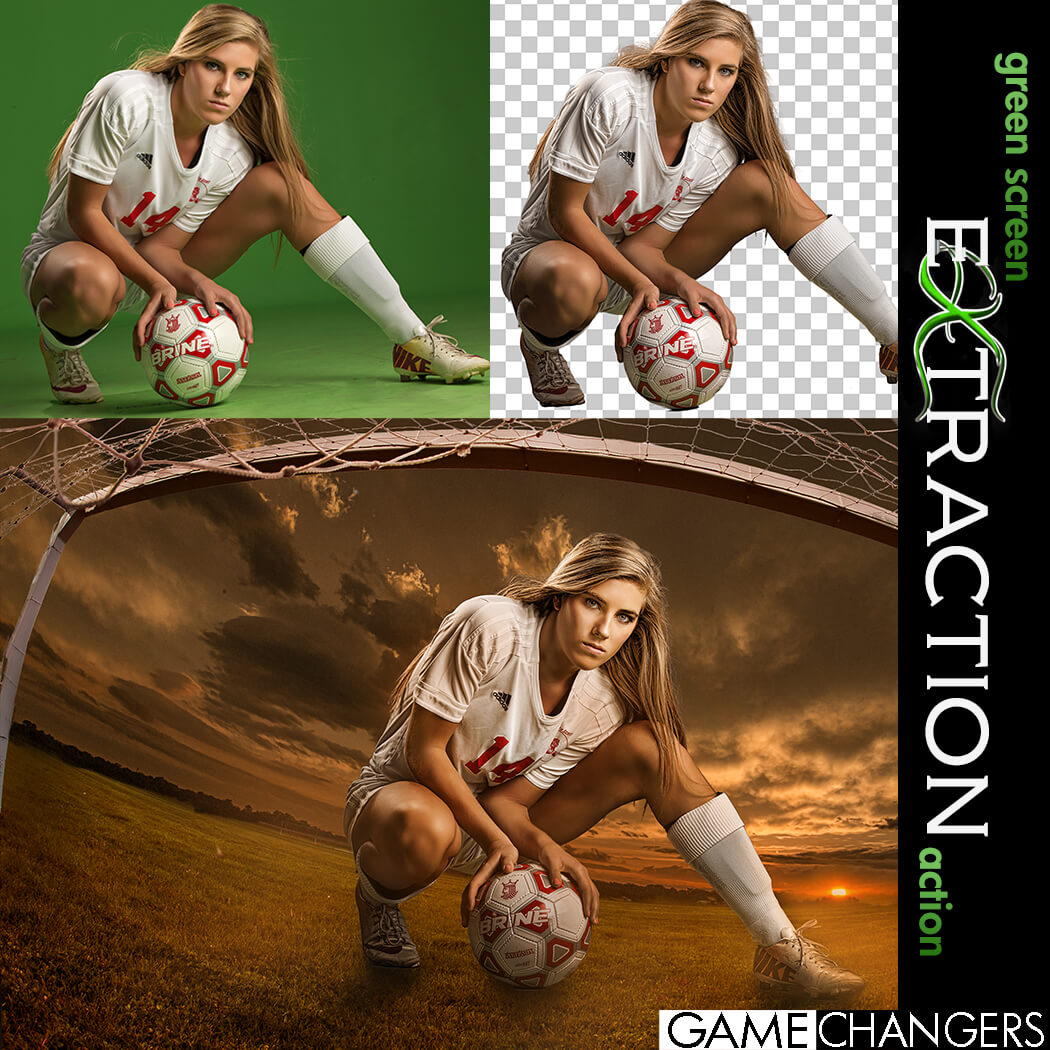
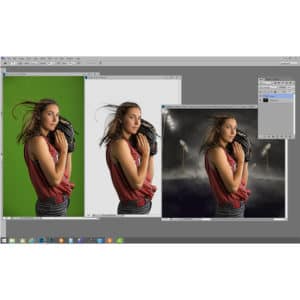
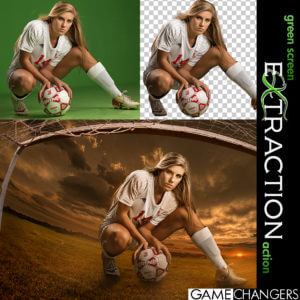
Looking for a faster, cleaner way to remove your subject from a green (or blue) screen in Photoshop?
This is way more than just a one-click action—it’s a complete compositing toolkit designed to save time, improve accuracy, and sharpen your Photoshop skills.
Whether you’re a high-volume photographer or an advanced editor working on detailed composites, this pack gives you everything you need to:
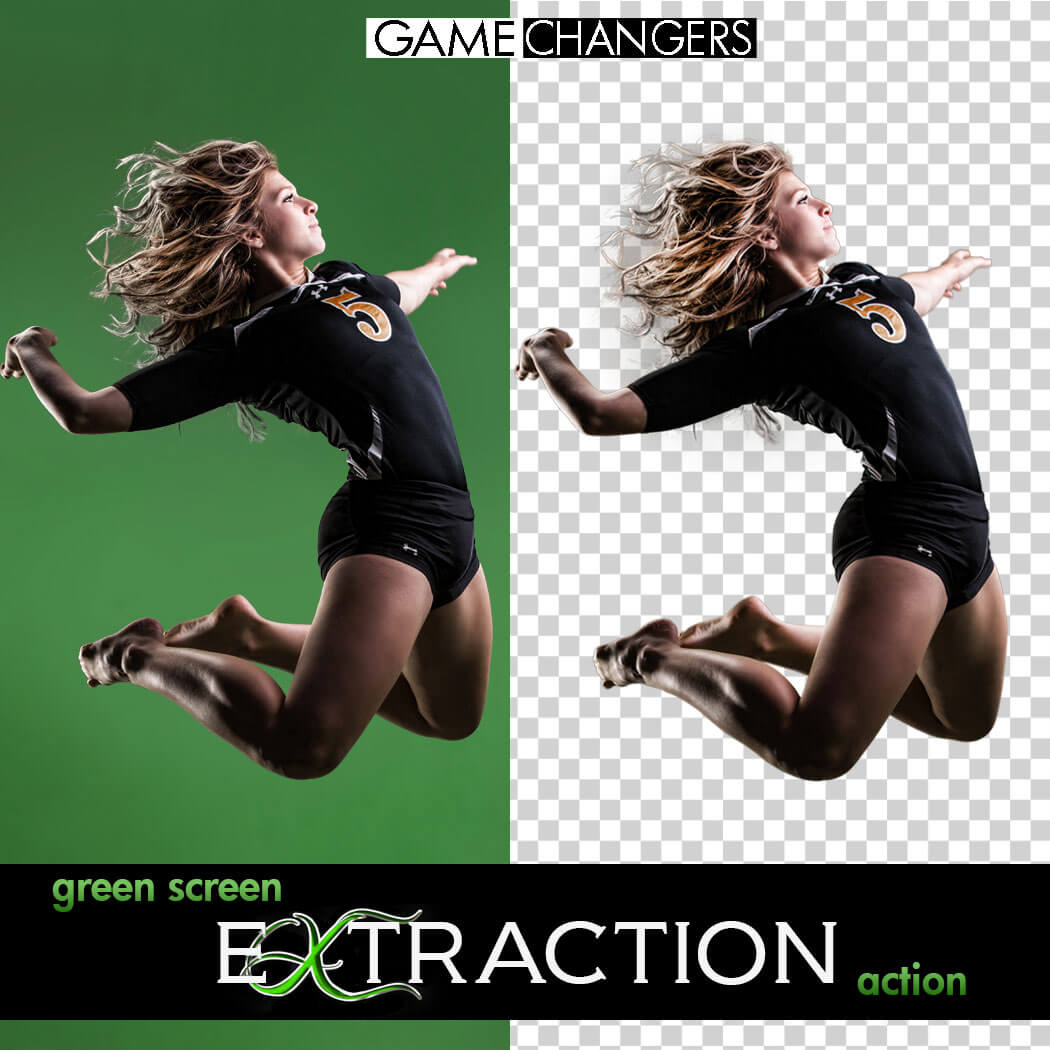
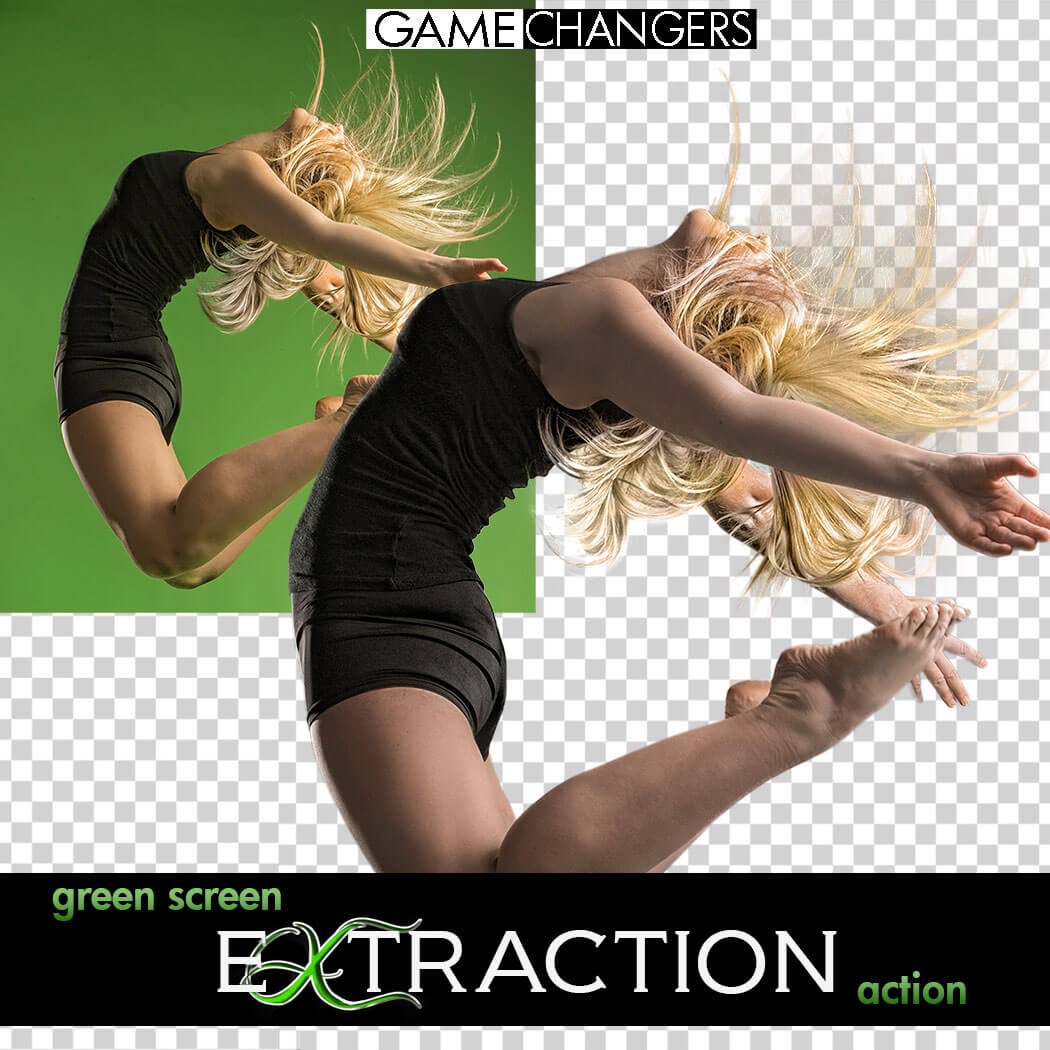
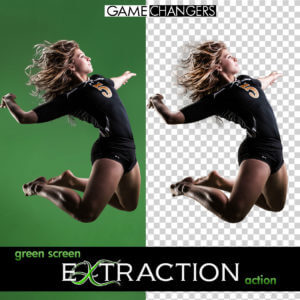
✅ Extract subjects cleanly from green or blue screen backgrounds—even with flyaway hair, tricky lighting, or action poses
✅ Remove halos and green spill around edges with ease
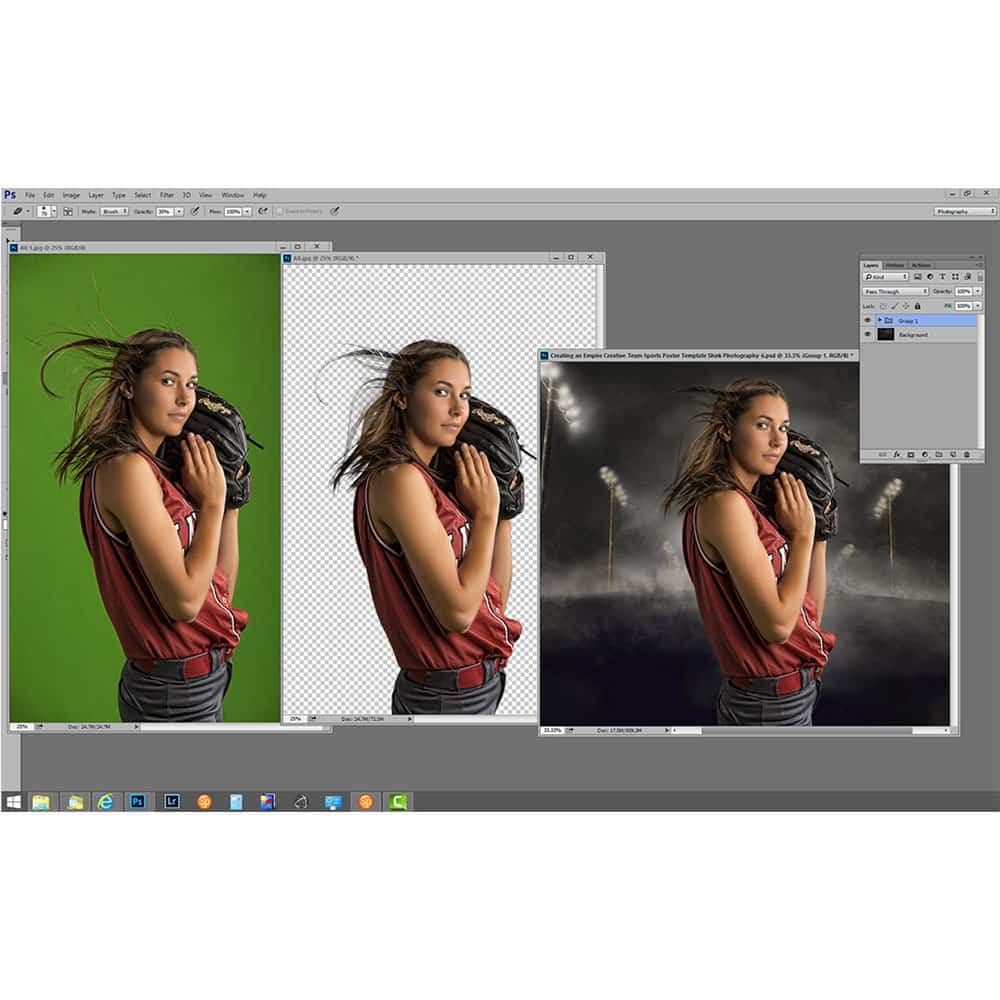
✅ Learn compositing techniques through guided, real-world examples
✅ Speed up your workflow with batch options and smart helper tools
Whether you’re just getting started or you’ve been shooting green screen for years, this toolkit helps you work faster, edit smarter, and create cleaner, more convincing composites.
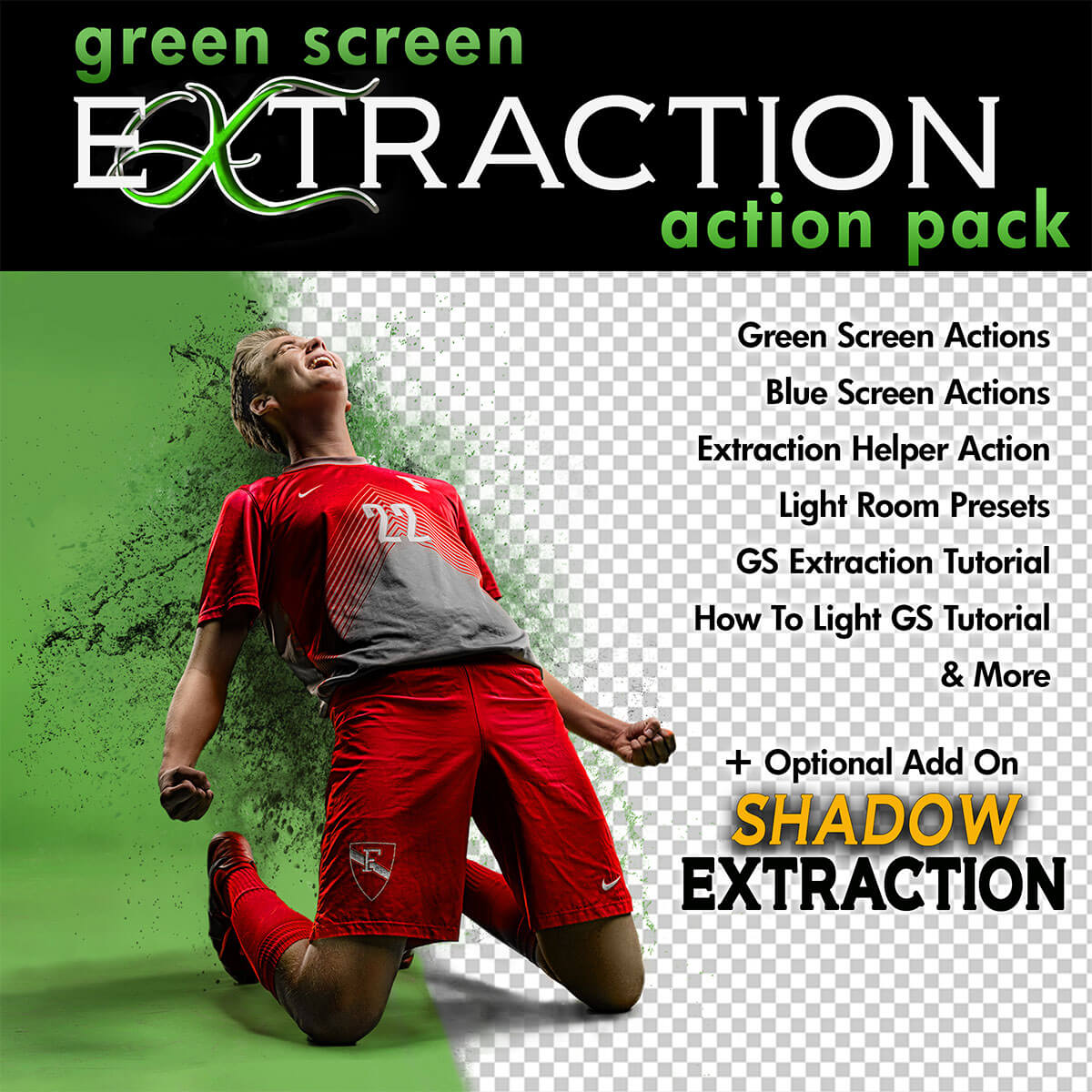
✔️ Green Screen Extraction Action
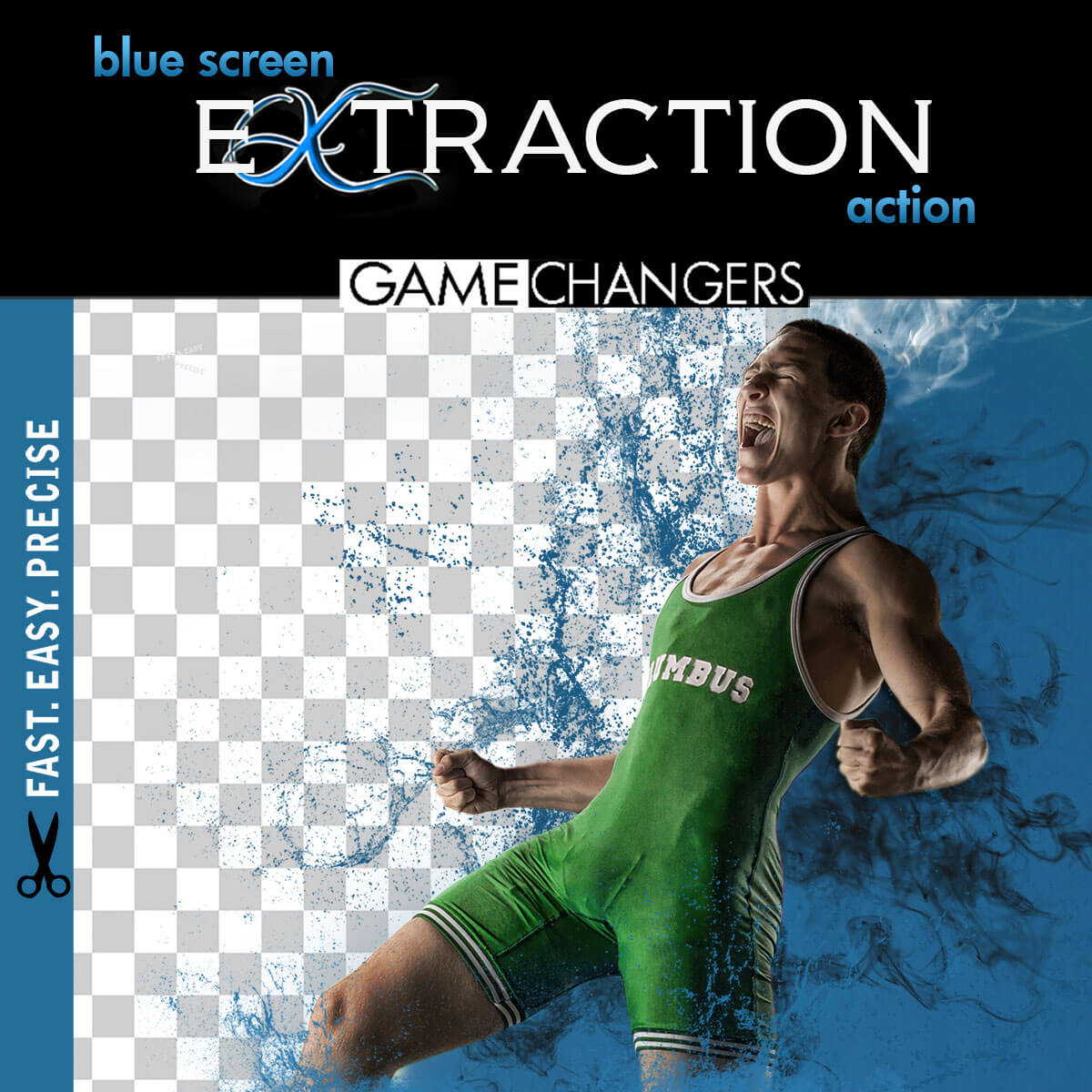
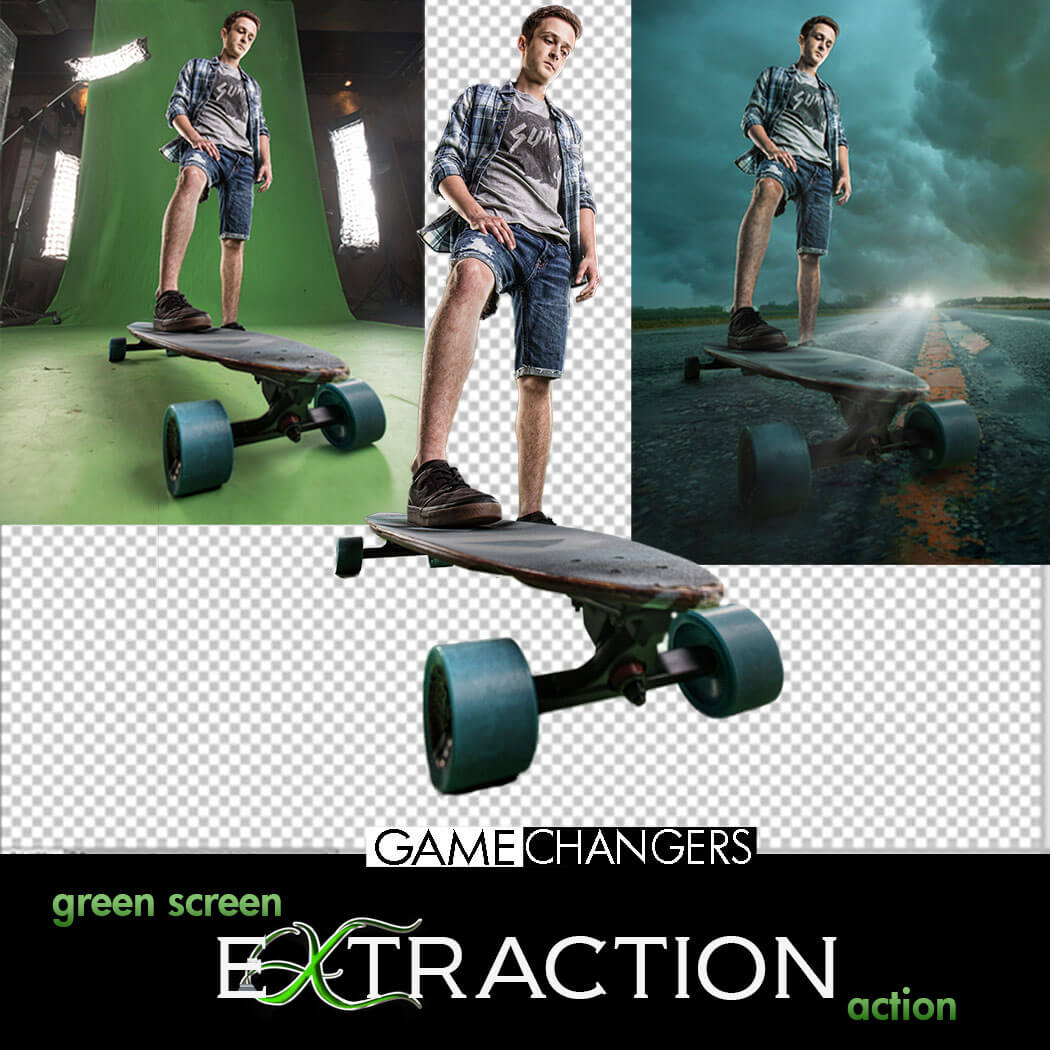
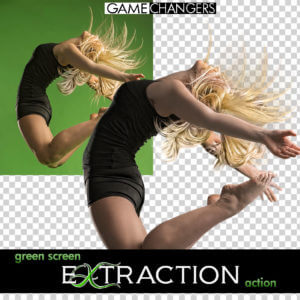
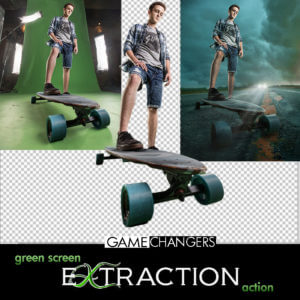
Extract your subject from green or blue screen backgrounds with optional refinement steps and automatic green spill removal.
✔️ Edge Removal Action
Instantly clean up halos while preserving fine detail like lashes and hair strands.
✔️ Quick Extraction Action
Streamlined for speed—perfect for high-volume photographers using green or blue screens.
✔️ Droplet Extraction Action
Batch extract an entire folder while you step away. Ideal for fast-paced workflows.
✔️ Extraction Helper Action (Photoshop CC+)
Working outside of green screen? This helper assists with subject selection on solid or lightly textured backgrounds. (Not a full replacement for Select Subject.)
✔️ Lightroom Preview Presets
Quickly turn green screen backgrounds gray for clean previews when showing images to clients.
✔️ 40-Minute In-Depth Tutorial Video
Learn everything from basic extractions to advanced refinement, lighting setup, and green spill control.
✔️ Green Screen Lighting Tips Video
Discover how to light your green or blue screen setup for the cleanest, easiest extractions.
Want to take your composites even further?
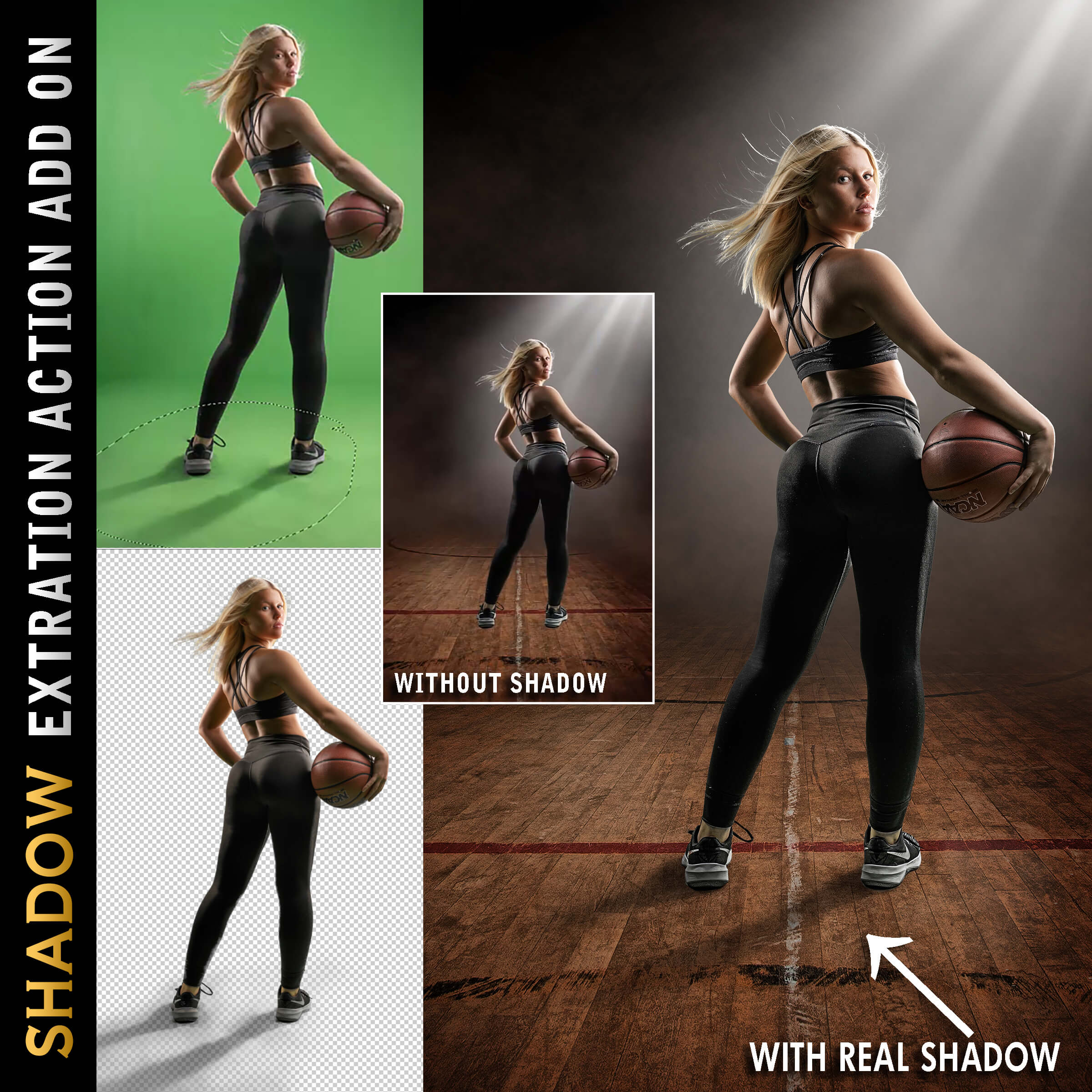
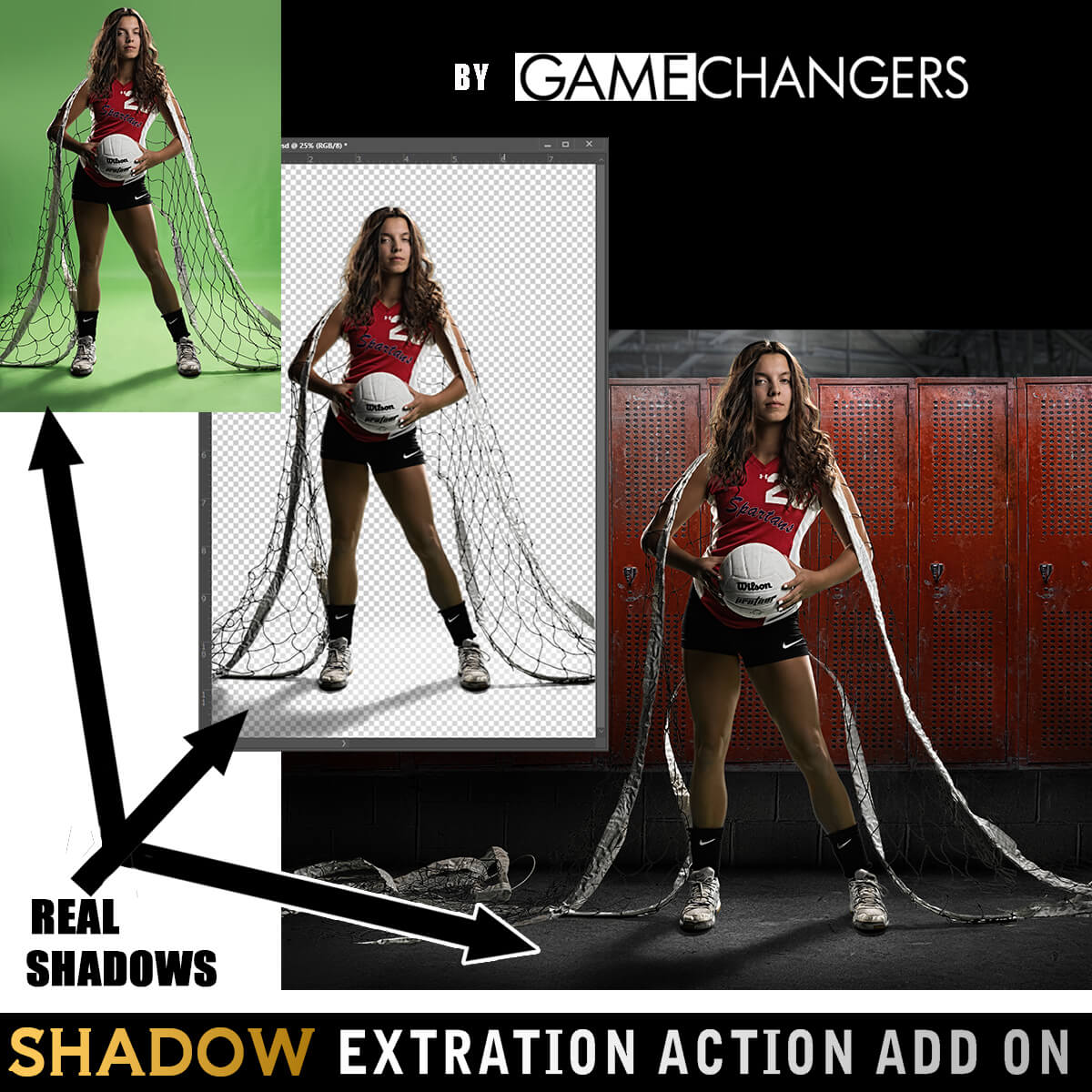
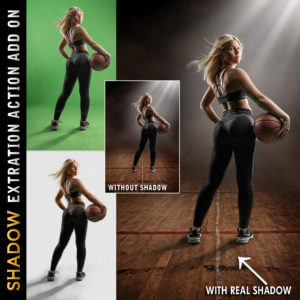
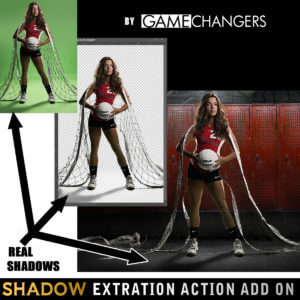
Add the Shadow Extraction Action to your toolkit and extract your subject’s actual shadow from green or blue screen images—no more painting fake shadows by hand.
Includes its own tutorial video showing step-by-step how to place and shape real shadows into new backgrounds for ultra-realistic results.
(Can be purchased separately or bundled with the main pack.)
This pack doesn’t just do the work for you—it teaches you why it works.
Many photographers say the included tutorials helped them improve not only their green screen extractions, but their overall Photoshop editing skills.
Take a look at our reviews to hear what photographers like you are saying—about the clean results, the time saved, and how much they’ve learned.
Check out our guide:
How to Get the Best Results Using Green Screen Photography
You’ll get practical tips on lighting, positioning, and shooting for flawless results from the start.
Grab the Green Screen Extraction Action Pack today—and make compositing easier, faster, and more professional.
Watch this brief preview video to see how fast the extraction action works!
| Compatibility | Photoshop CS3 and Newer, Mac, PC |
|---|---|
| Files Included with Extraction Action | CC Extraction Action.atn |
| Files Included with Shadows | CC Extraction Action with Shadows |
| Brand | Game Changers |
| Manufacturer | Shirk Photography LLC |

info100 –
This action take all the sweat and guesswork out of green screen. The tutorial is east to follow and on point.
Upvote if this was helpful (0) Downvote if this was not helpful (0) Watch Unwatch Flag for removal
bill6 –
I couldn’t imagine trying to do green screen with any other action. Ben’s action does everything he claims, quickly and easily. When I did have a few beginner questions Ben was very quick to answer them and help out.
Upvote if this was helpful (0) Downvote if this was not helpful (0) Watch Unwatch Flag for removal
kim –
Igntning fast to use. Amazimg
Upvote if this was helpful (0) Downvote if this was not helpful (0) Watch Unwatch Flag for removal
Jacie Shackelford –
Love this tool! Huge time saver for composite work.
Upvote if this was helpful (0) Downvote if this was not helpful (0) Watch Unwatch Flag for removal
nancy –
What a time saver this tool has been for my workflow! I highly recommend purchasing this extraction tool. Ben’s instructions are easy to follow !
Upvote if this was helpful (0) Downvote if this was not helpful (0) Watch Unwatch Flag for removal
terrig –
This has really simplified my composites!!
Upvote if this was helpful (0) Downvote if this was not helpful (0) Watch Unwatch Flag for removal
Louise Cairns –
So easy to use and a real time saver when producing composites, it even gets rid of the green cast. I wouldn’t be without it.
Upvote if this was helpful (0) Downvote if this was not helpful (0) Watch Unwatch Flag for removal
mike8 –
Such a time saver! Love this extraction!!
Upvote if this was helpful (0) Downvote if this was not helpful (0) Watch Unwatch Flag for removal
pierrecaron49 –
I like this work , it’s fast and easy , i spend less time to extract the subject… wow !!! Tank’s Ben
Upvote if this was helpful (0) Downvote if this was not helpful (0) Watch Unwatch Flag for removal
rstrawley53 –
I can’t state how much I love the Green Screen Action. I was a little skeptical at how well this plugin would work but after watching Ben’s excellent tutorial on how to use the tool, I quickly became a huge fan. This saves me so much time in my graphics process.
Upvote if this was helpful (0) Downvote if this was not helpful (0) Watch Unwatch Flag for removal
Nate –
This extraction action is absolutely awesome. Having taken the workshop with Ben the ability to key out the green and extract subjects/object etc is effortless. The addition of the blue extraction is fantastic as well for those situations where you need to shoot something with green in it.
Upvote if this was helpful (0) Downvote if this was not helpful (0) Watch Unwatch Flag for removal
Ann Sellers –
The tutorials walk you through all you need to know and this is great for quick and easy extractions for any experience level!
Upvote if this was helpful (0) Downvote if this was not helpful (0) Watch Unwatch Flag for removal
mwellsg –
this process of ben’s has (1) saved me so much time its crazy, (2) outside of using a pen, made my masks 1000% cleaner and (3) taught me a few things i simply never considered for extractions – things that flat up work. thanks, ben
Upvote if this was helpful (0) Downvote if this was not helpful (0) Watch Unwatch Flag for removal
brandonpittam –
I may not have my photo studio anymore, but i still photograph my own little ones. This photoshop action came in handy when creating their Halloween portraits. Easy to use and the included videos are perfect in ezplaining all you need to know! A+
Upvote if this was helpful (0) Downvote if this was not helpful (0) Watch Unwatch Flag for removal
Mike Heine –
This action is very easy to use. My green screen is typically full of wrinkles and poorly lit, but with just a few extra steps I can get a clean extraction.
Upvote if this was helpful (0) Downvote if this was not helpful (0) Watch Unwatch Flag for removal